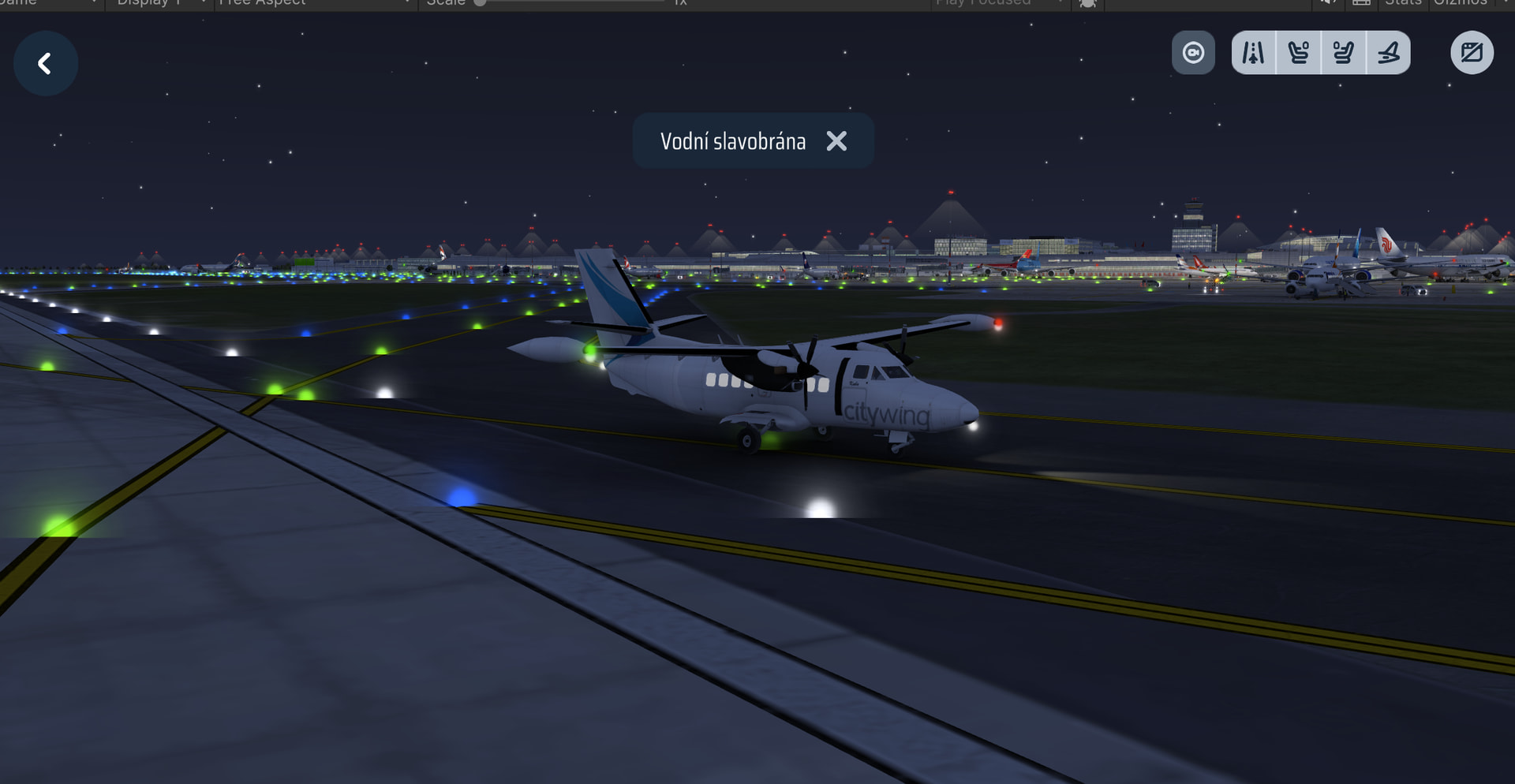
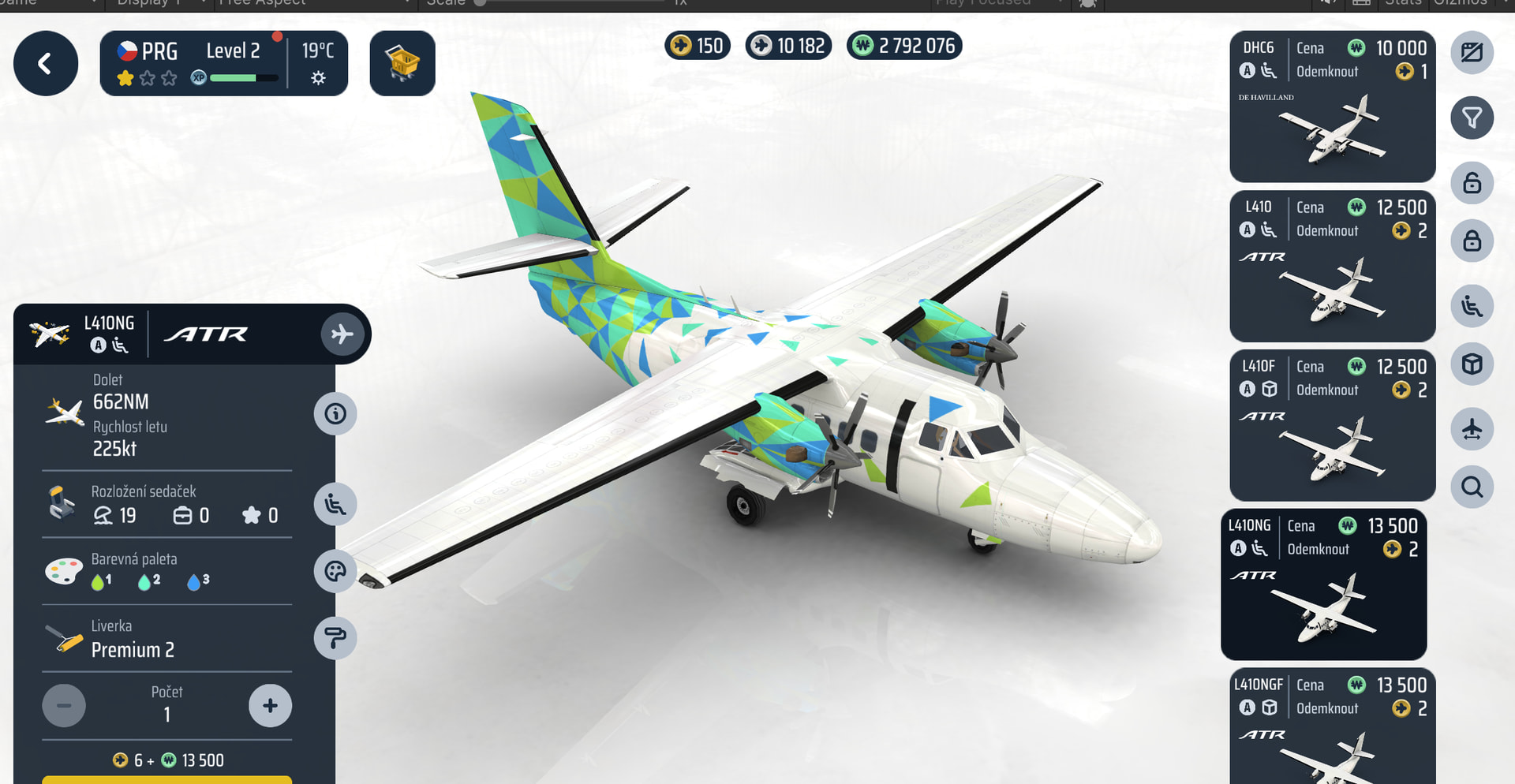
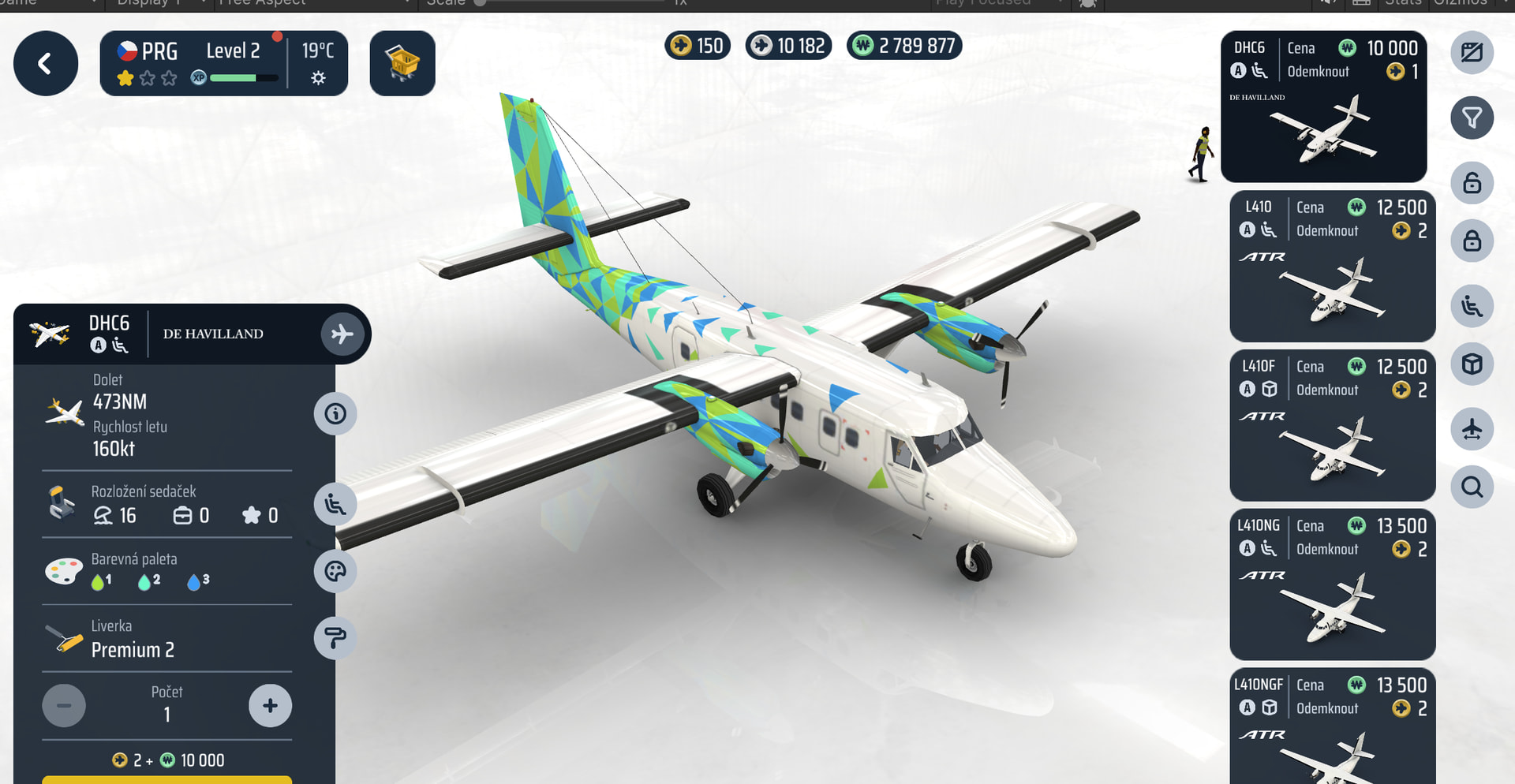
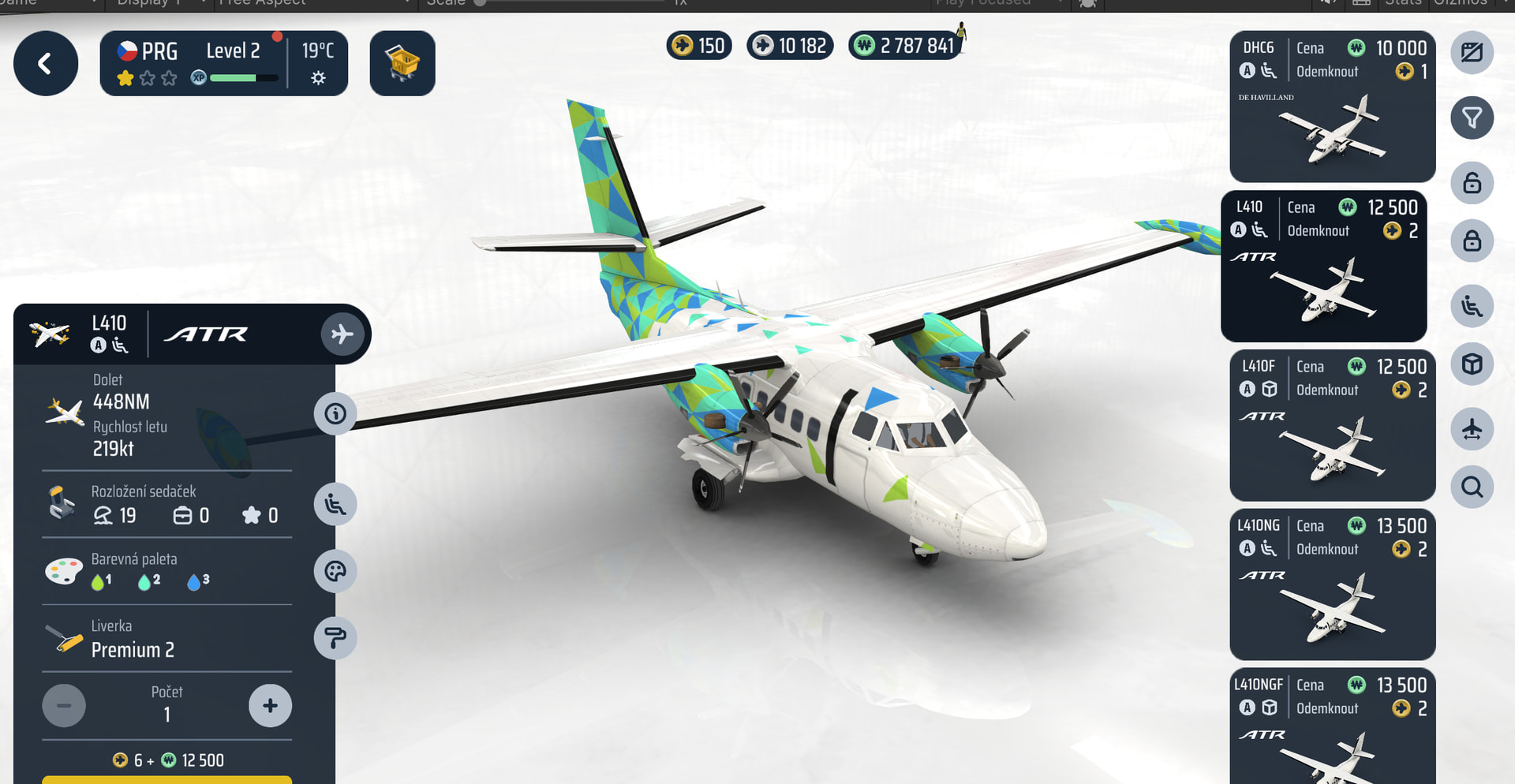
This page is a compilation of a series of posts by @Charlie (One of the developers) showing how an aircraft model comes to life!
 Context Notice
If this post is shared outside the forum, please include a link to the original thread so readers can access the full context and discussion.
 Preview Only
The attached images show a Work in Progress (WIP) version of the aircraft and are not intended for sharing outside of our forum.
L410 Development Update 
I thought I’d share a small progress update on the L410 UVP and L410NG.
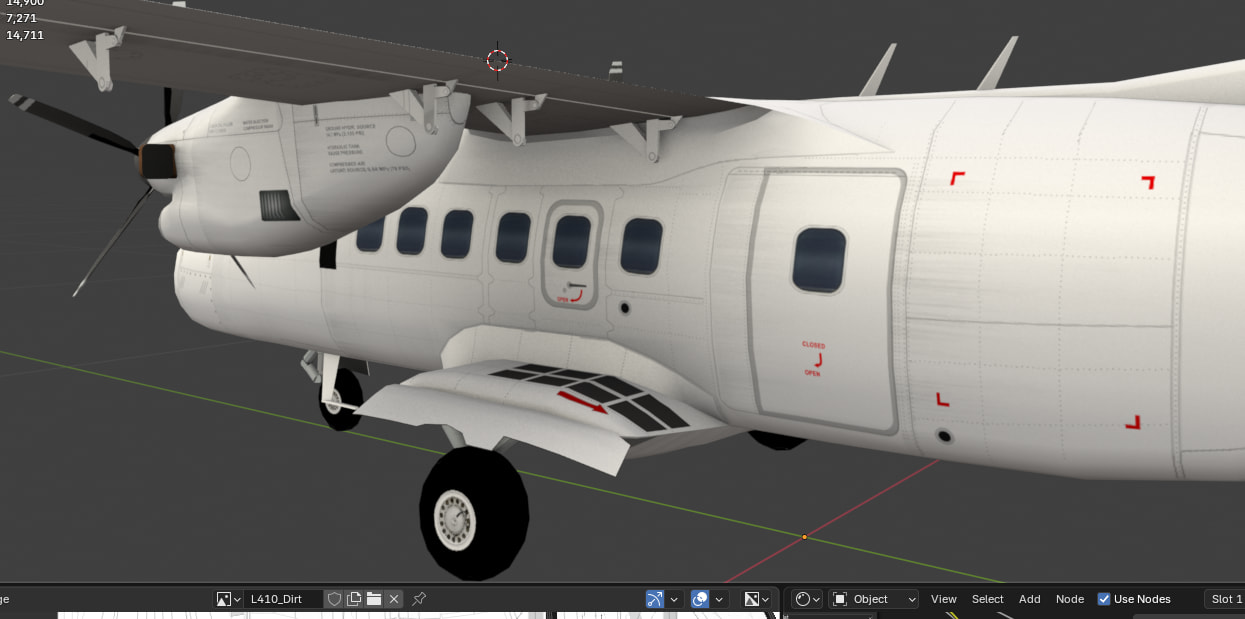
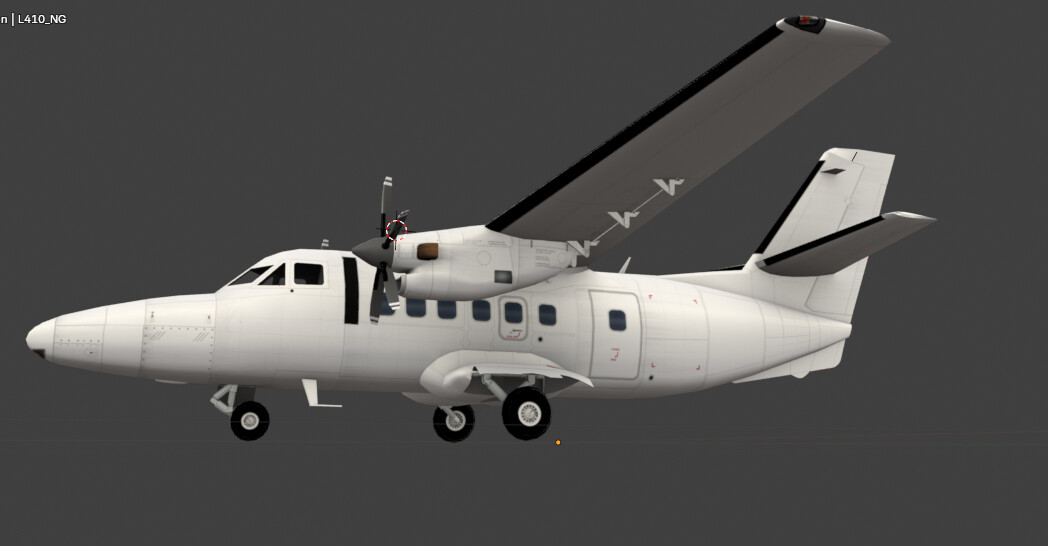
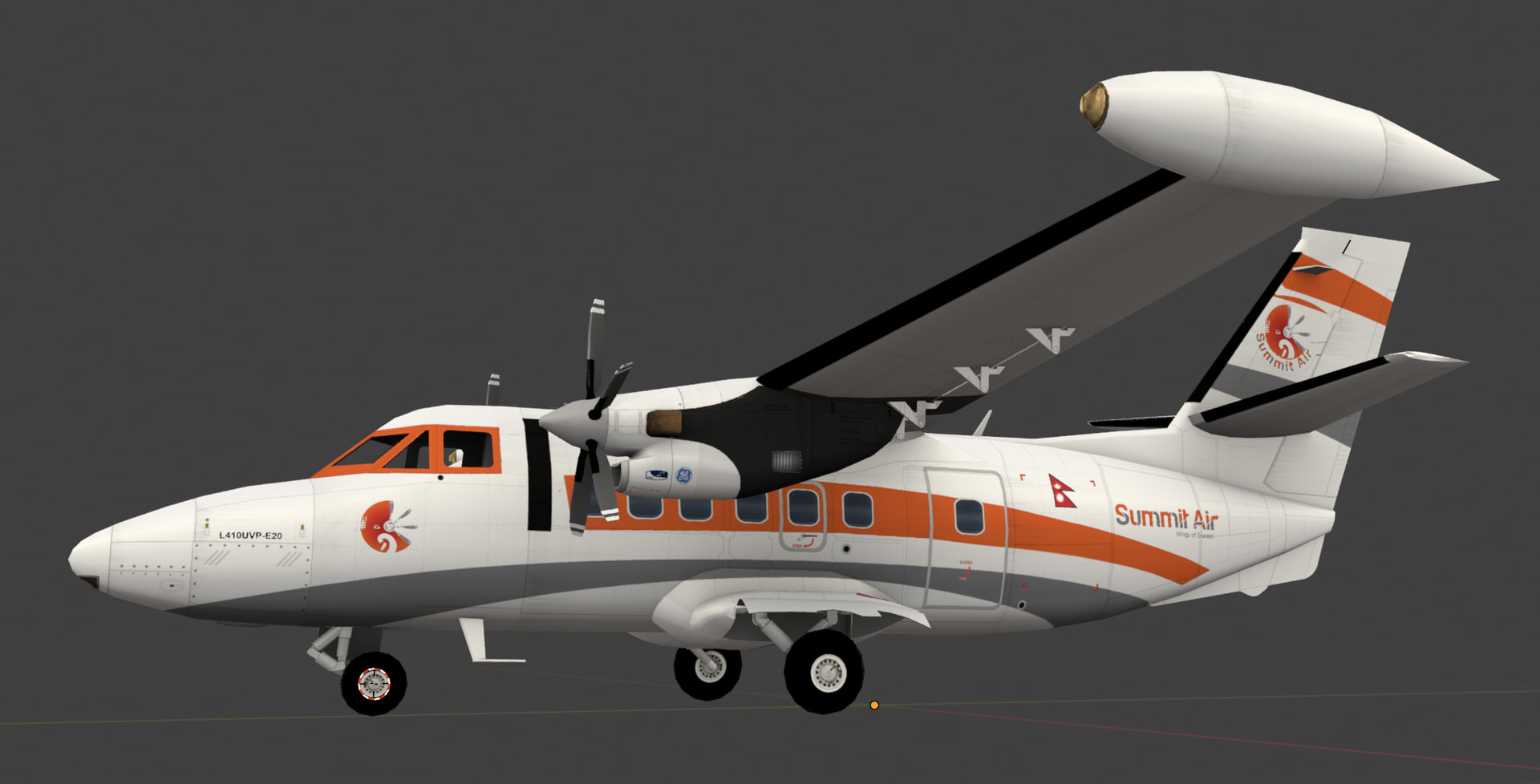
Both models are now about 99% complete, and the attached images show the aircraft after the ambient occlusion pass has been applied. This is an important stage of the asset creation process, adding subtle depth and shading that helps highlight the model’s details before the final textures are created.
The next step is for Honza to prepare the base livery and create the weathering and dirt effects that will give the aircraft its final in-game appearance.
Although the models are almost finished, there was still plenty of room for improvement. In fact, Honza reworked nearly 30% of my original model to bring it up to the quality standard we’re aiming for. That’s one of the advantages of working as a team—there’s always another pair of experienced eyes that can spot areas for refinement.
One thing that may surprise you is that, despite being a relatively small aircraft, the L410 has almost the same polygon count as the A350. Size doesn’t necessarily determine complexity. Our newer aircraft are built with a much higher level of detail than the original generation, and we apply the same quality standards whether we’re working on a regional turboprop or a long-haul airliner.
We’re getting very close now, and I can’t wait to show you the finished result. 
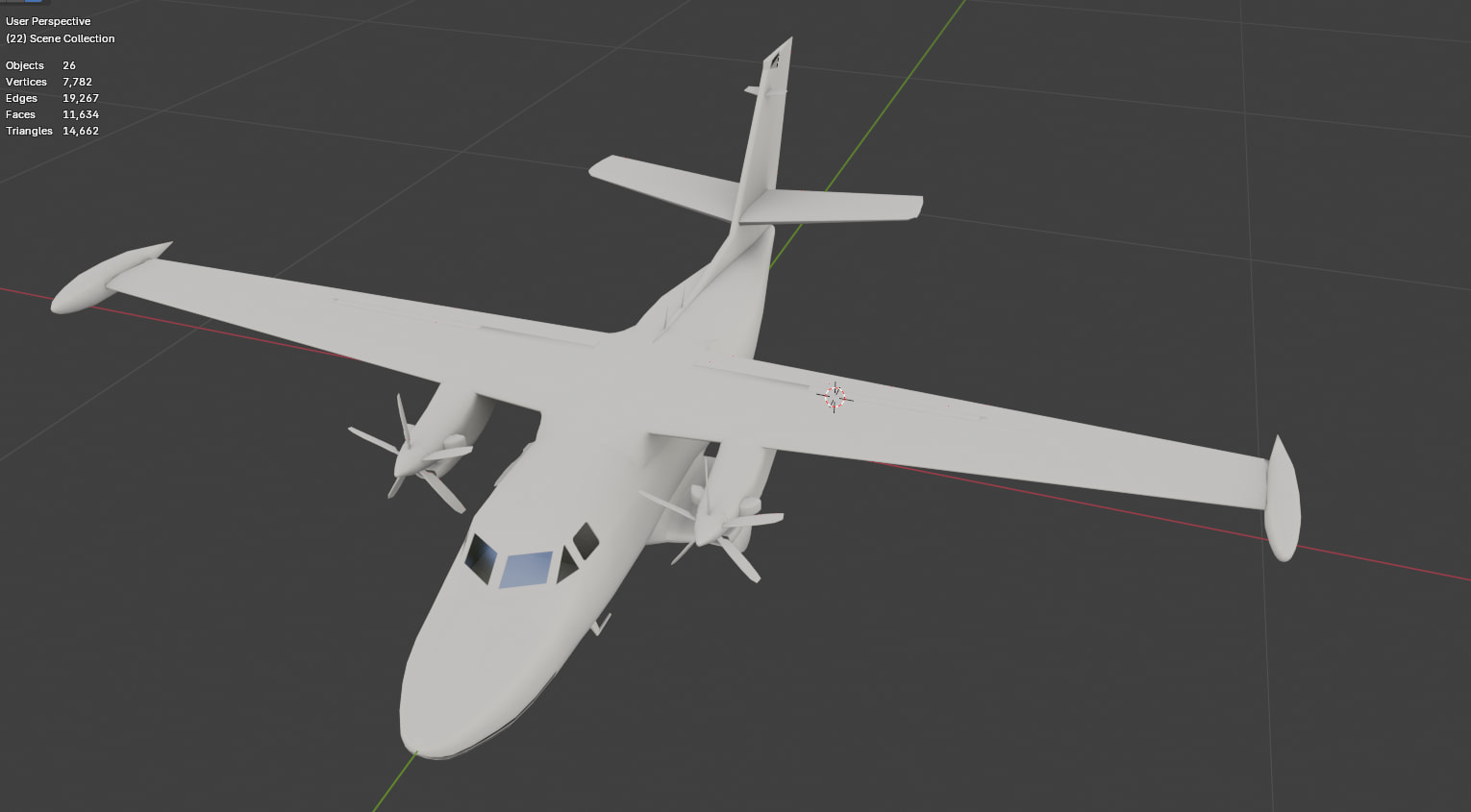
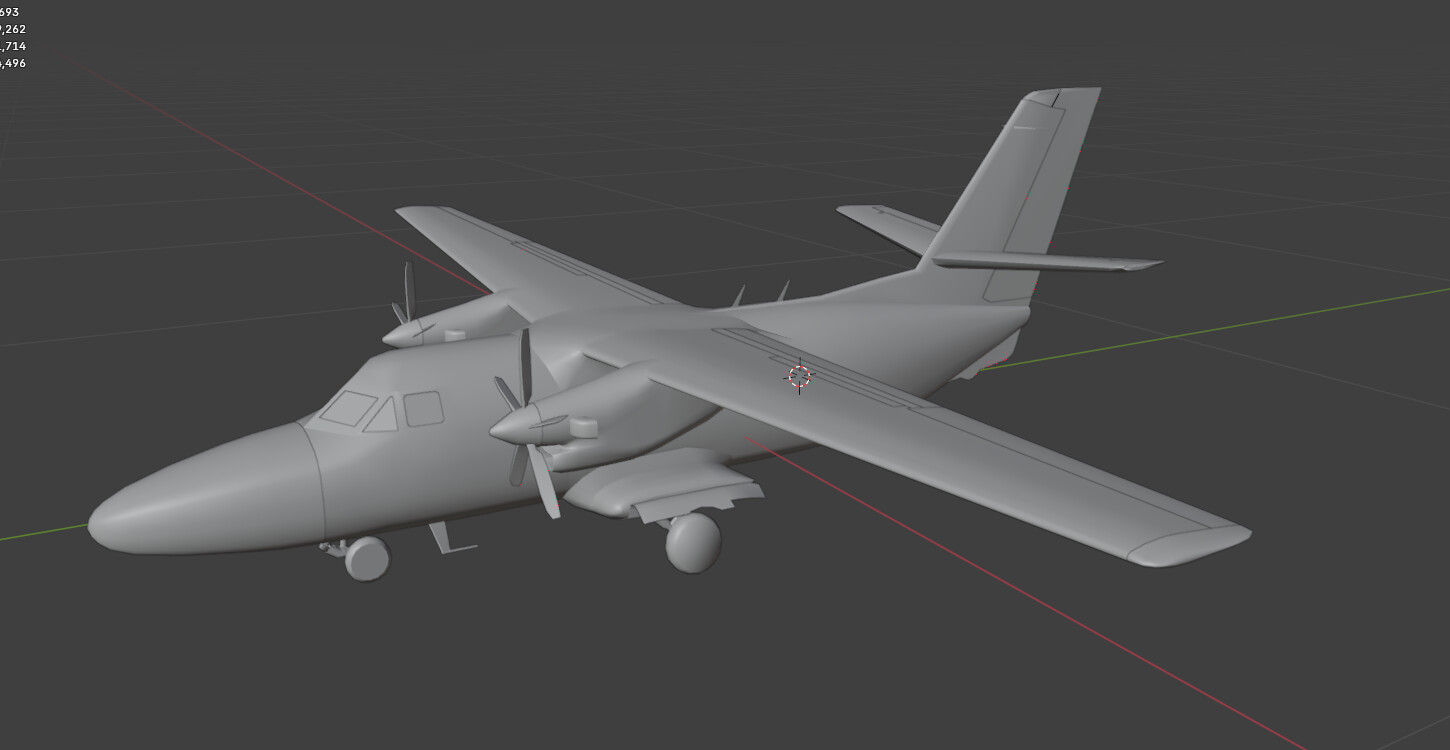
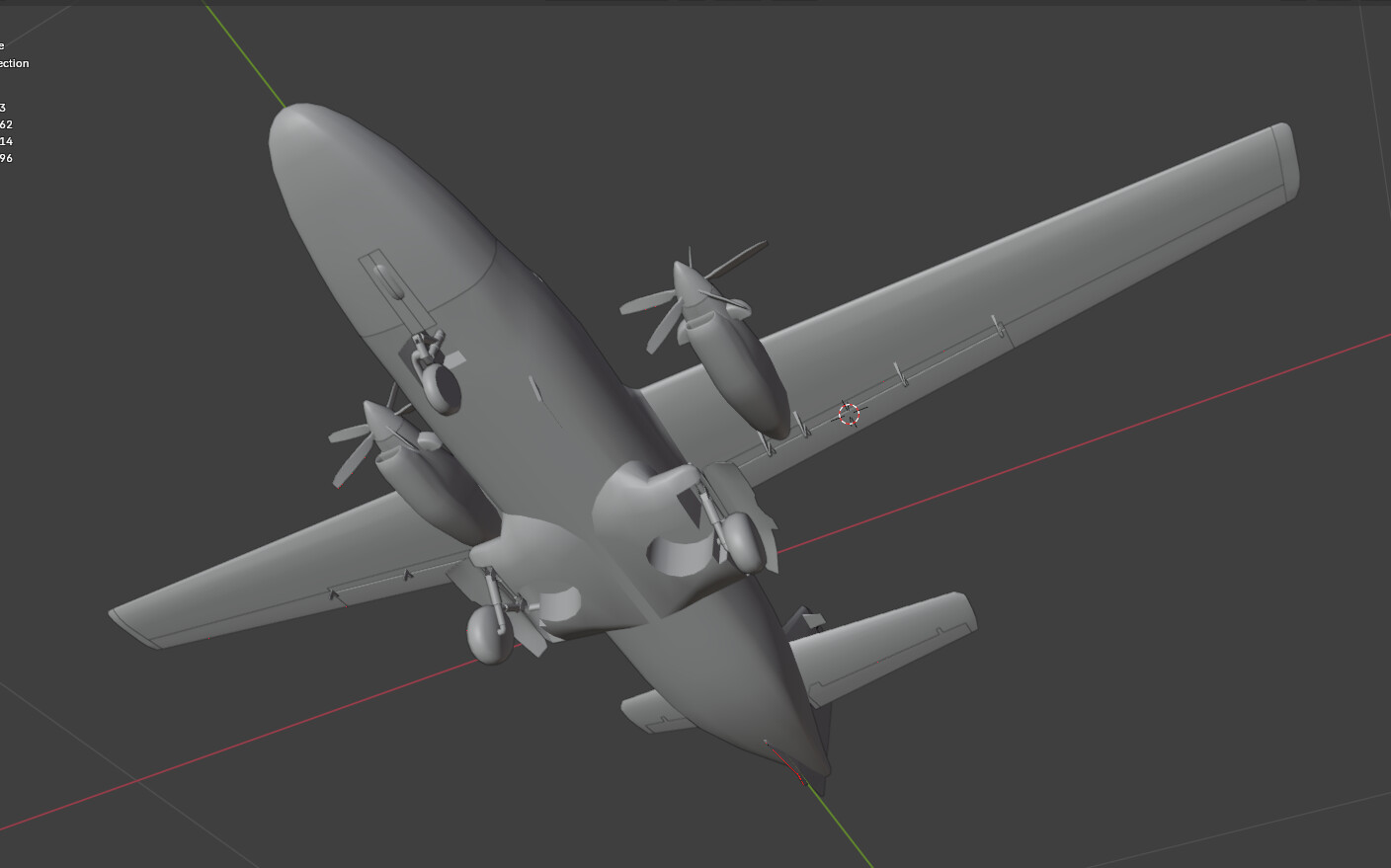
Another milestone in the L410 production workflow has been completed.
Honza has finished creating what we internally call the base livery. Although we refer to it as the “base livery,” it is technically the topmost texture layer applied during the texturing process.
The complete texture stack currently looks like this:
-
Material
-
Ambient Occlusion
-
Airline Livery
-
Dirt & Weathering
-
Base Livery
The base livery contains all the permanent details that are common to every aircraft, regardless of the airline. This includes:
-
Cockpit and cabin windows
-
Access panels
-
Rivets
-
Maintenance markings
-
Warning labels
-
Manufacturer-applied stickers and stencils
It is one of the most time-consuming stages of aircraft production because every small detail needs to be positioned and aligned manually.
The next step is to rig all the moving parts and create the aircraft animations—landing gear, flaps, control surfaces, propellers, doors, and other animated components.
Once the animation work is complete, Honza can finally begin painting the individual airline liveries.
As always, thank you for following our development journey. We’re getting closer with every step!
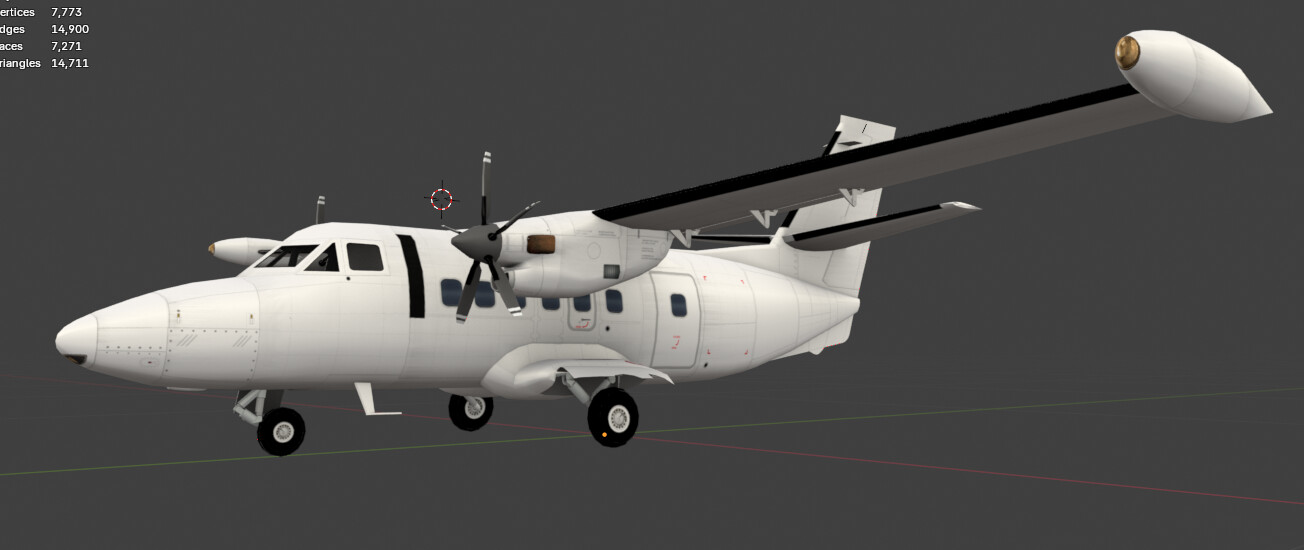

Bringing the Aircraft to Life
And because Honza H. never slows down, work on the L410 UVP, L410NG, and L410 Cargo has already moved on to the next production stage: rigging and animation.
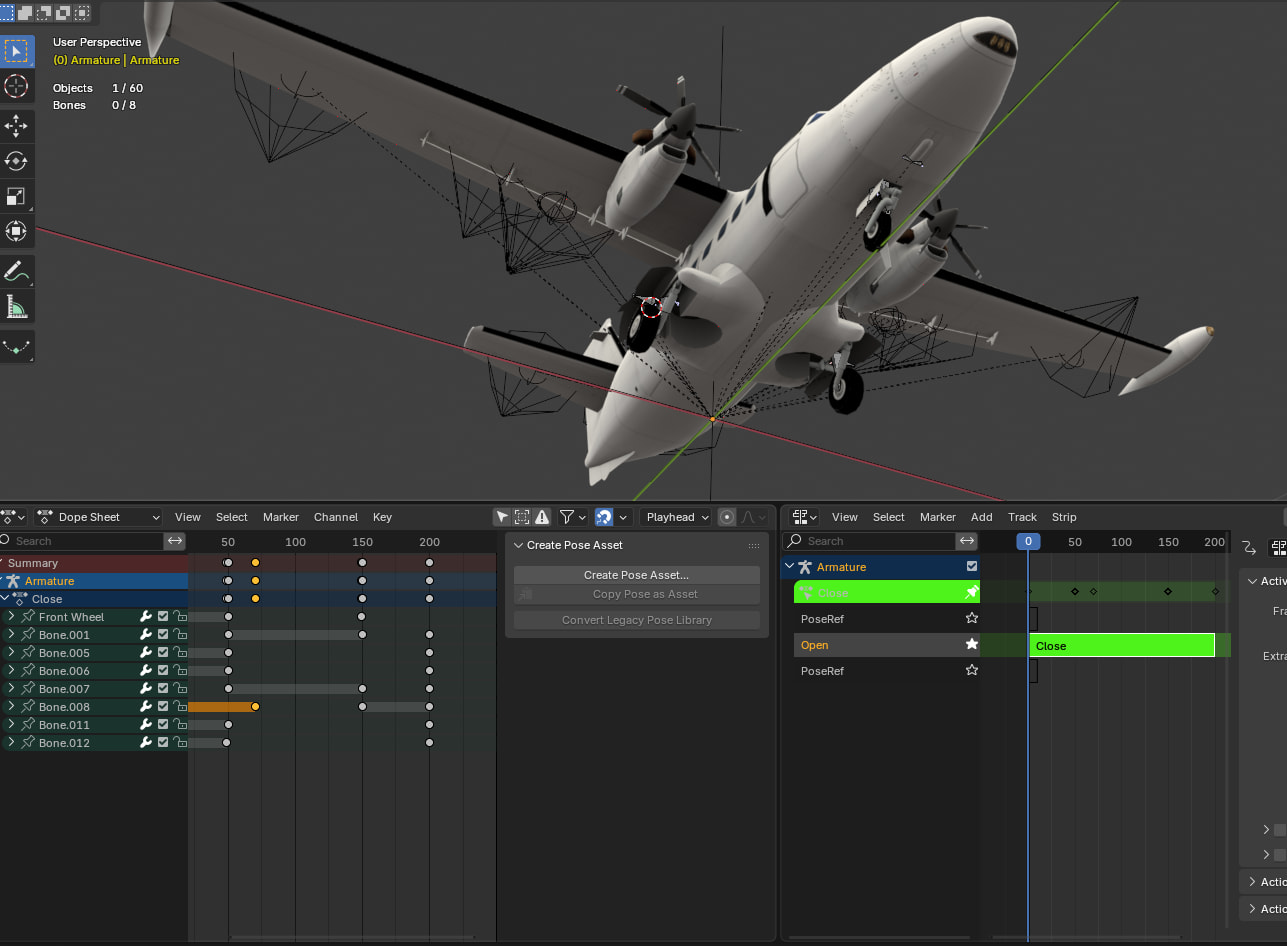
Rigging is the process of attaching a virtual “bone” to every moving part of the aircraft. These bones act as the skeleton that allows the model to move correctly once it’s inside the game.
Each moving component—such as the landing gear, flaps, ailerons, elevators, rudder, propellers, and doors—requires its own setup. For more complex mechanisms like the landing gear, multiple bones are needed because several parts move simultaneously in different directions.
However, simply adding bones isn’t enough.
Every moving object must also have its origin (pivot point) positioned precisely on the correct axis. If the pivot is even slightly misplaced, the animation won’t follow the correct movement and parts may rotate or translate incorrectly.
Once the rigging is complete, Honza defines the complete animation sequence by setting:
-
The fully closed and fully open positions.
-
The movement path of each component.
-
The timing and synchronization of the entire animation.
This is one of those development stages that players rarely notice directly, but it has a huge impact on the final quality of the aircraft. Smooth, realistic animations are just as important as a detailed 3D model or high-quality textures.
Step by step, the L410 family is getting closer to becoming fully flight-ready.

Liveries and Unity Integration
And here we go — we have reached the stage where we depend heavily on our community.
For many aircraft, the livery selection begins with suggestions collected directly from our forum. Your references, historical photos, operator lists, and arrival suggestions help us decide which liveries should be prepared for the game.
As usual, our general guideline is:
-
Liveries used before 2010 are mainly reserved for special events and special arrivals.
-
Liveries used after 2010 are generally intended for standard contracts.
-
A few exceptions may be made where it makes sense for the aircraft, airport, or gameplay.
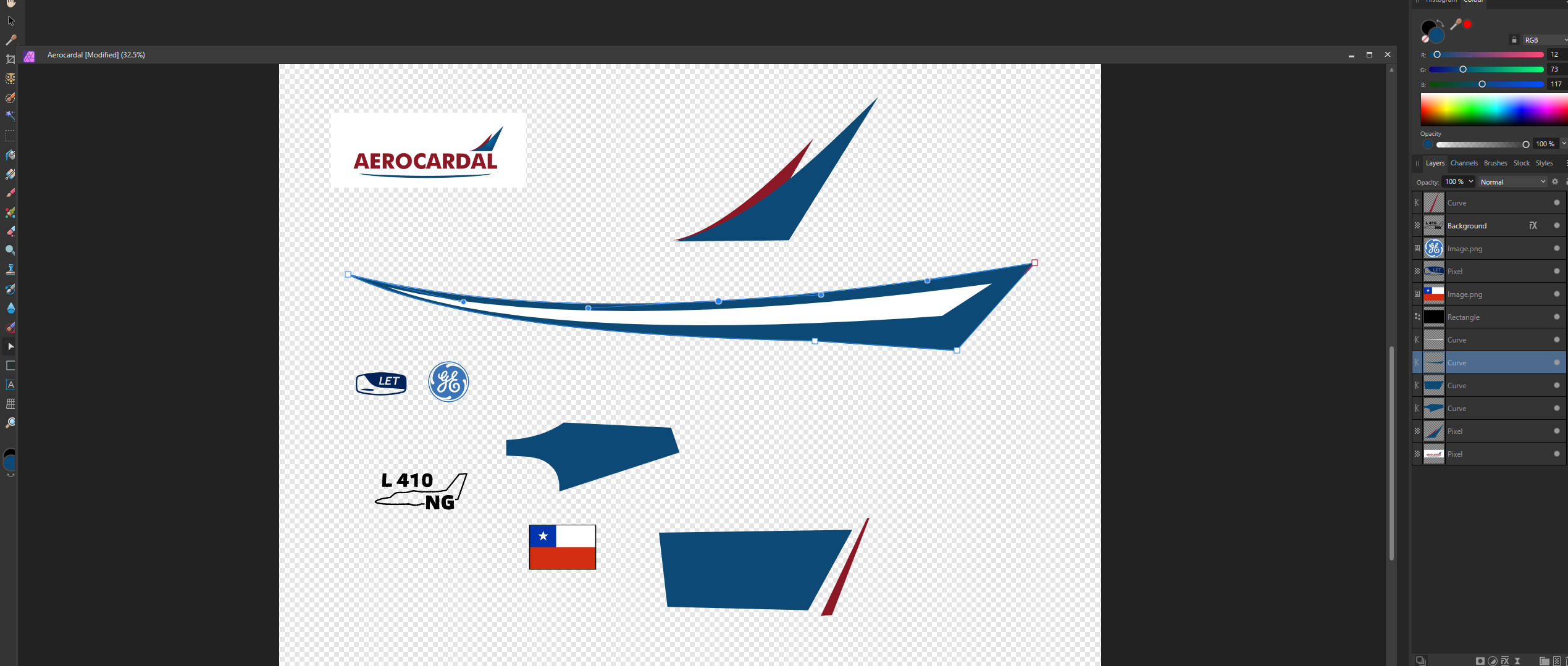
For the L410 family, this stage is especially challenging. Many of its operators are small, regional, historical, or relatively poorly documented. In many cases, we do not have access to usable source graphics, logos, or vector files.
That means Honza often has to recreate the complete livery from scratch, using photographs as the main reference. Every stripe, logo, registration marking, and small detail must be manually redrawn and adapted to the aircraft texture.
Here is a small preview of that process.
From Blender to Unity
At the same time, the finished 3D model is being transferred from Blender into Unity.
This is not a simple one-click export. Unity does not reproduce every object, material, hierarchy, pivot, or animation behavior from Blender exactly as it was created.
Because of that, the aircraft must be imported and adjusted piece by piece.
During this stage, Marek:
-
Imports and verifies the individual model components
-
Corrects object hierarchies and movement behavior
-
Adjusts pivots and animation settings where necessary
-
Implements and tests all aircraft animations
-
Defines the handling and service points
-
Assigns positions for vehicles, stairs, cargo loading, refuelling, and other ground operations
-
Checks that every service connects correctly to the aircraft
-
Tests the model under real in-game conditions
This is where the detailed Blender model becomes a functional aircraft inside World of Airports.
Marek handles this work with remarkable precision. Every animation, service point, and interaction must be placed correctly so that the aircraft not only looks right, but also behaves properly during arrival, turnaround, and departure.
Piece by piece, the L410 is moving from a static 3D model toward a fully operational aircraft in the game.
And this is where the final magic begins. 

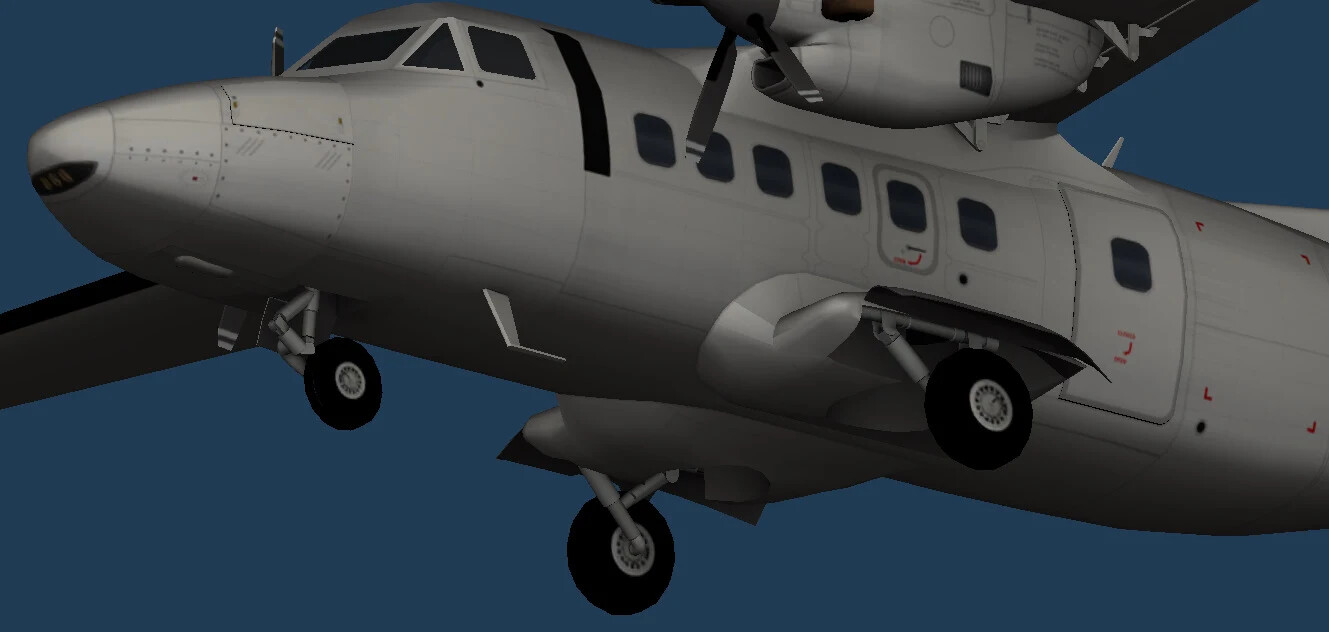
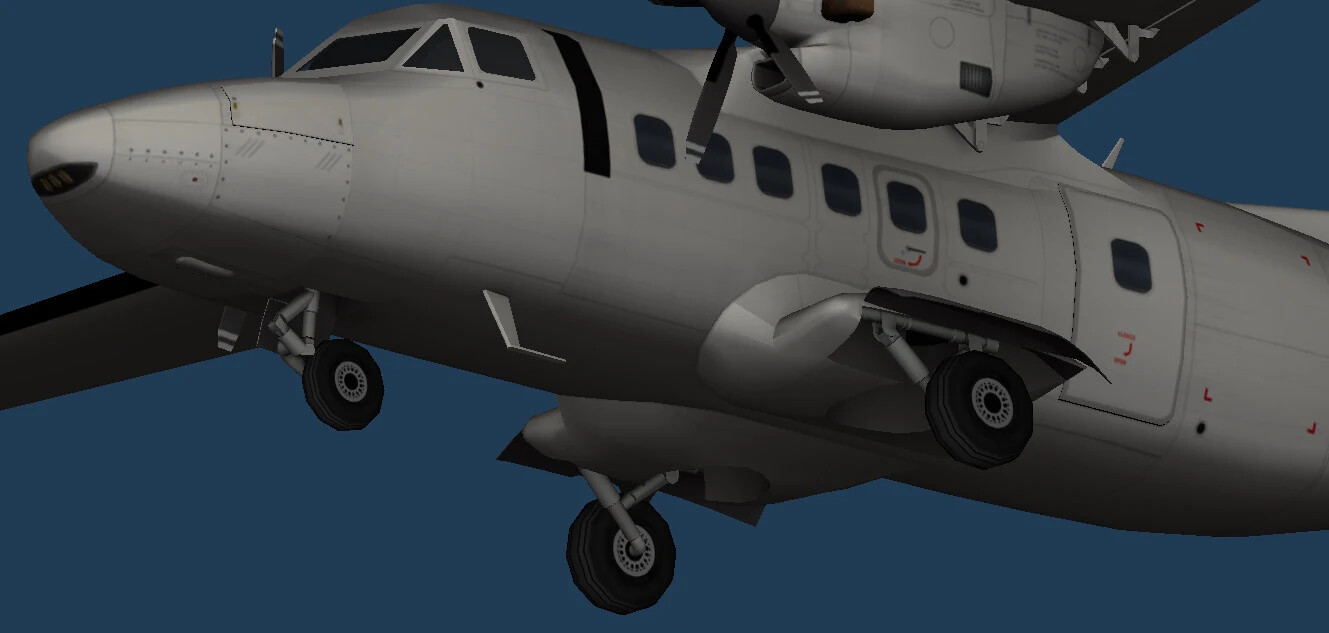
Here, Marek is preparing the LOD0 and LOD1 versions of the L410 in Unity.
Every aircraft in World of Airports has more than one level of detail. This allows the game to display many aircraft at the same time without rendering every small detail at full quality, even when those details would not be visible from a greater distance.
What is LOD0?
LOD0 is the full-detail version of the aircraft.
It is used when the camera is close enough for players to see the smaller details, such as:
-
Detailed landing gear
-
Antennas and sensors
-
Smaller fuselage elements
-
More complex geometry
-
Fine exterior details
This is the version you normally see during close-up views and handling operations.
What is LOD1?
LOD1 is a simplified counterpart of the same aircraft.
It is mainly used for the more distant camera views, where many aircraft can be visible across the airport at the same time.
At that distance, very small details would no longer be noticeable, so they are removed or simplified. This reduces the number of polygons the game has to render and helps save performance.
The goal is to keep the aircraft looking correct from a distance while avoiding unnecessary calculations for details the player cannot see.
Why is this important?
Busy airports can have many aircraft visible at once. Rendering every aircraft at full detail all the time would significantly increase the load on the device.
By switching between LOD0 and LOD1 depending on the camera distance, the game can maintain a good balance between:
-
Visual quality
-
Rendering performance
-
Device compatibility
-
The number of aircraft visible at once
The transition must also be prepared carefully so that the aircraft does not suddenly change shape or lose important visual features when the game switches between the two models.
It is another technical step that may not be very obvious during normal gameplay, but it plays an important role in keeping busy airports running smoothly.
Final Steps
We’re approaching the finish line!
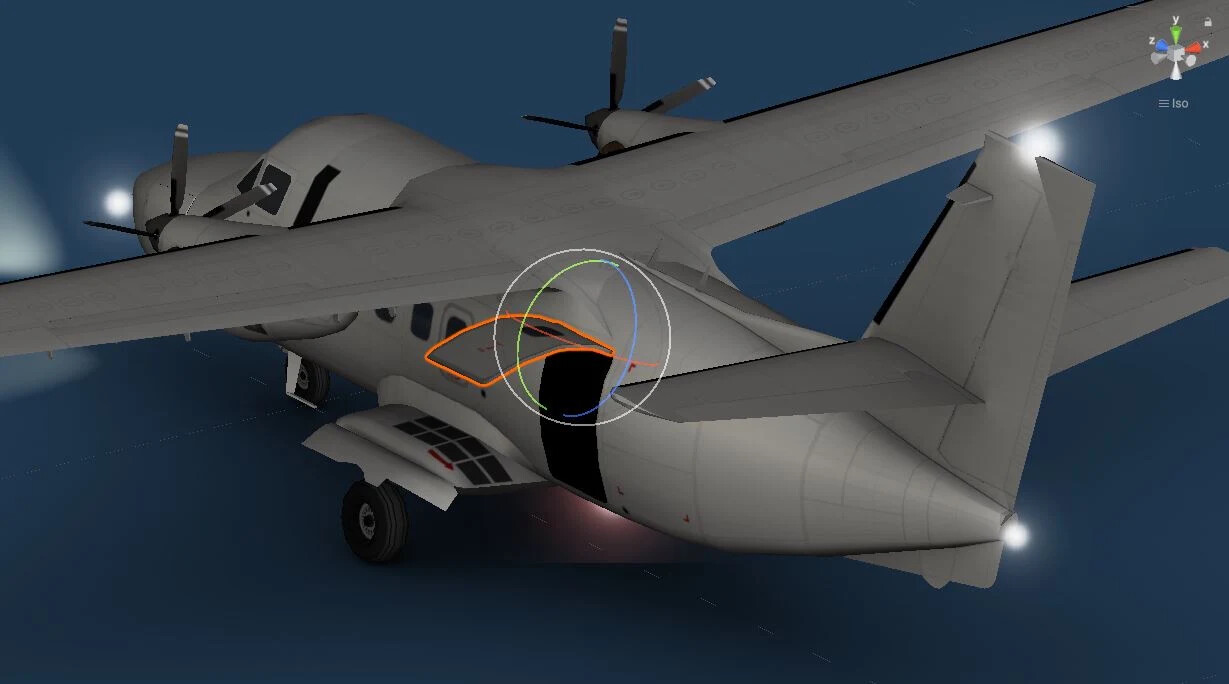
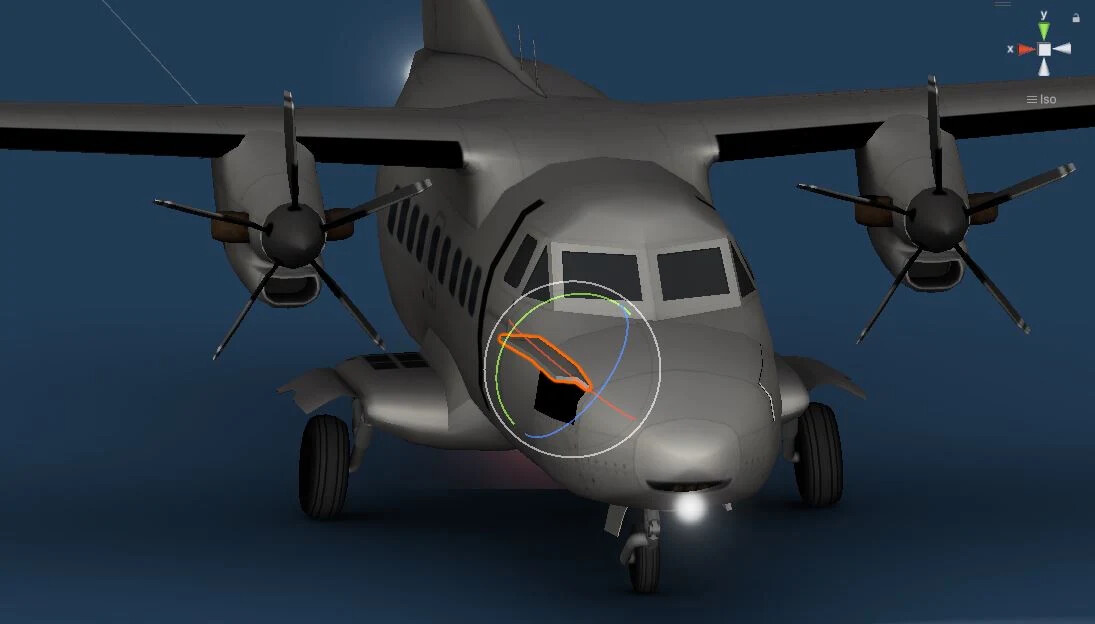
Marek has now completed another important stage of the L410 development process.
At this point, he has:
- Assigned all ground handling points for the aircraft.
- Implemented and tested the animations.
- Finished integrating the new parametric livery system, making the L410 ready for the upcoming aircraft customization feature.
The handling points define where ground vehicles connect to the aircraft—stairs, baggage loading, cargo handling, refuelling, and all other airport services. Every position has to be carefully adjusted so that vehicles align correctly with the aircraft model.
At the same time, all animations have been implemented and verified to ensure every moving part behaves as expected during normal airport operations.
Finally, the L410 now supports our new parametric livery technology, which is one of the key building blocks for the upcoming livery customization system. This allows liveries to be generated more efficiently while opening the door to much greater customization in the future.
Step by step, the L410 family is becoming fully operational—and we’re getting closer to seeing it in your hangars.
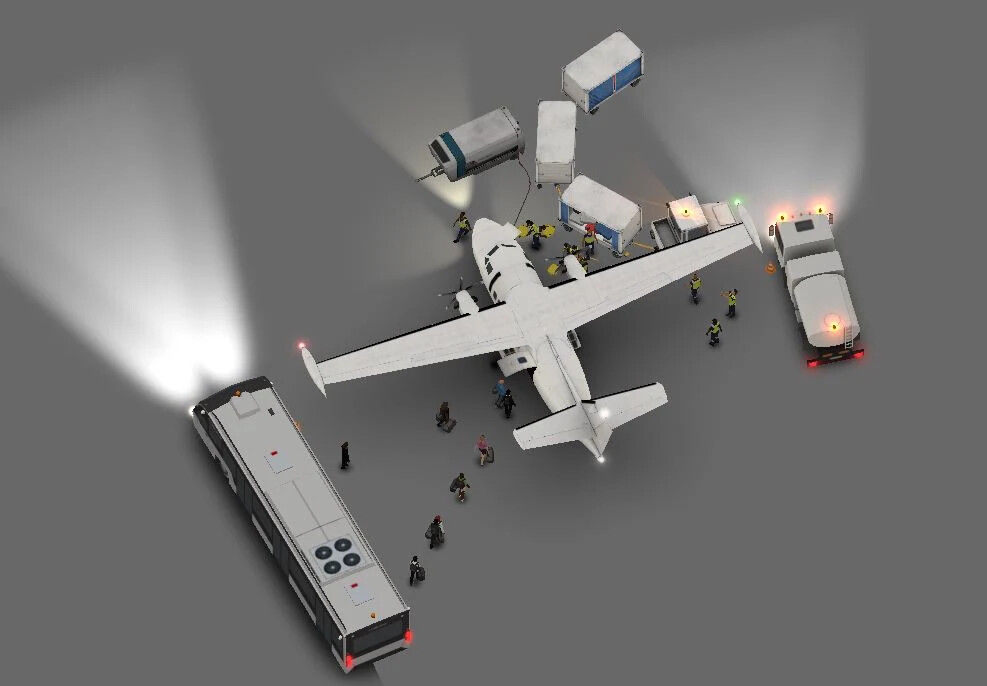
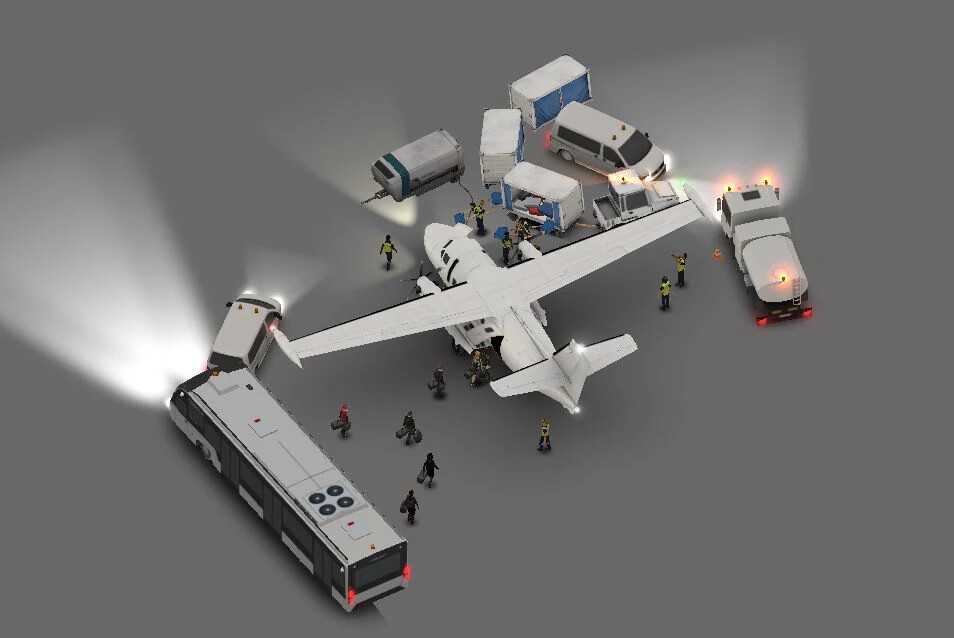
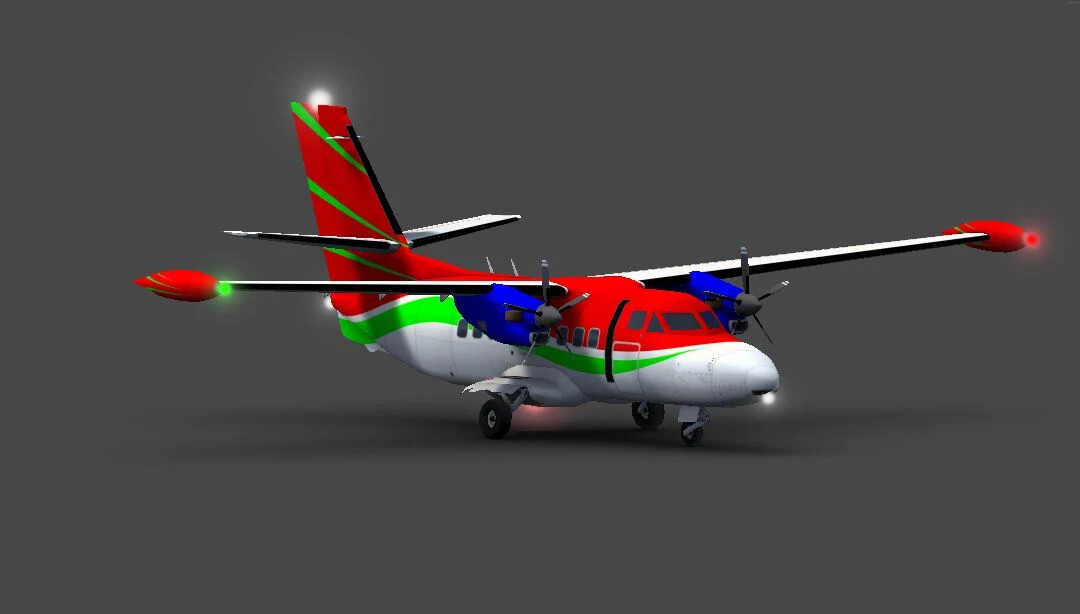
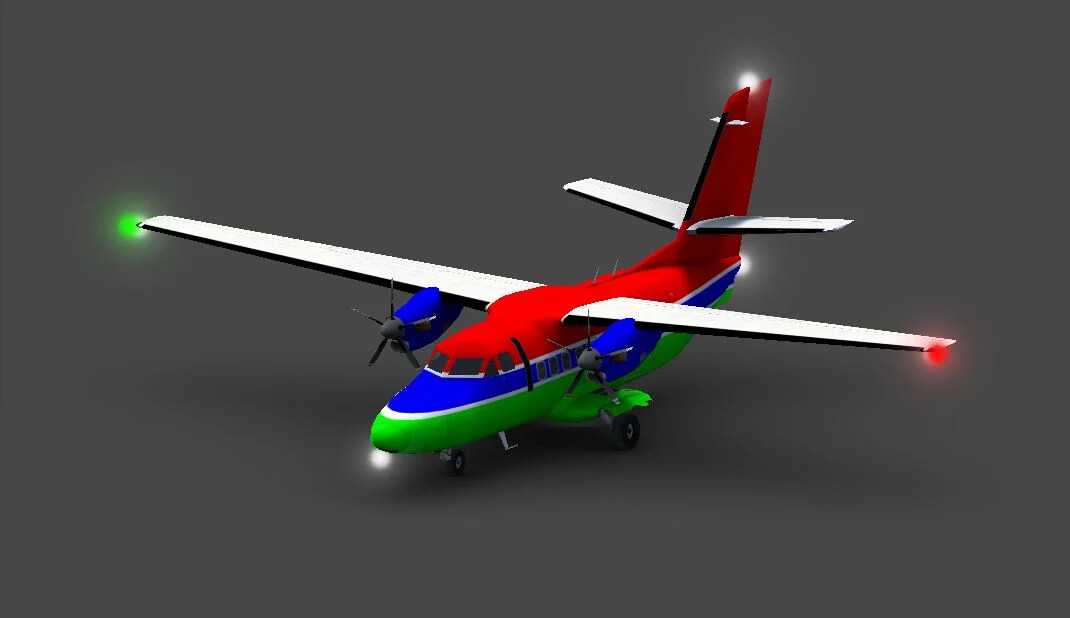
We don’t choose liveries completely at random… 
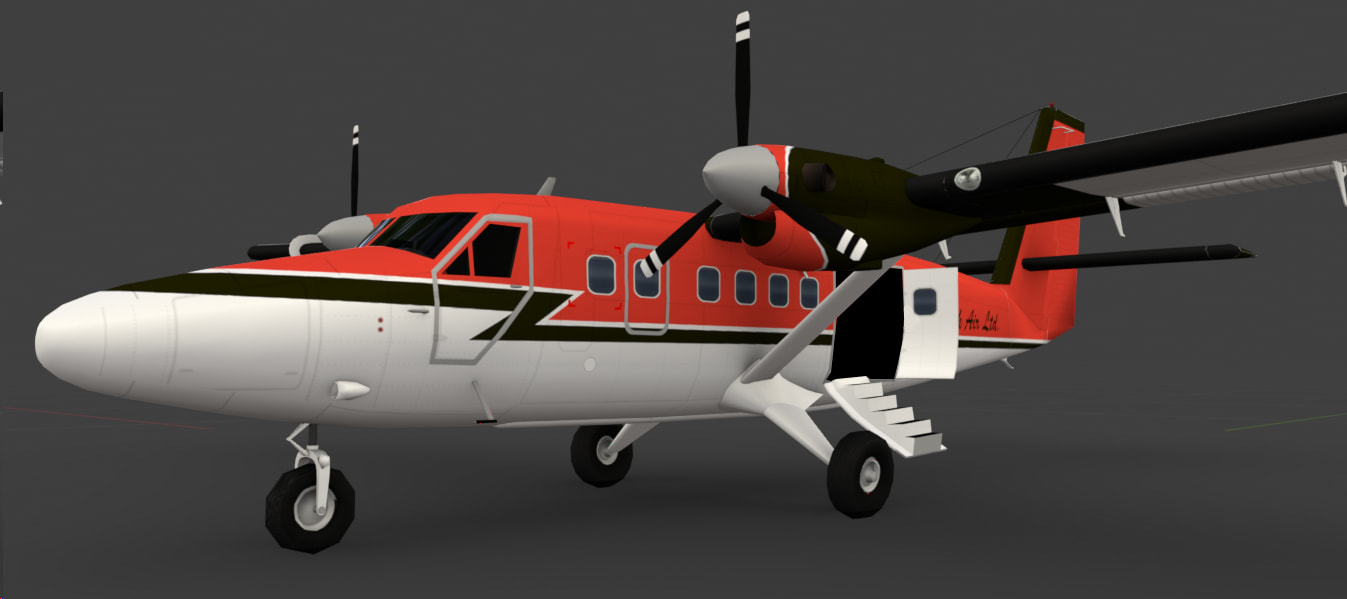
While introducing a new Class A aircraft, we also decided to give the DHC-6 Twin Otter a little love.
It has received:
-
New integrated door stairs
-
Updated windows and window frames
-
A refreshed base livery
-
Improved dirt and weathering textures
Small visual improvements like these help keep our older aircraft in line with the quality of the latest additions.
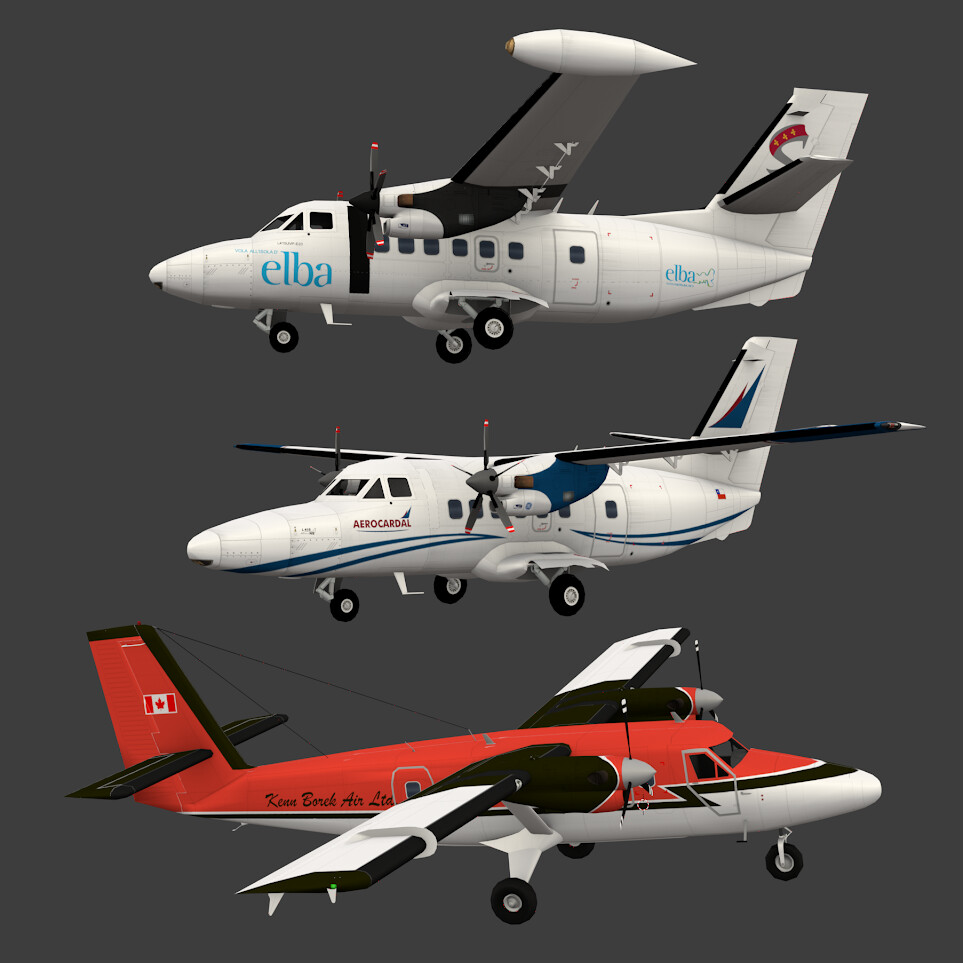
And here they are together—the new Class A trio!
Final Testing
And finally… testing!
After weeks of modeling, texturing, rigging, animations, livery creation, Unity integration, handling setup, and countless adjustments, the L410 family has reached the final stage of development.
Now it’s time to verify that everything works as intended:
-
Aircraft animations
-
Ground handling services
-
Livery rendering
-
Airport compatibility
-
AI behaviour
-
Performance
-
Visual quality
This is where the entire team puts the aircraft through its paces, hunting down those last small issues before it’s ready for release.
We’re almost at the finish line, and we can’t wait to see the L410 UVP, L410NG, and L410 Cargo operating at your airports.
See you soon in World of Airports!