Bug Report Template
Please fill in all fields below to help us understand and resolve the issue effectively.
Platform:
iOS
Game Version:
I got the 3.4.1 update rn
Airport:
Not airport, it’s loading screen
Description of the Bug:
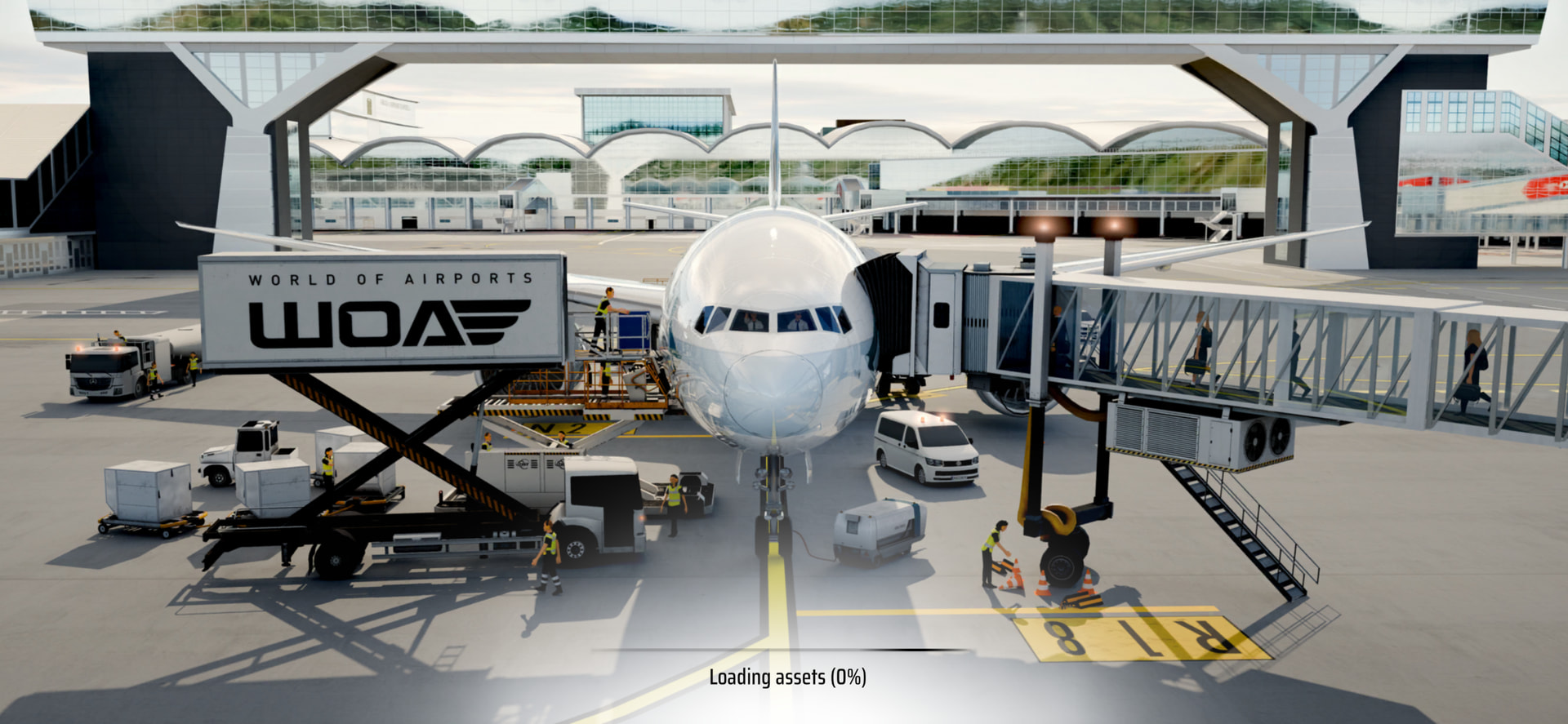
I got 3.4.1 update rn and it took 20min to download at App Store. After, I opened it and just waited 5min straight at the Loading Assets 0% screen. I had that bug at 3.4.0 bcz of low memory, but I have 31+ GB free…
Steps to Reproduce:
Idk if others had the problem too, but just get new update and wait at Loading Assets Screen
Screenshots or Videos (if available):
Additional Notes:
Any other relevant information or observations?
 Before posting, please make sure the bug hasn’t already been reported by someone else.
what phone do you have? maybe it could be something like that, you could close and open it again or if you have to many apps open (swipe up a little and you can see all the apps open swipe up again to close them)
I sat another 30min in that screen on my iPhone 11 Pro, and I tried to delete the cache many times, it didn’t help. I was gone from home for 1h and after that, WoA opened again. This isn’t the first time this is happening. W-LAN was stable too
You could try an install from scratch, but you may end up losing all schedules and such as they seem to be stored locally as opposed to server side.
With all the login issues people are having, I’d also be wary of doing anything that might make my account go poof right now.
did the update come out today? and maybe theres so much thats new your phone struggled to load it (sorry im trying maybe @Charlie could help)
At other updates like 3.2.0 —> 3.3.0 all was working…
Yes update’s out, and it’s running now somehow more smoothly