Title Format (required):
- Other – for anything not covered by the above (e.g. tutorials, accessibility, languages)
What is your suggestion?
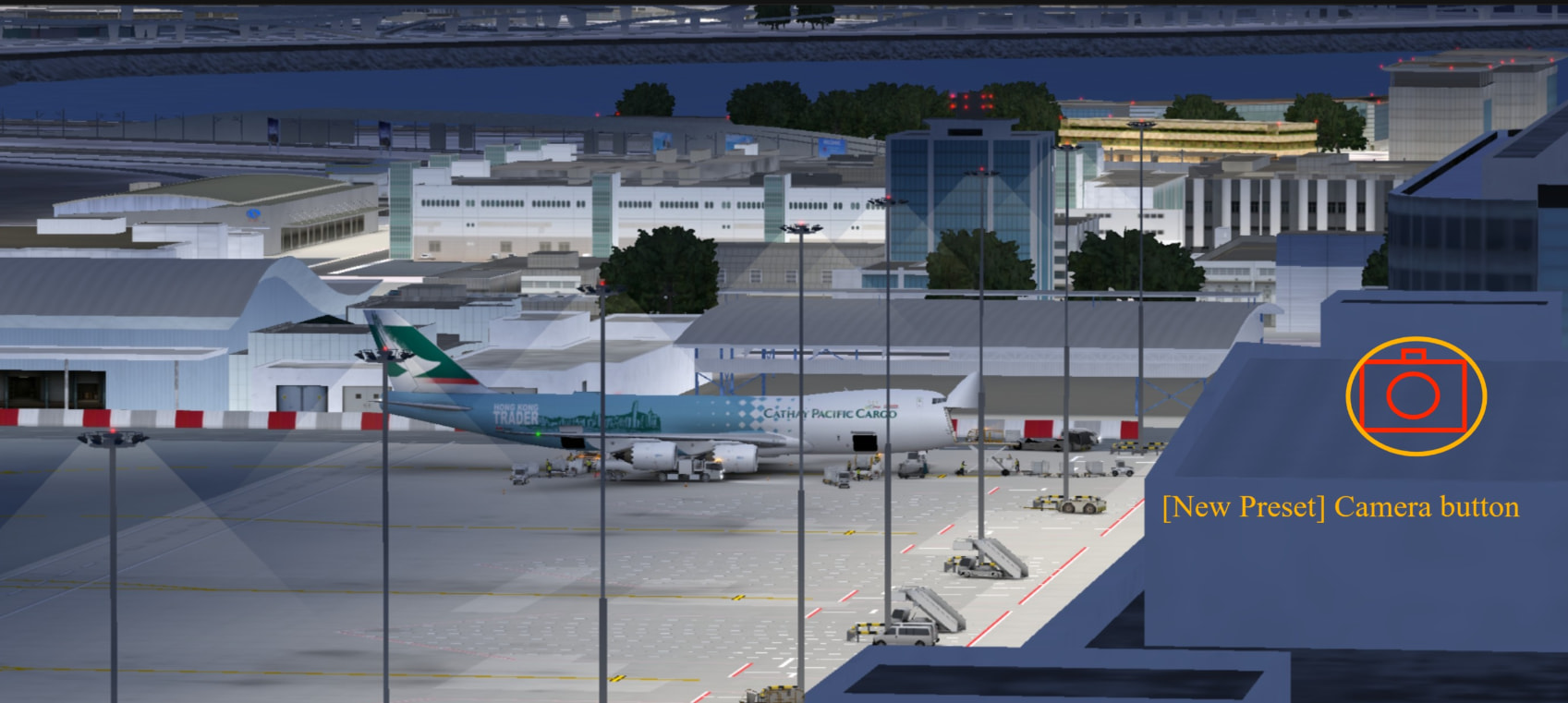
I propose expanding the existing high-quality photo mode into a standalone, accessible feature available across all viewing modes. While the current UI-hiding function is great, players currently have to rely on standard device screenshots when using the tower or free-roam views. We would like a built-in “Capture” button that saves high-quality in-game photos—surpassing the quality of ordinary screenshots—regardless of the current camera perspective.
How would it work in the game?
The photo button should be implemented as a universal UI element available in multiple views. When the UI is hidden, a dedicated camera icon should remain (or be easily accessible) to trigger the internal rendering capture.
Priority for implementation:
- Tower View: Add a dedicated shutter button here first.
- Free Perspective: Allow high-quality captures while roaming.
- Bird’s-eye View: Enable the built-in camera for top-down shots.
Why is this a good idea?
Quality: Built-in game captures usually offer better anti-aliasing and resolution than a standard phone power+volume button screenshot.
- Usability: It allows aviation enthusiasts to capture the perfect “spotting” moment from the tower or ground level more effortlessly.
- Community Engagement: Higher quality images encourage players to share their favorite aircraft and airport moments on social media
Optional: Image or reference
[Current] Fixed photo position:[New Preset] Camera button
Add a button to take a photo from the tower’s perspective and the free bird’s-eye view.