What is your suggestion?
I propose making the graphics settings more flexible and detailed.
Currently, we only have three modes — Fast, Balanced, and Pretty. This is enough for basic optimization but doesn’t allow players to fine-tune the visuals to their liking.
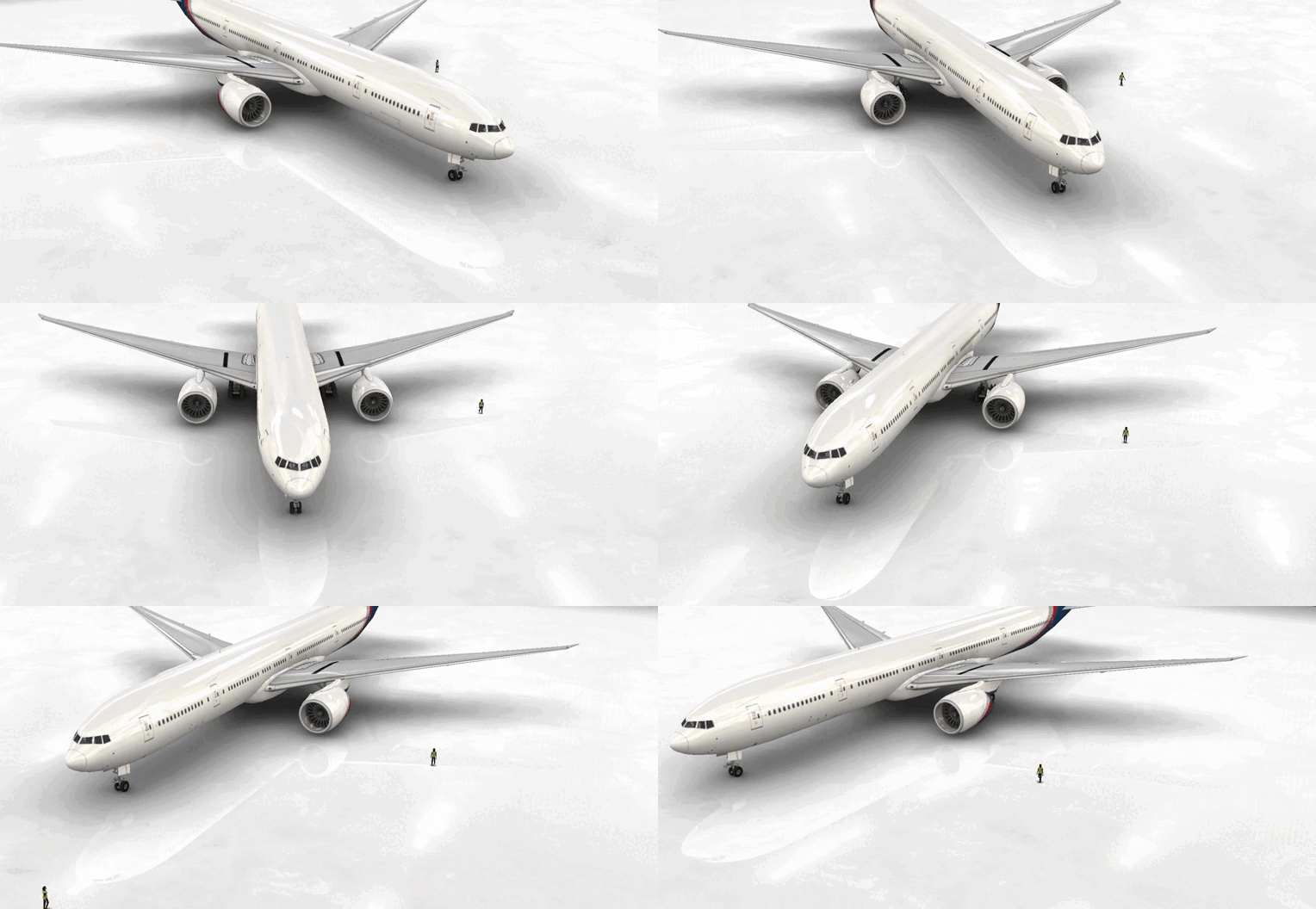
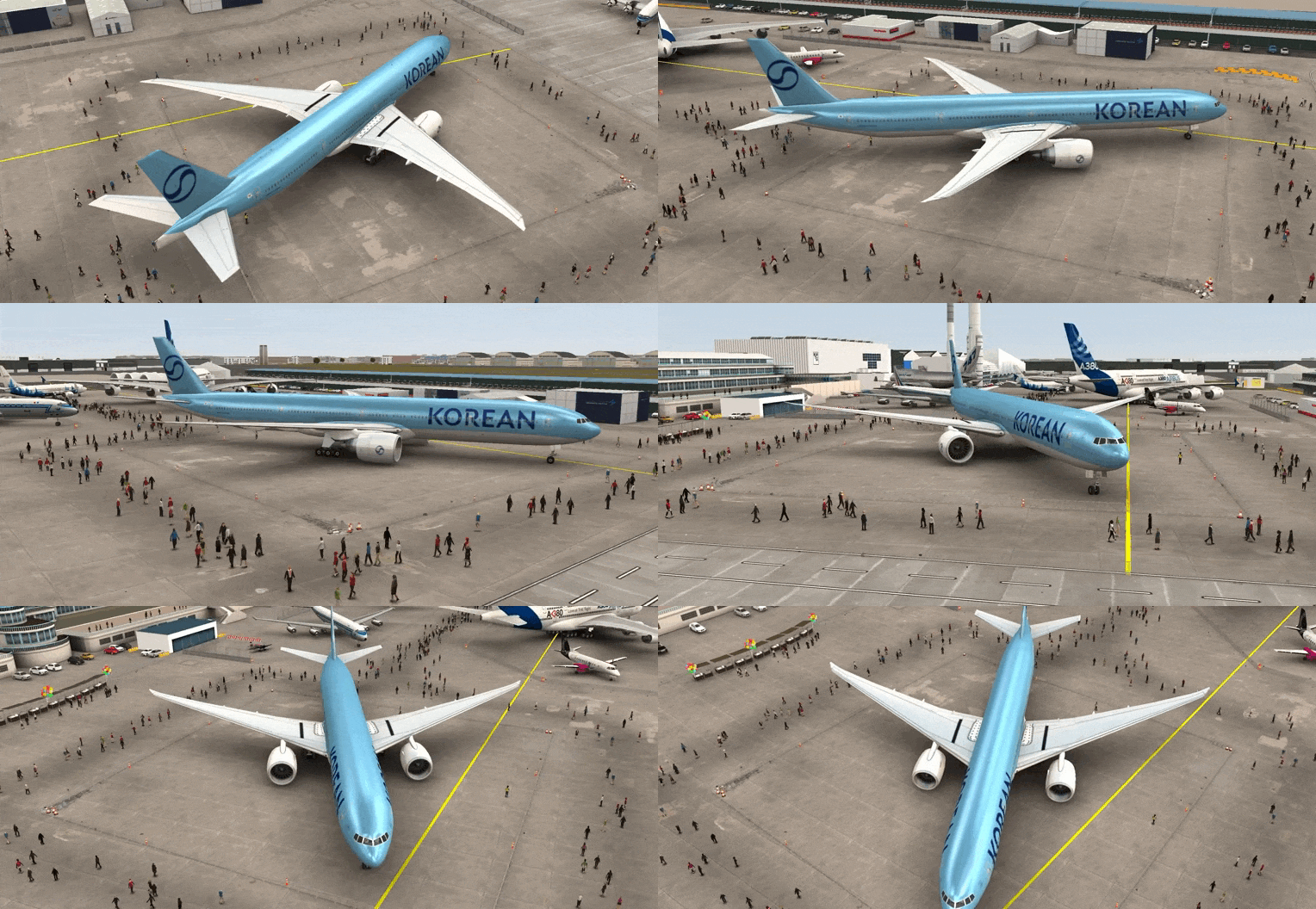
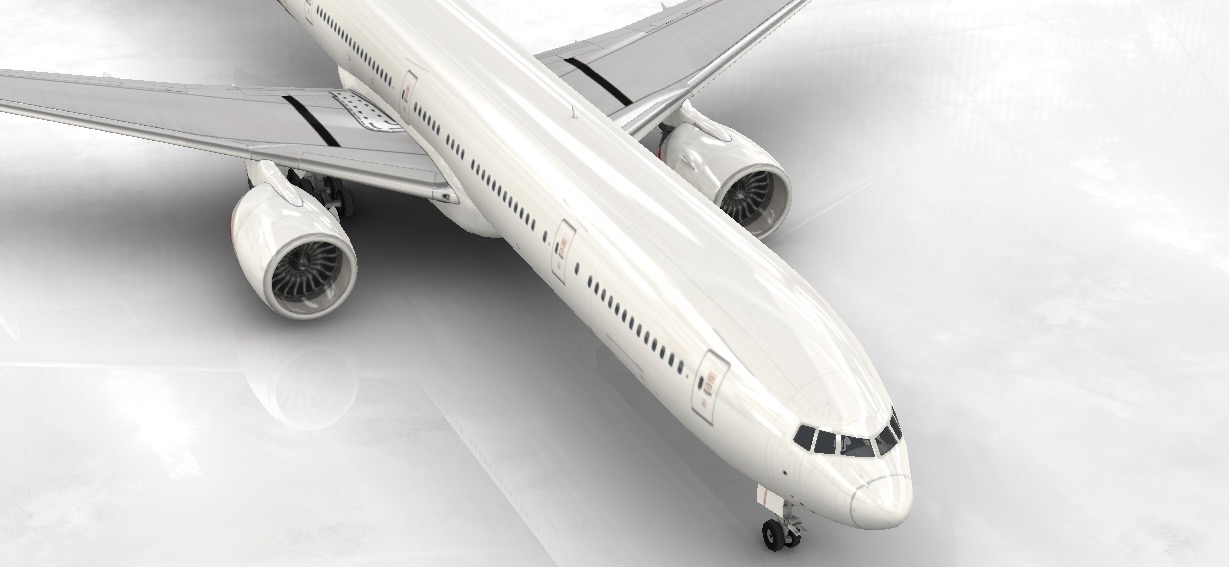
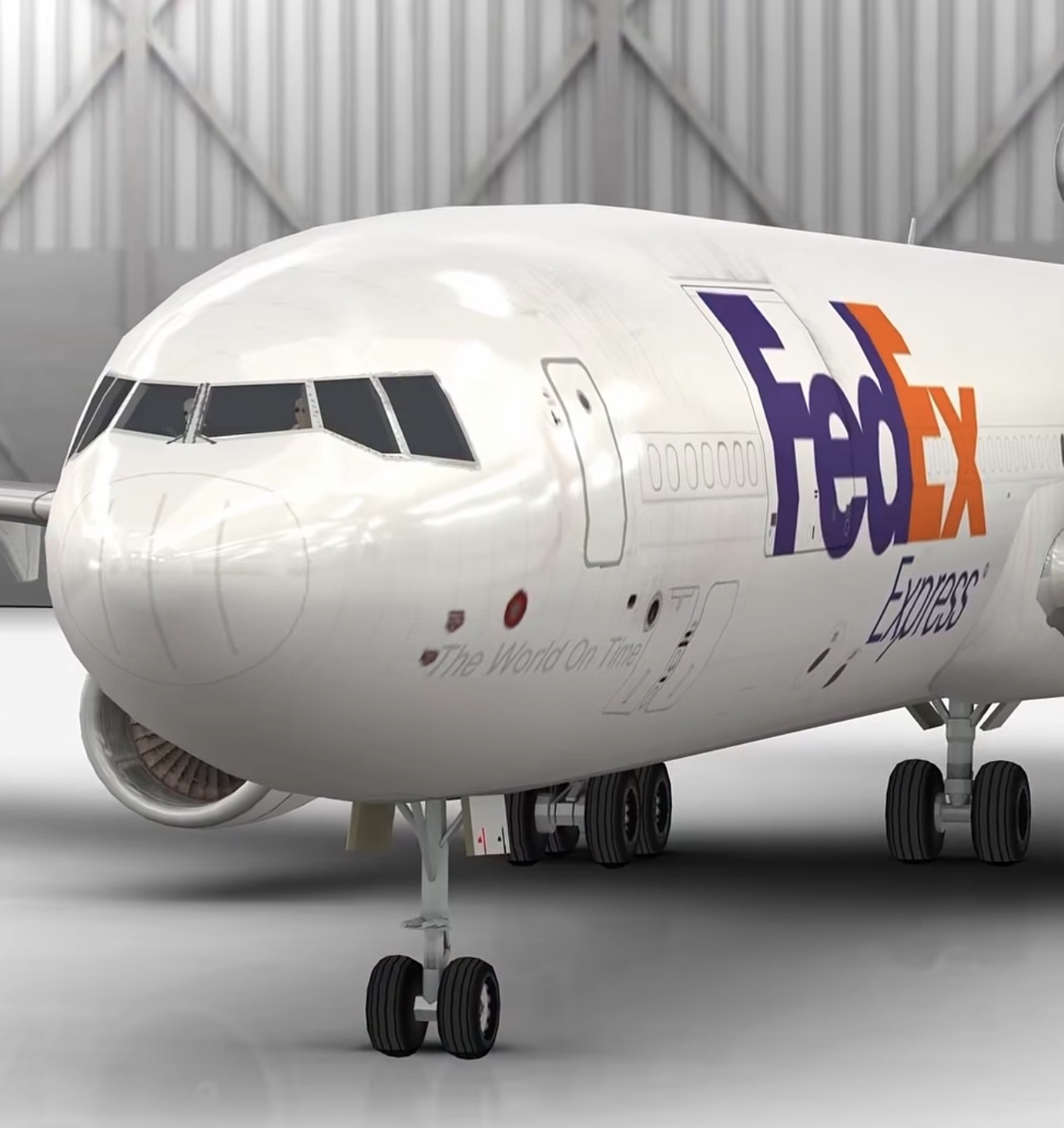
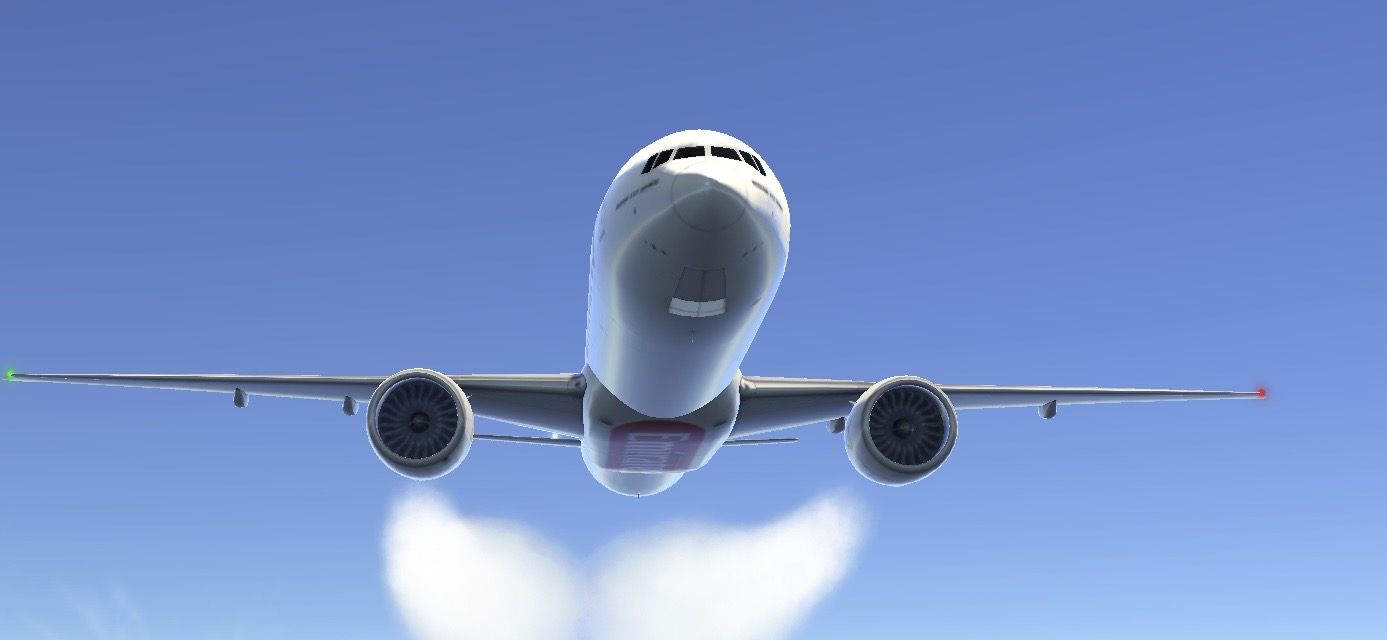
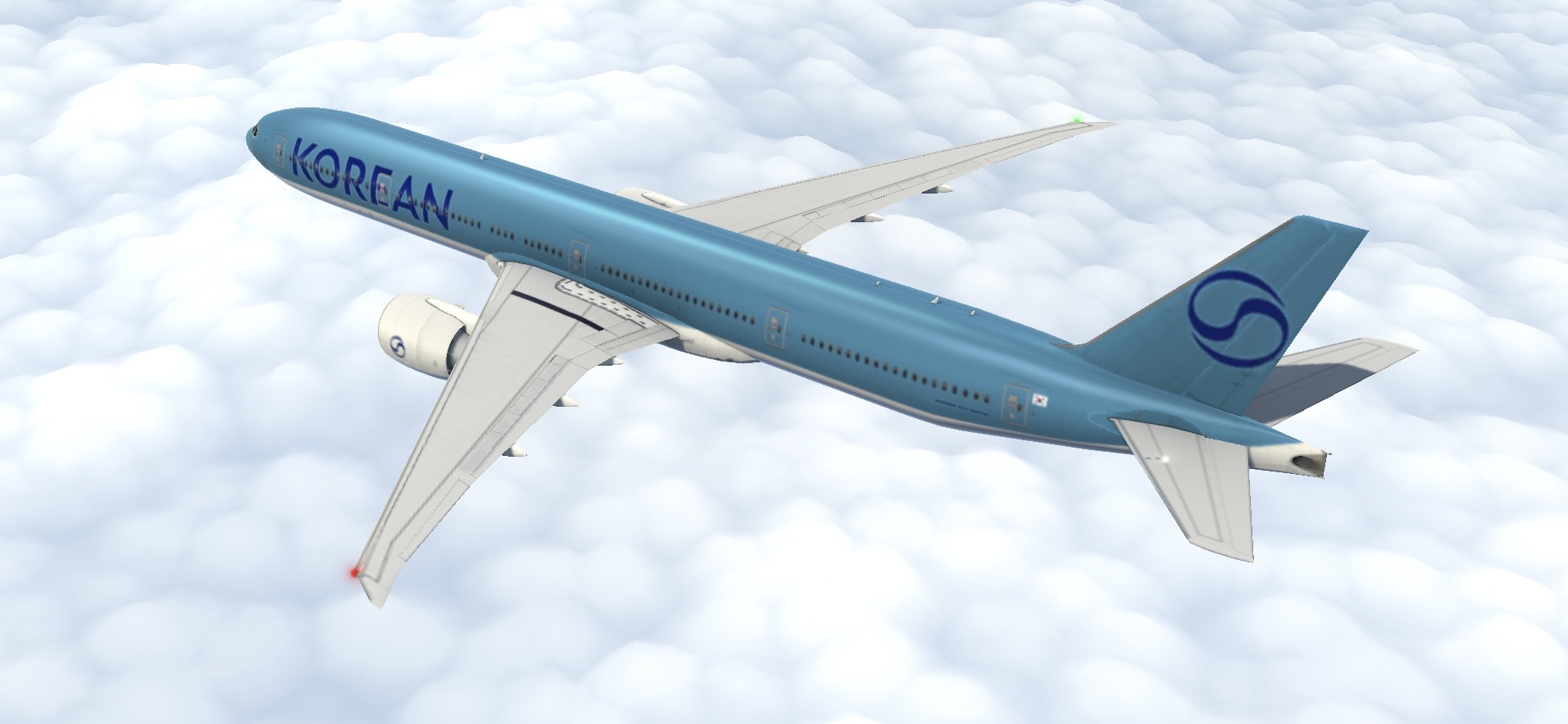
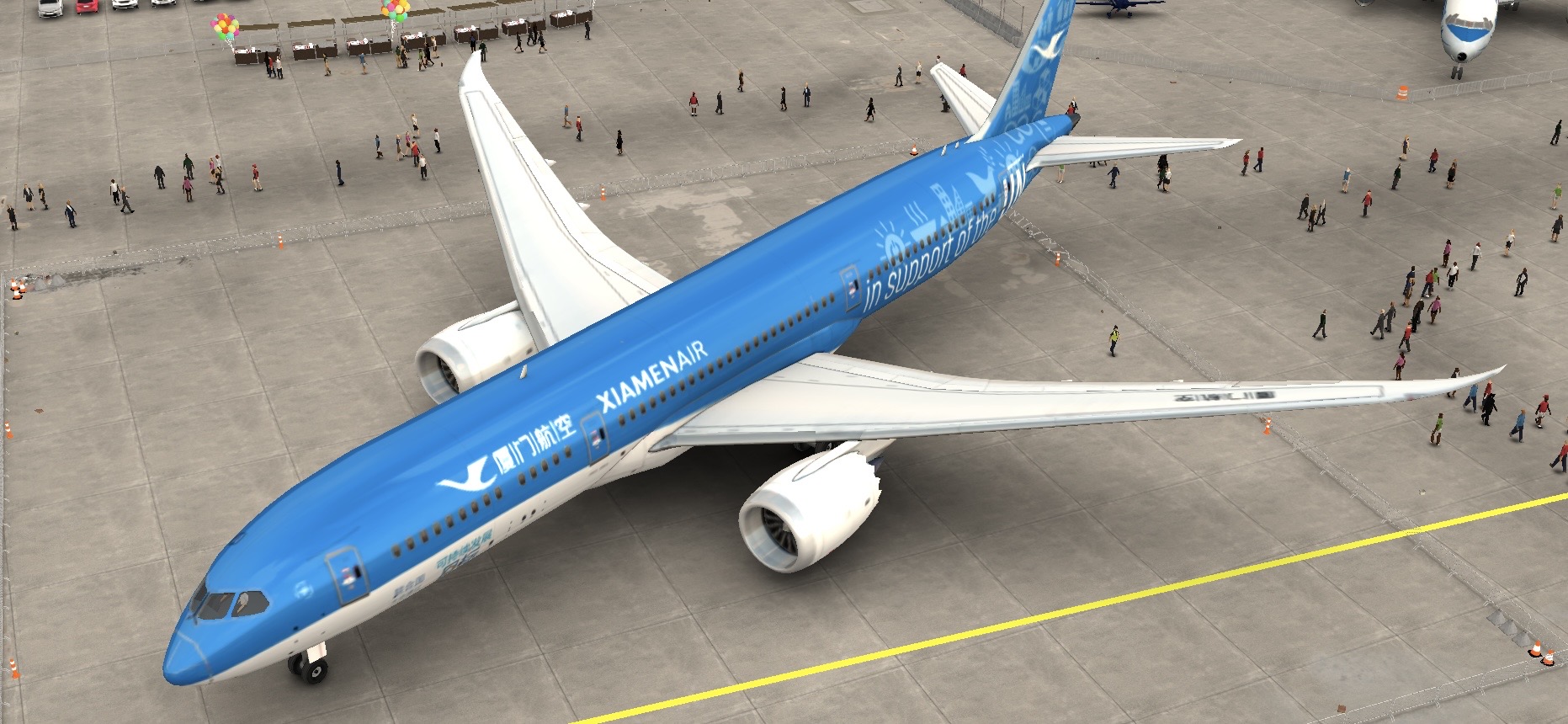
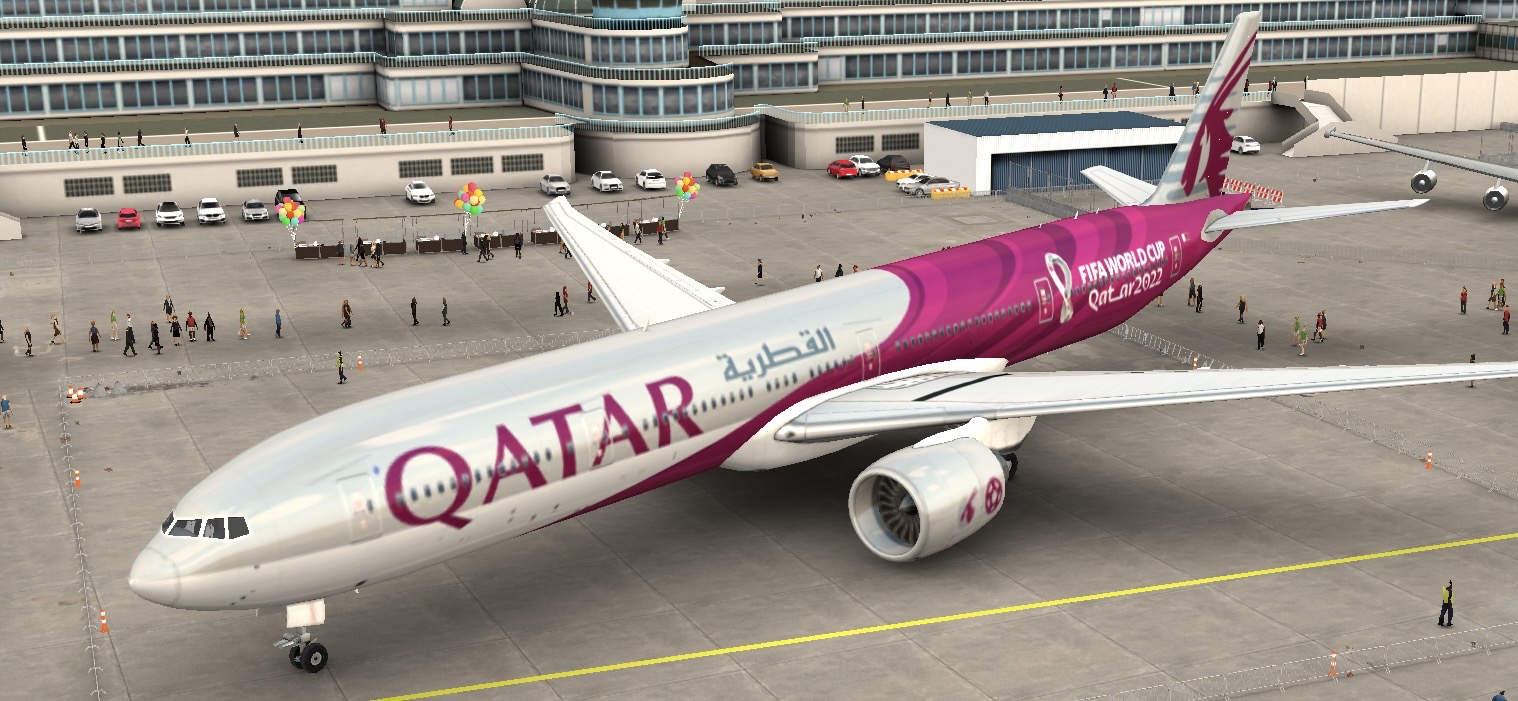
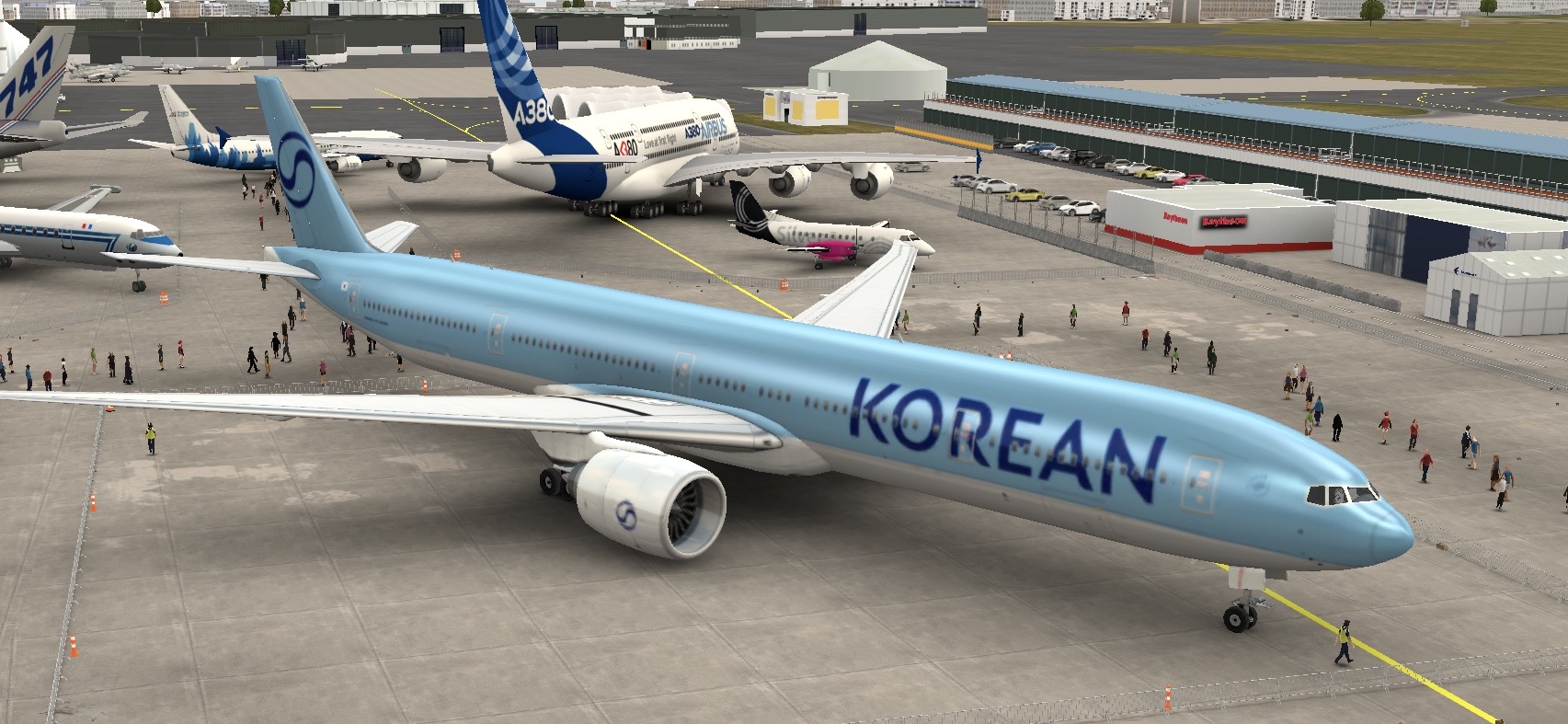
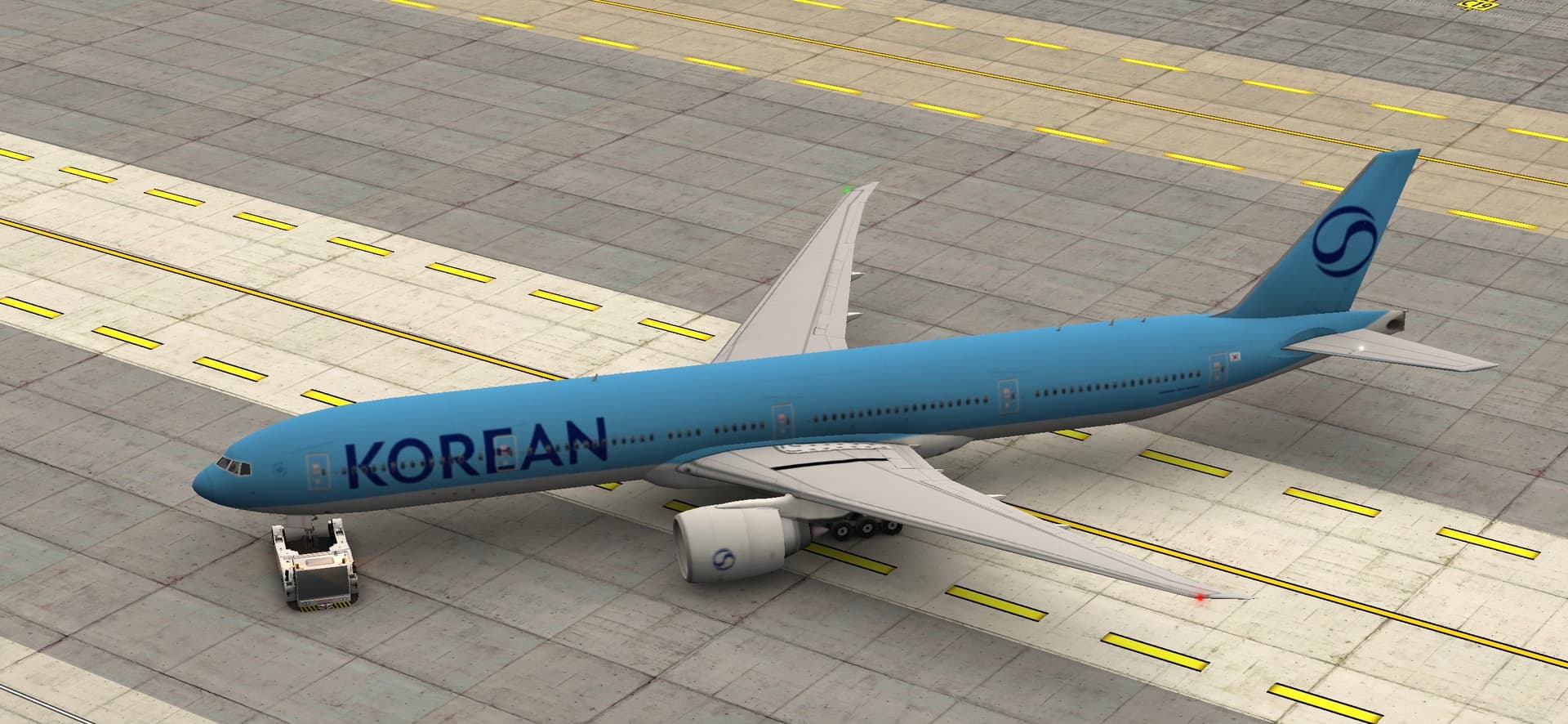
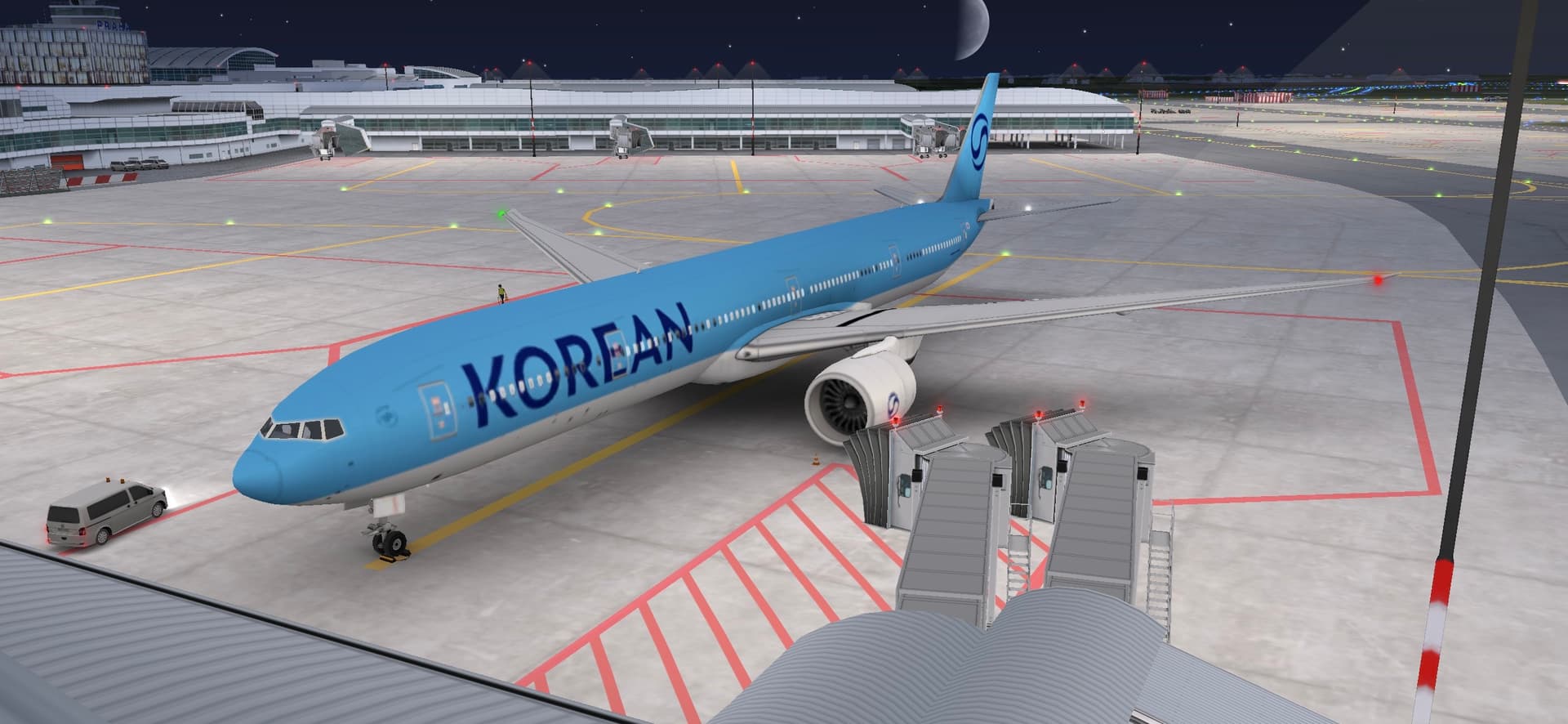
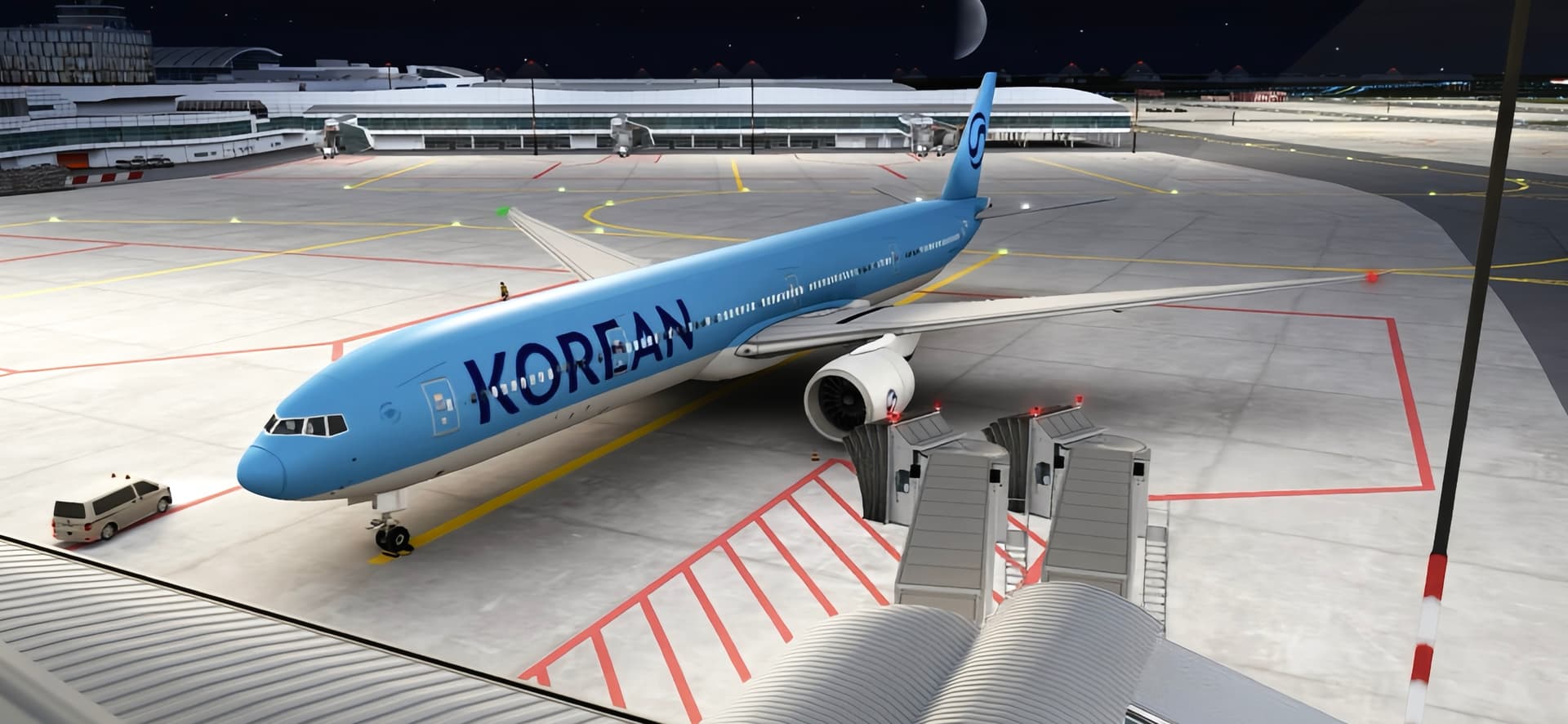
For example, in WoApedia, Hangar, and Fly View, airplanes look noticeably better: reflections, lighting, and surface gloss are visible. However, during gameplay at the airport, everything looks more matte and smoothed. It would be great if such visual detail could also be available while playing in airports.

How would it work in the game?
We could add a separate button, for example, “Advanced Graphics,” next to the current settings (Fast / Balanced / Pretty), where players can enable additional visual effects — reflections, lighting, texture details, etc.
These options could be turned on manually depending on the device’s performance, so it won’t affect gameplay on lower-end phones.
Why is this a good idea?
It would enhance realism and make airport visuals more consistent with other modes (WoApedia, Hangar, Fly View).
Owners of high-end devices could enjoy more beautiful graphics, while others could maintain optimal performance. This would improve the overall visual experience and give players more flexibility in customizing graphics.
Note: This suggestion is based on features that are already present in other parts of the game.
It also takes into account the performance of different devices, so these would be additional graphics settings rather than a complete overhaul.
Optional: Image or reference
Hangar
Fly View
WoApedia
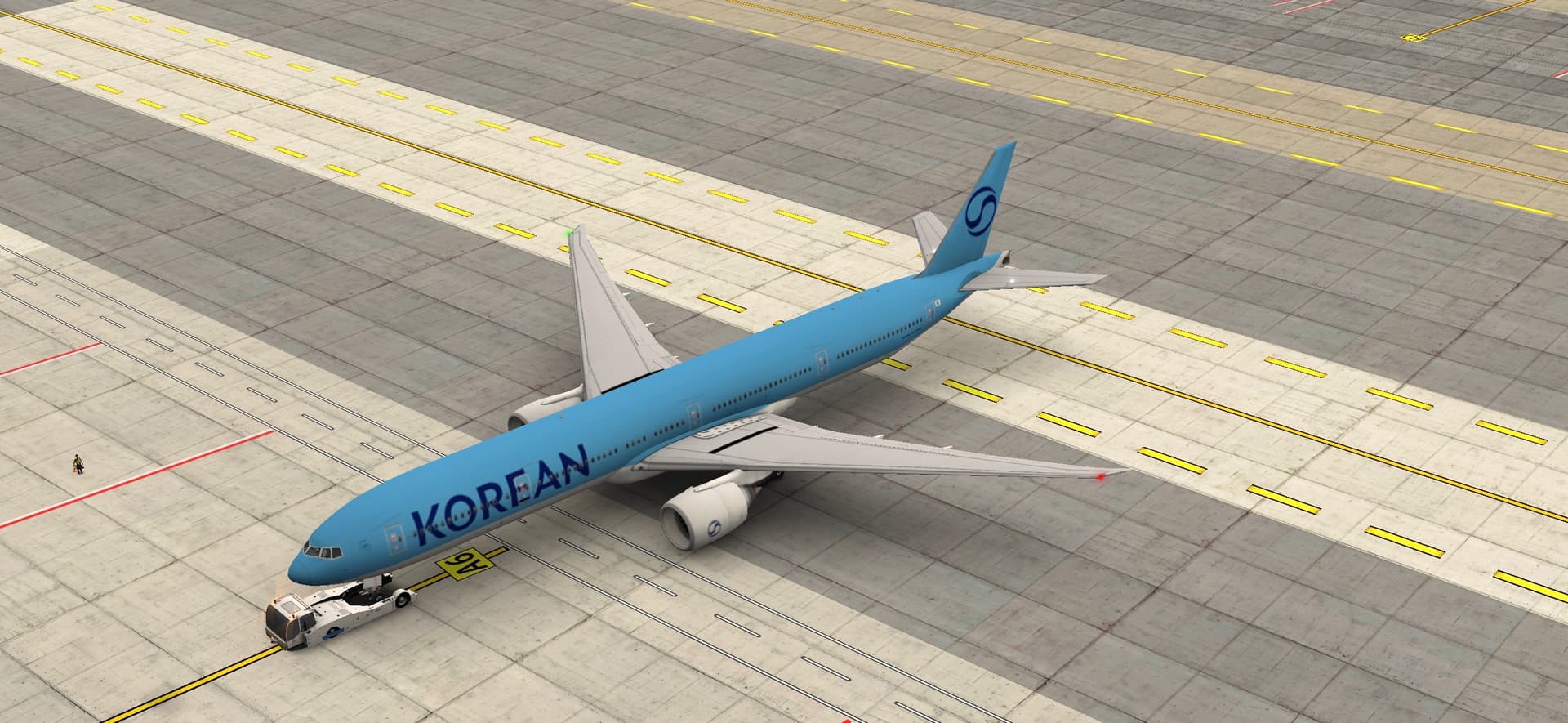
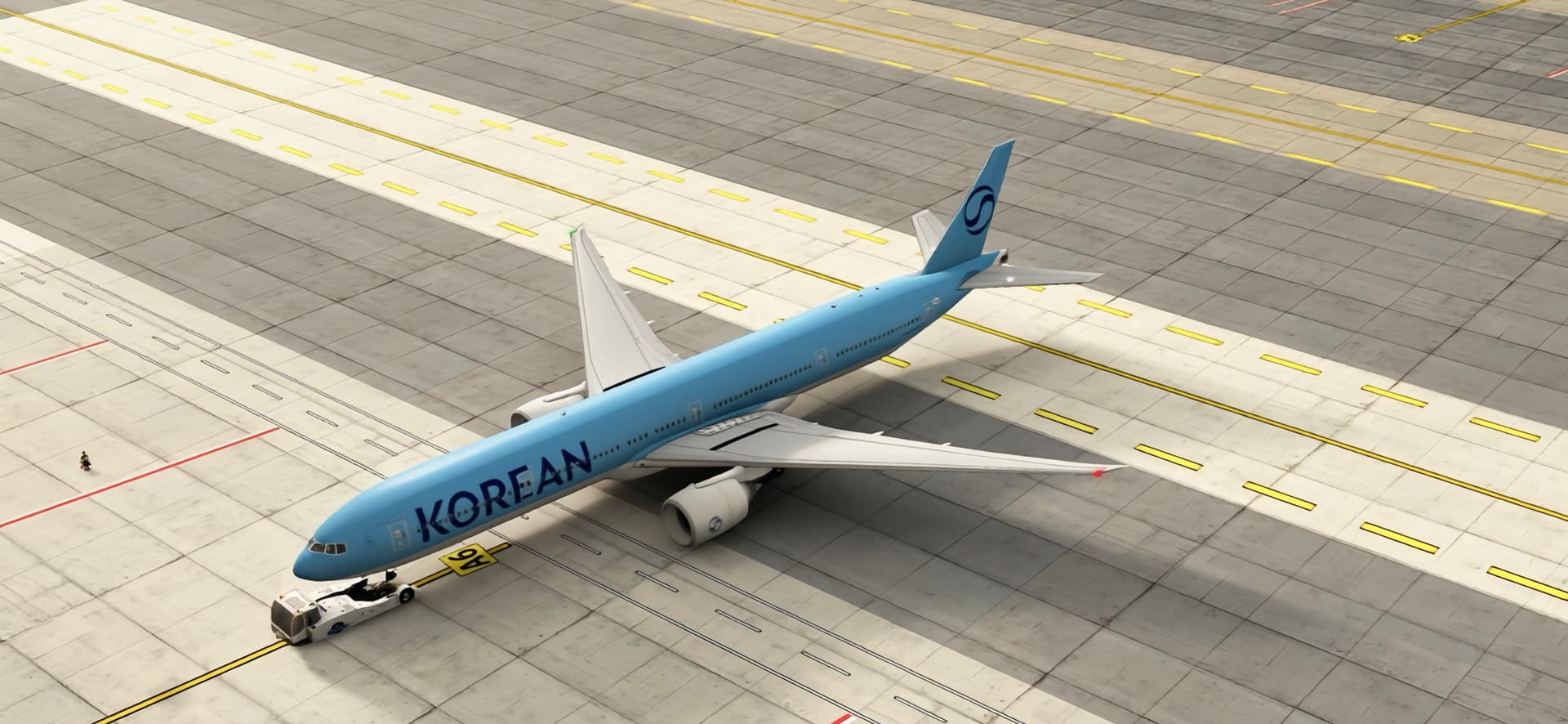
As an example, I’m using the new Korean Air livery to show how this could look in practice.
In the game and in WoApedia currently
How it would look with the same level of detail
 . I’d love to see better graphics though.
