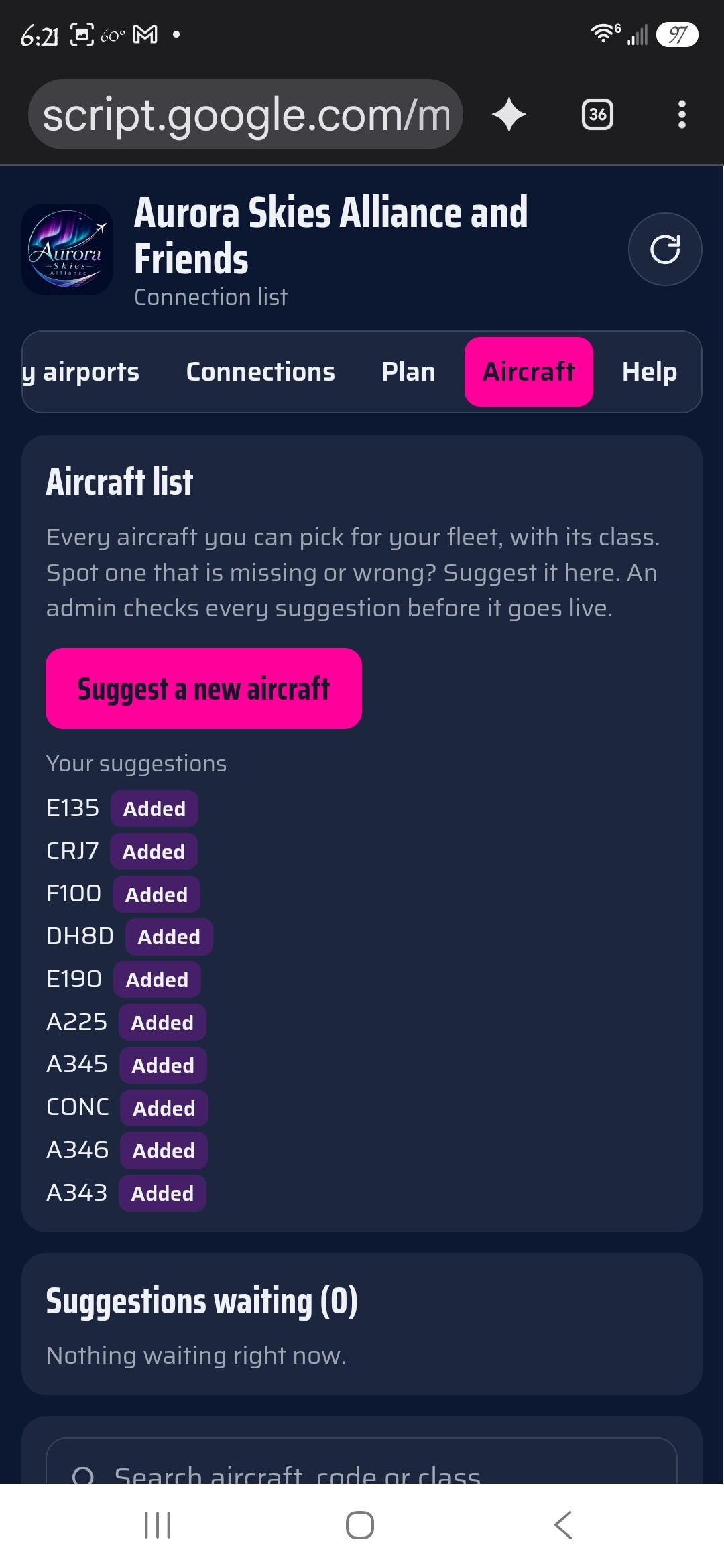
Our alliance (Aurora Skies, 24 airlines) used to run everything off a pinned
message in our group chat. Who’s got which airport, what sizes they take, who
has a free slot. It was always out of date.So I built us a tracker on a Google Sheet. It never touches the game, everyone
types their own info in. Since September 16th:
- 180 player-to-player contracts logged, around 300 aircraft
- 54 of those with players outside our alliance
- About 100 airports listed across all 18 playable airports
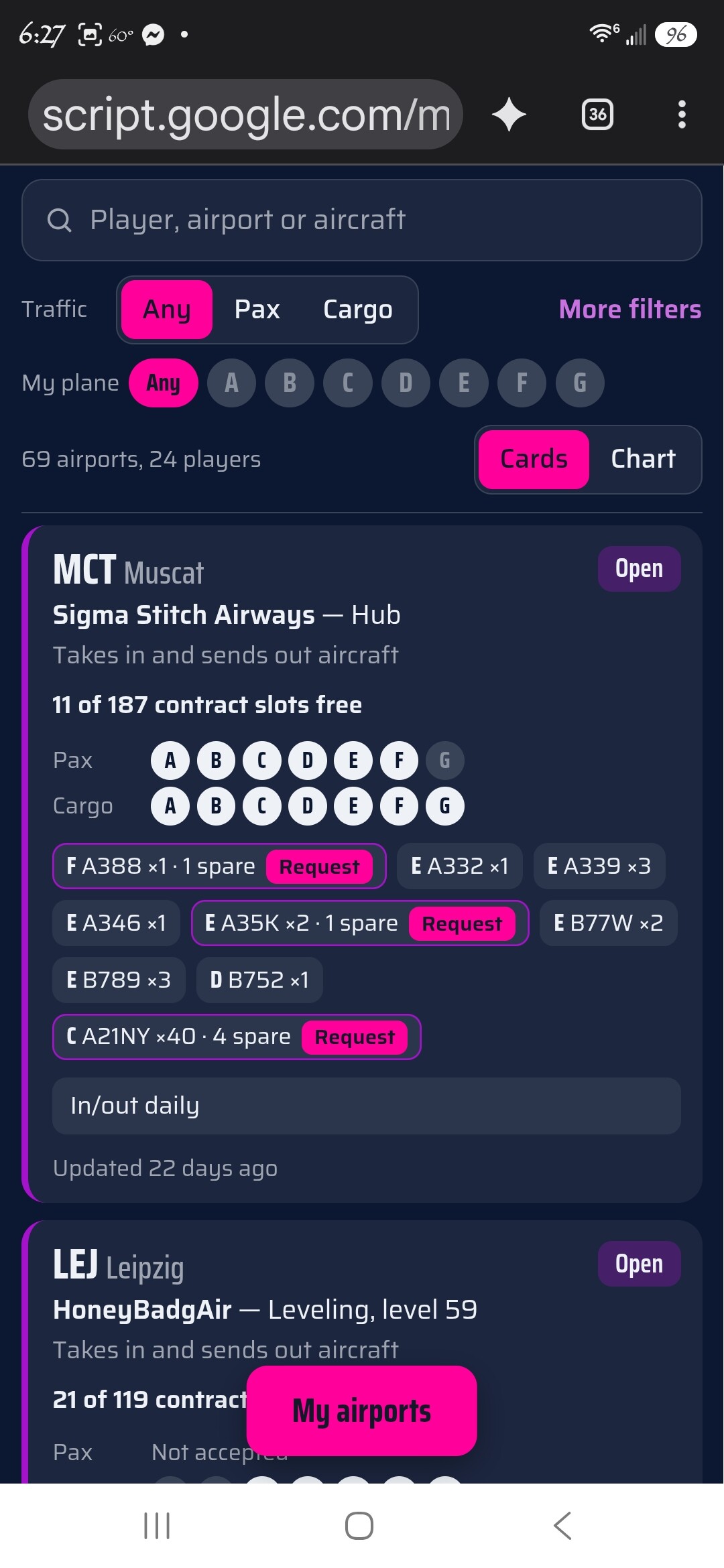
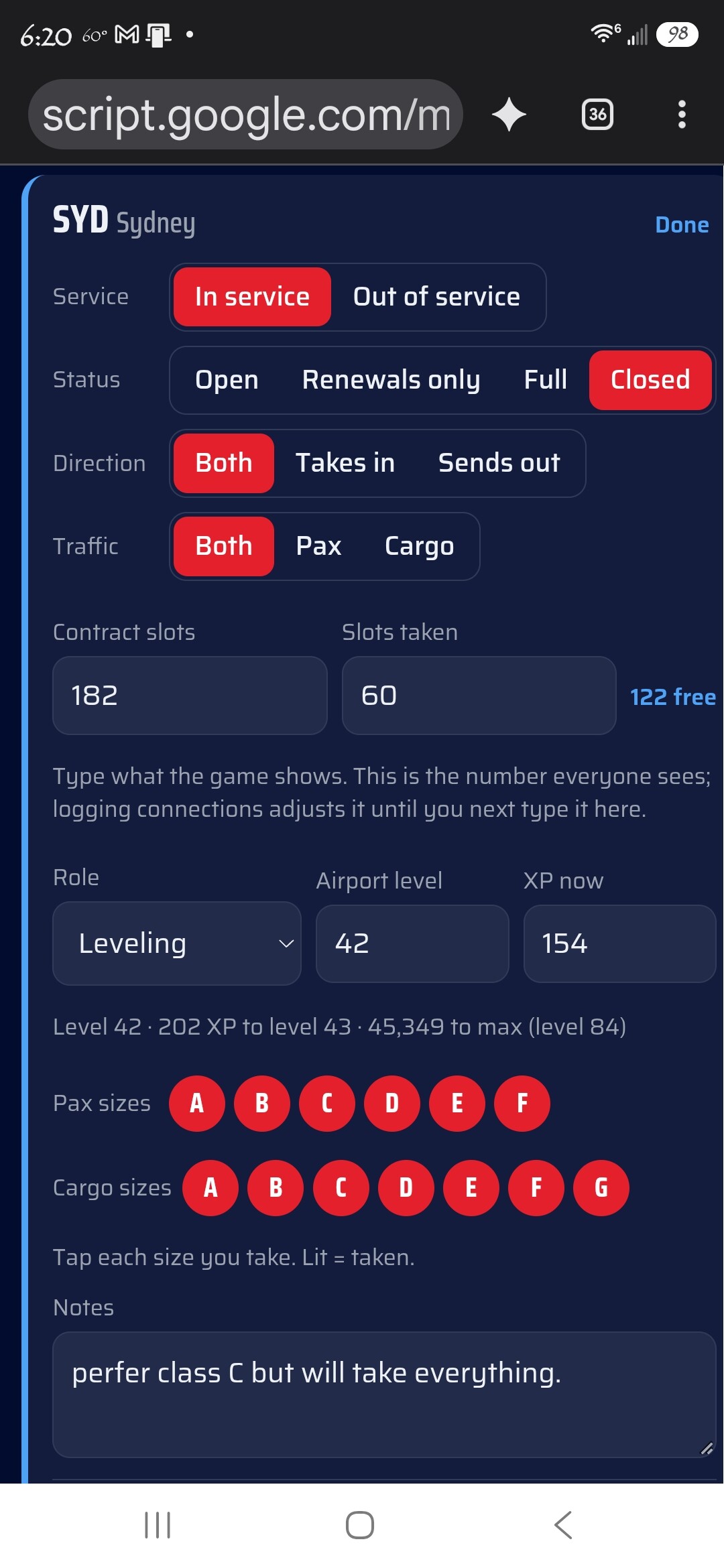
What our members actually use:
- Exact sizes an airport takes (C, E and F only, not “up to F”)
- Airport status: Open, Renewals only, Full, Closed
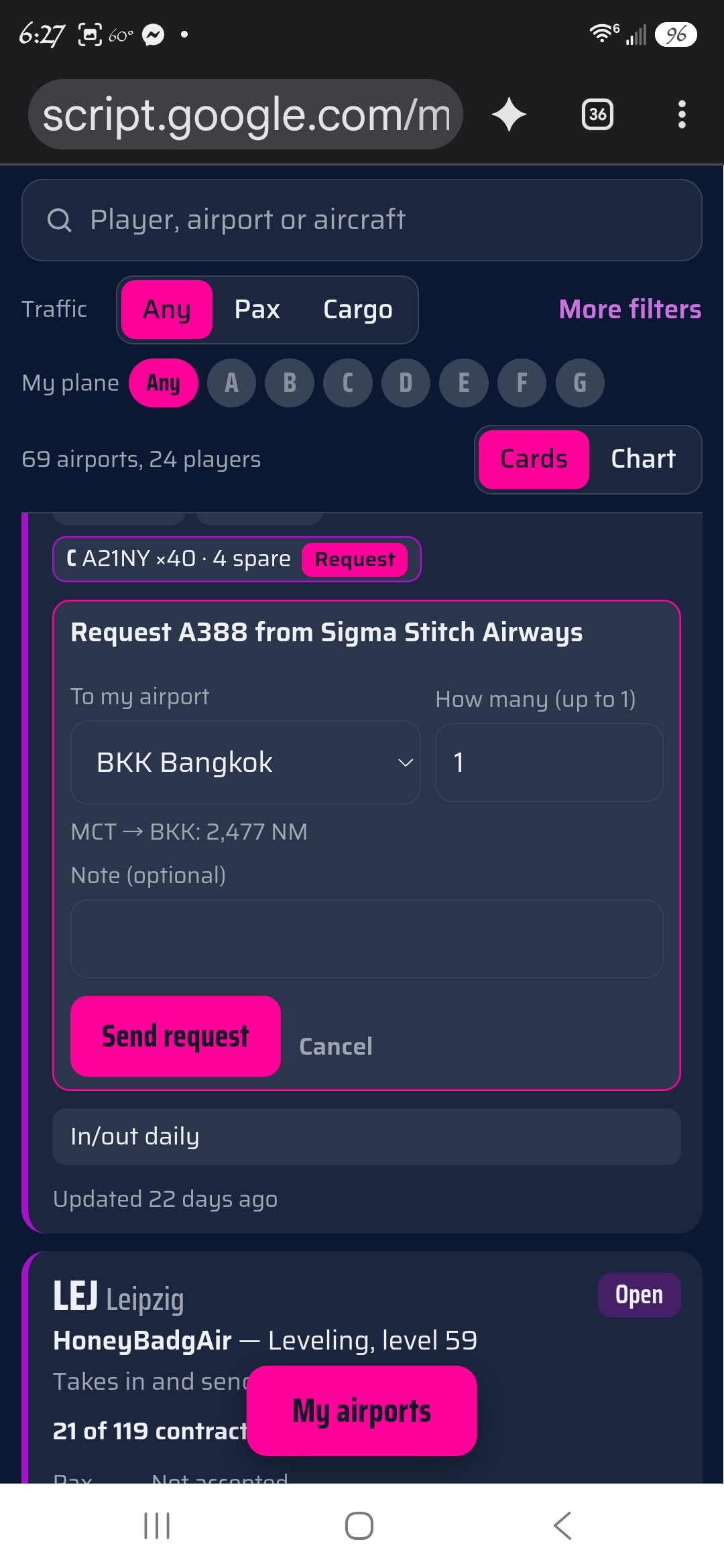
- Fleet with spare aircraft, and a Request button to ask for one
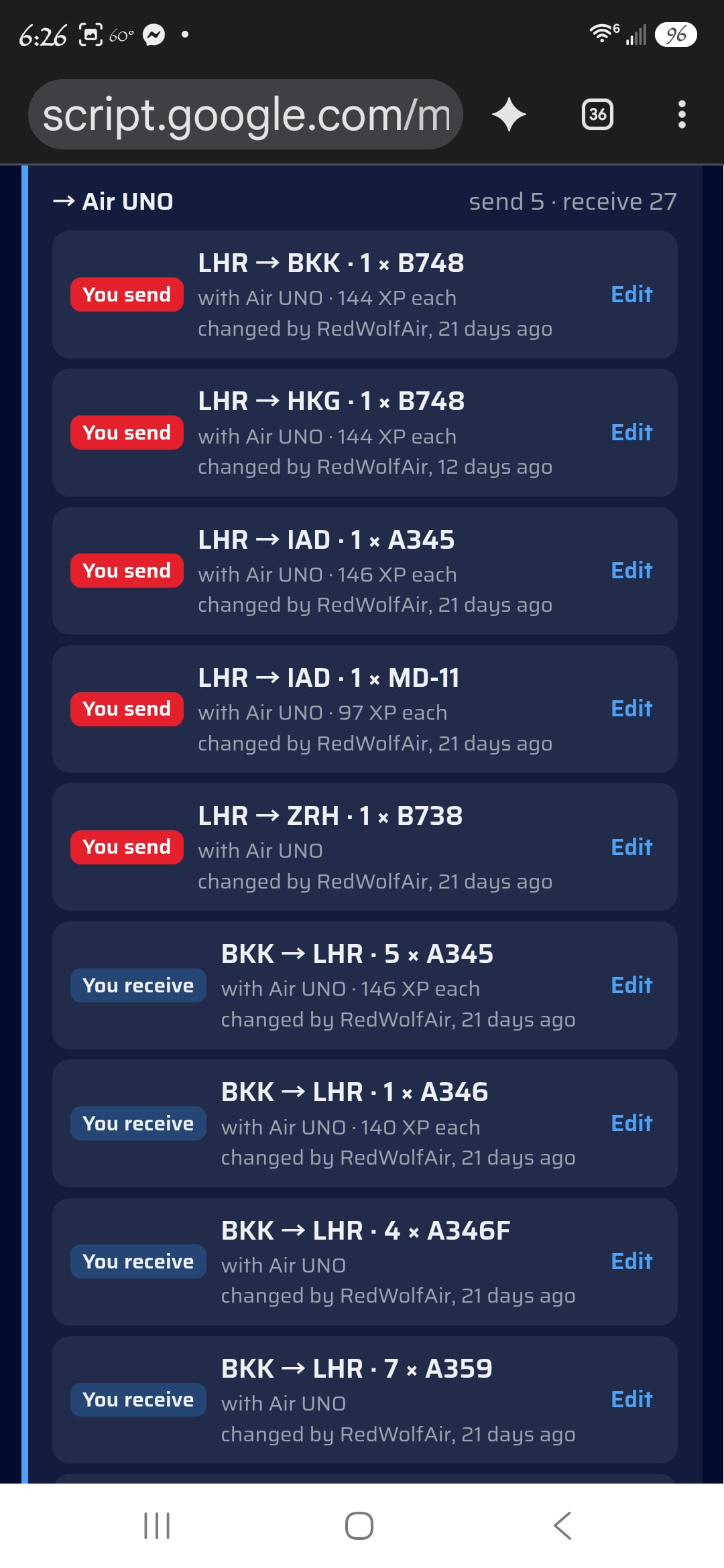
- A contract log both players see, so you only log it once
- A range check with real distances before you ask for a plane
- Airport level and XP, and which contracts to keep or let run out to level up
The big lesson: typing it all in by hand is the weak spot. Three of us logged
96% of the contracts. Info goes stale fast. Inside the game, all of that would
already be there, which is why I think this belongs in the game.So, how does your alliance handle this now? Spreadsheet, Discord, pinned post,
memory? And which of these would you want most if alliances come to the game?Which alliance features would you use? (pick up to 3)
- Exact aircraft sizes per airport
- Airport status (Open / Renewals only / Full)
- See members’ spare aircraft and request one
- Contract log both players can see
- Range check before requesting
- Airport level / XP planning
0 voters
Richard – RedWolfAir