Title Format (required):
Start your topic title with a relevant prefix.
Accepted prefixes:
- UI – for user interface suggestions
- ATC – for aircraft control and movement features
- Economy – for changes to income, payouts, or cost structures
- Cargo – for anything related to cargo operations
- Multiplayer – for co-op, competitive, or social features
- Other – for anything not covered by the above (e.g. tutorials, accessibility, languages)
What is your suggestion?
Add optional manual controls in WoApedia for changing the time of day and weather conditions while viewing aircraft models/previews. This would let players dynamically adjust lighting, shadows, reflections, nav/strobe lights behavior, rain effects, etc., on any selected plane/livery/variant—similar to the existing time offset slider (±13h) and weather icons now available in the main airport UI (introduced in v3.4.0).
How would it work in the game?
- In the WoApedia screen (aircraft detail view), add small, non-intrusive controls near the existing camera orbit/zoom tools:
- A time slider (e.g., ±13h offset style, or full 24-hour cycle) to shift from dawn to dusk/night.
- Weather selector icons/buttons (clear, cloudy, rain, fog, etc.—matching the airport weather picker, excluding snowy if technically limited).
- A “Reset to default” button to return to the current/neutral daytime conditions in WoApedia.
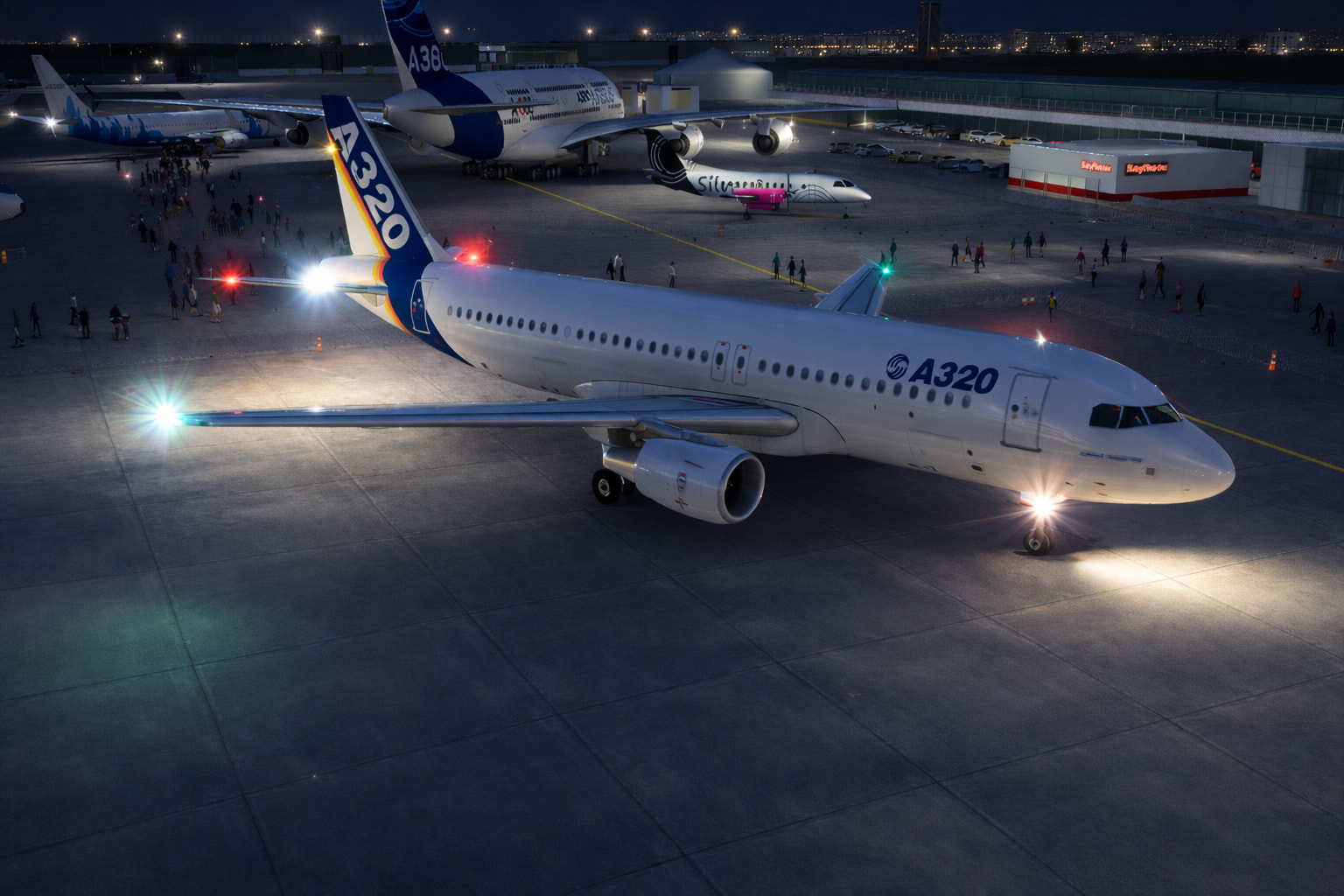
- The scene would change not automatically, but solely at the user’s discretion; users could change sunlight angles for golden-hour shines on liveries, night ops with glowing nav lights, perhaps logo lights illuminated, flashing strobes on wings, pulsing/flashing red beacons, illuminated taxiway lights, etc.; wet reflections on rain-slicked fuselages, subtle fog diffusion, etc.
- Lights behave as per current in-game logic—no separate on/off controls needed.
- No impact on actual gameplay—purely cosmetic/preview-only in WoApedia (like the current outdoor tarmac/museum-style showcase at the Le Bourget-inspired scene).
- Optional toggle in settings to enable/disable these controls if performance is a concern on lower-end devices.
Why is this a good idea?
- Fun factor & immersion — WoApedia is basically an in-game plane spotter’s dream/airshow. Seeing a rare livery (e.g., a special event one or your favorite airline) in dramatic sunset lighting, rainy reflections, or nighttime beacon glow makes collecting and browsing way more exciting and shareable (great for screenshots/videos).
- Realism boost — Aircraft look dramatically different in real life depending on time/weather; this adds that aviation authenticity without changing core mechanics.
- Builds on existing features — Leverages the new v3.4.0 time/weather system already in the game, so implementation should be relatively straightforward (shared rendering tech).
- Community win — Enhances the “plane nerd” side of WoA that many players love, encouraging more engagement with WoApedia checklists and forum sharing.
Optional: Image or reference
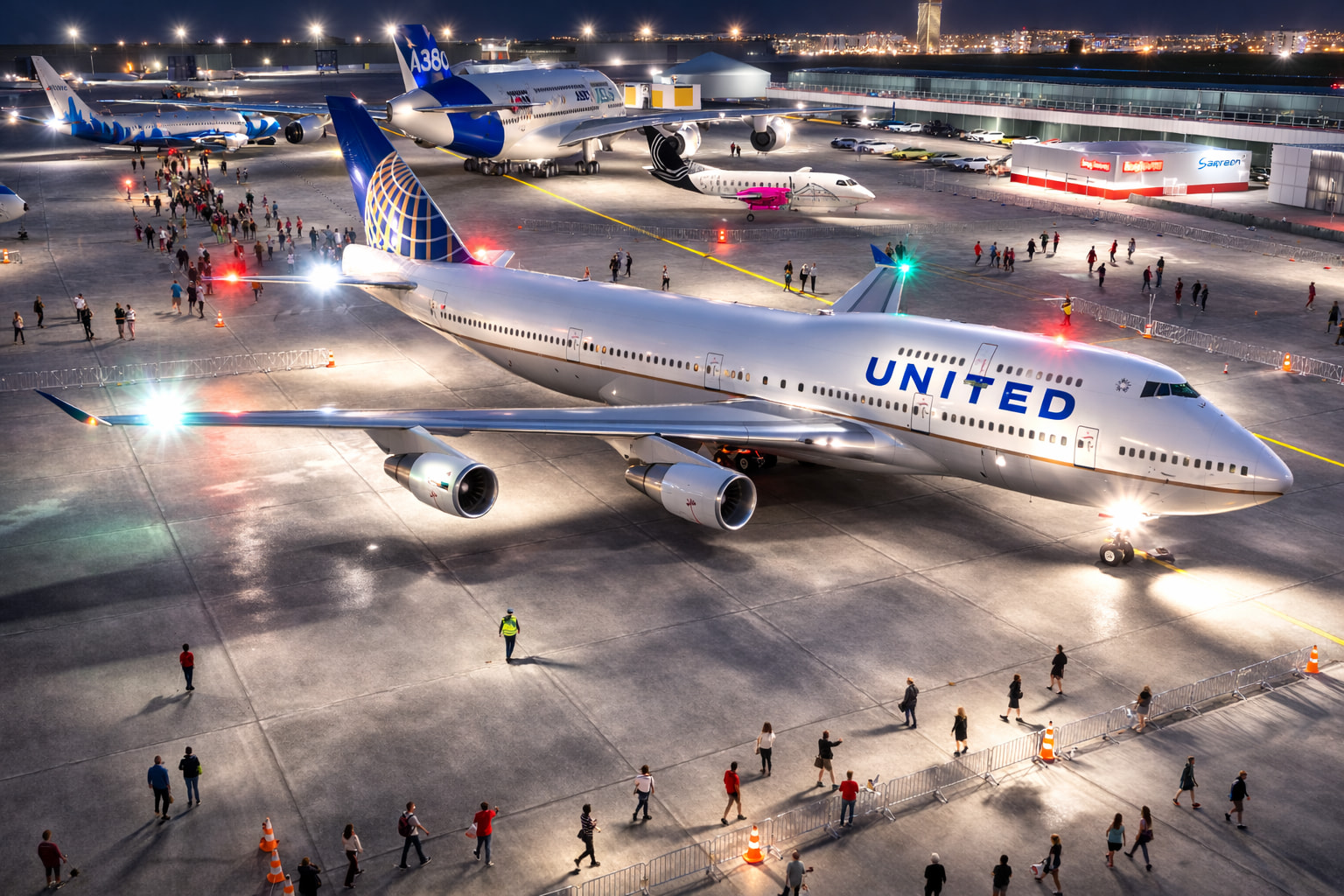
A rougher, brighter, AI-generated rendering of a United 747 in WoApedia at night (the tail of the A380 is cut off…)