Oh ok great… yeah the option to do both would be fantastic for different situations. Thanks.
1 Like
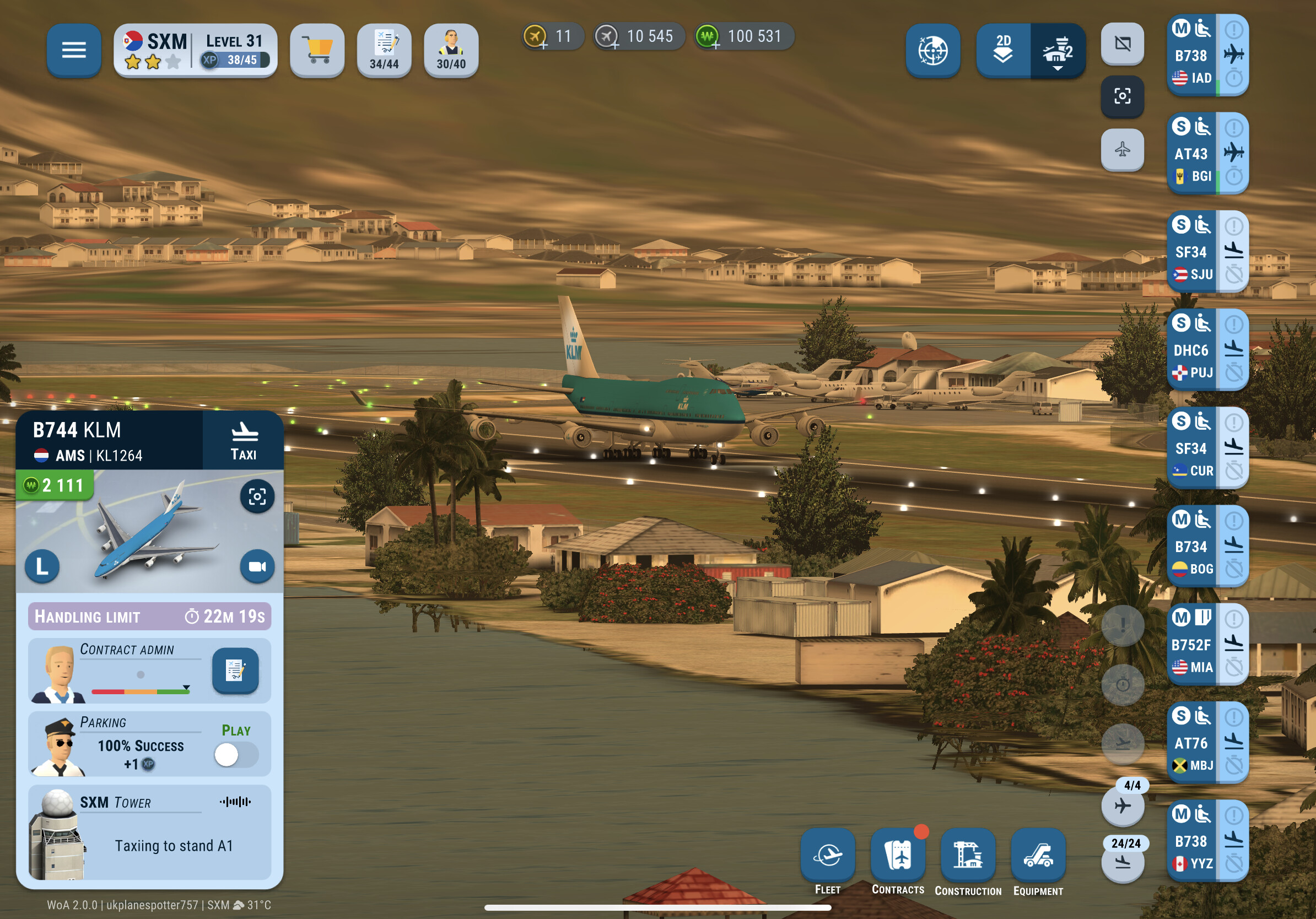
At SXM a DHC6 arriving at the stand could not be serviced. The info panel got stuck on displaying “Taxiing to stand C11”. After game restart the services were provided and handled normally.
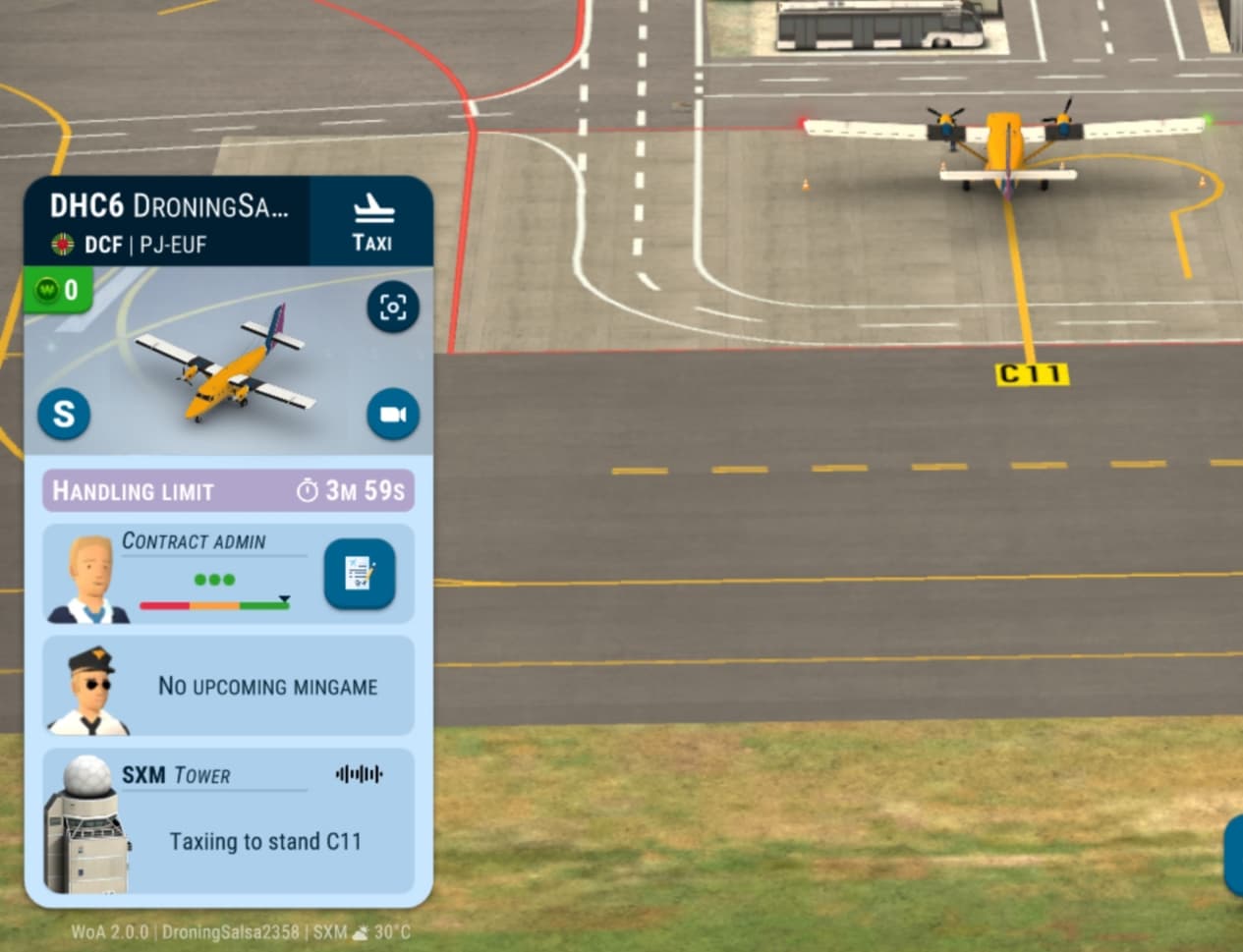
Plane gets marshalled in but no chocks or handling start (been like that for 10 mins) sorts out after game restart
1 Like
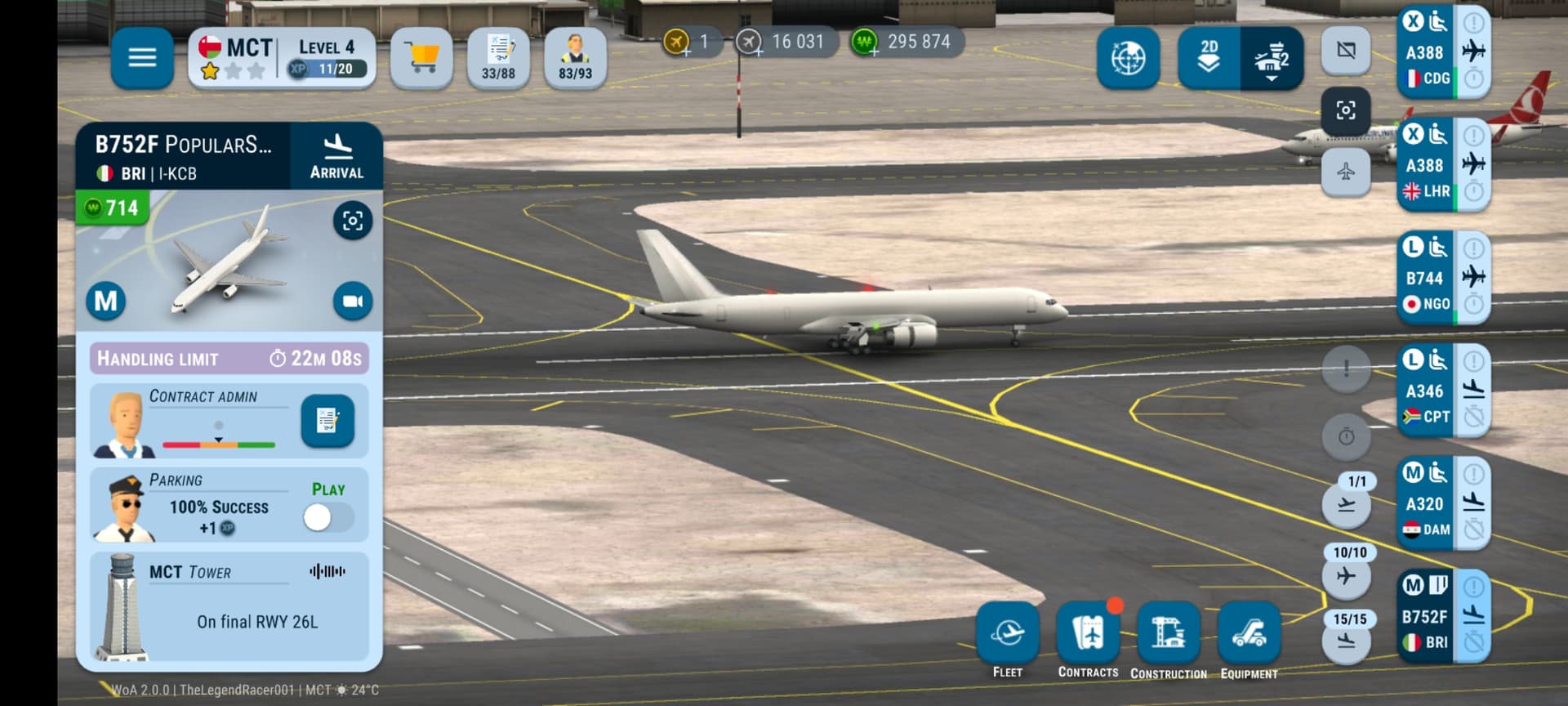
Hey so heres a major bug at MCT.
.
As you can see here…this aircraft is landing on runway 26L which is the landing runway at MCT.
.
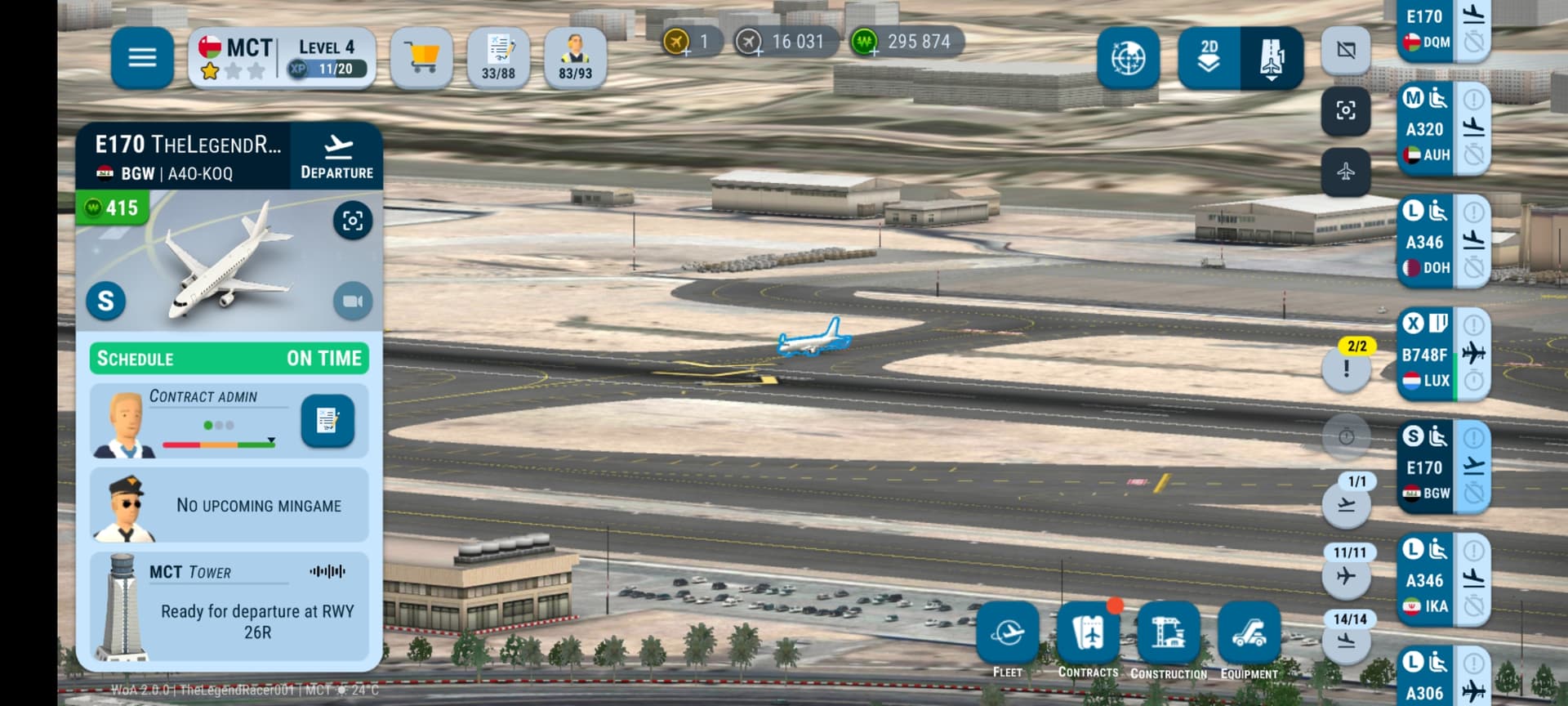
.
And this is another aircraft taking off…from the same runway. But you should look at the stats of the aircraft where it says ready for departure on runway 26R…which is the takeoff runway. So whats this aircraft doing lining up on 26L??? It should cross the runway go around the new terminal and then to 26R.
.
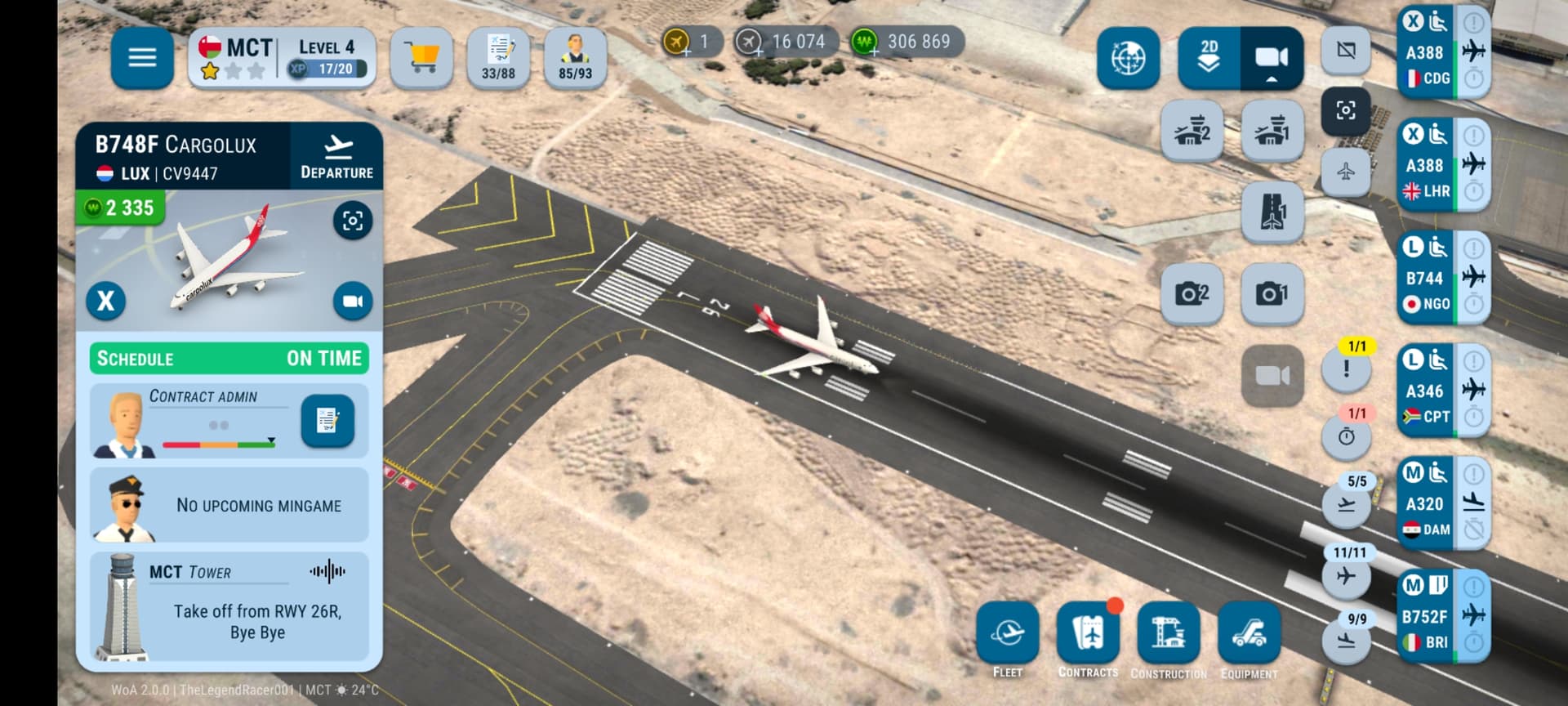
.
Heres another 747 taking off from 26L.
Note that on the runway it is written 26L while on the stats it says that its taking off from 26R…
PLEASE FIX THIS BUG.
2 Likes
 except at LEJ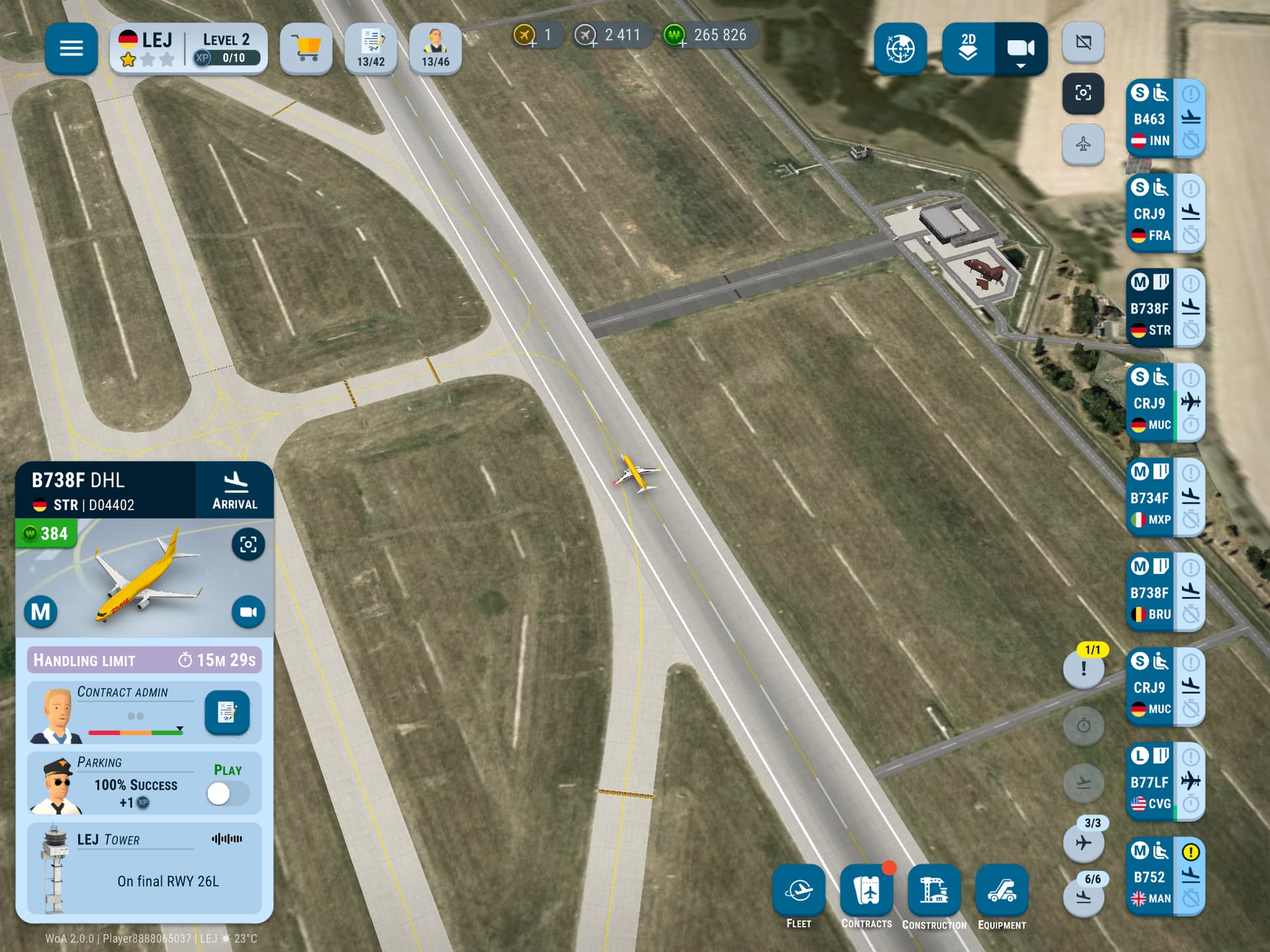
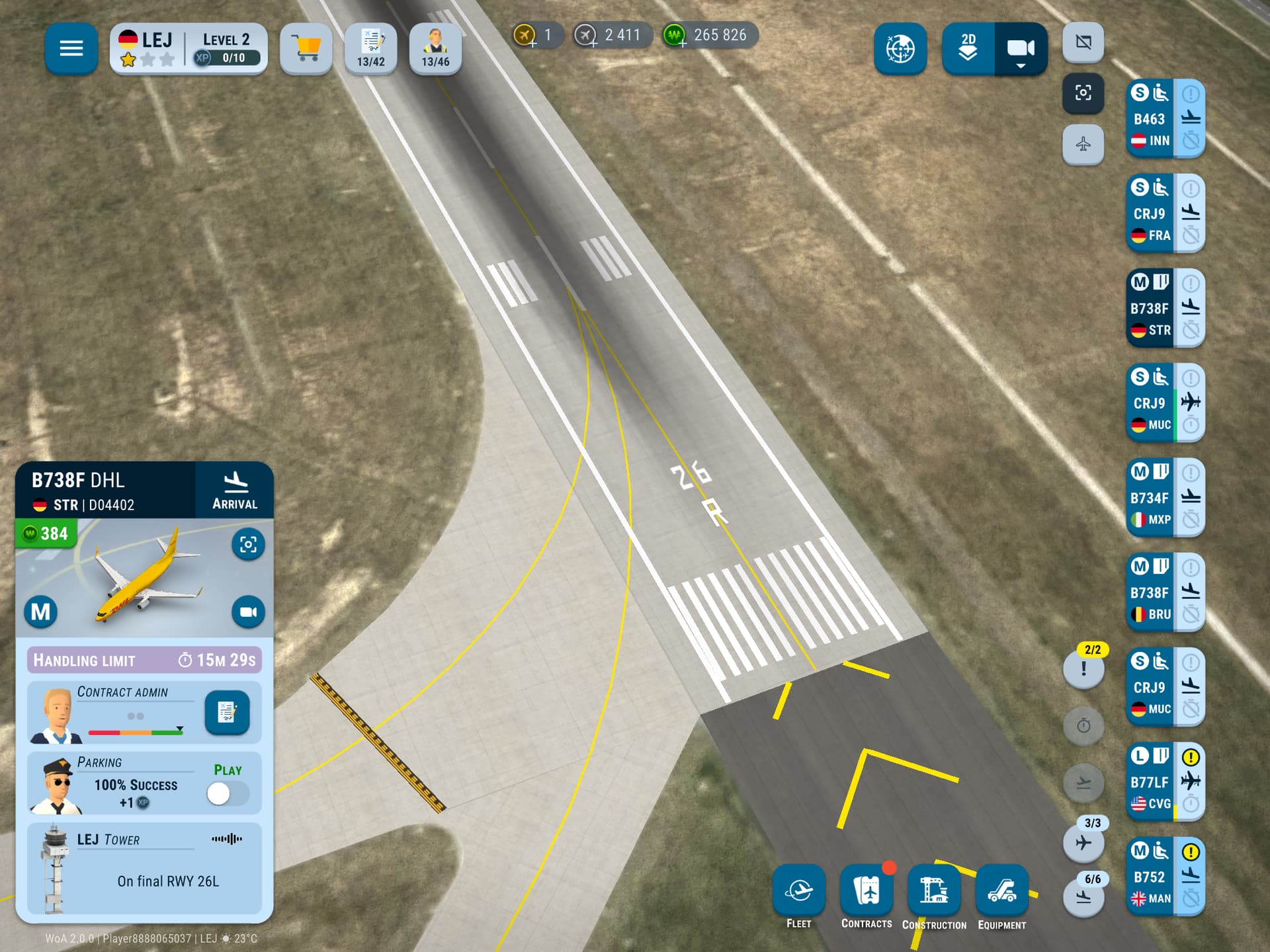
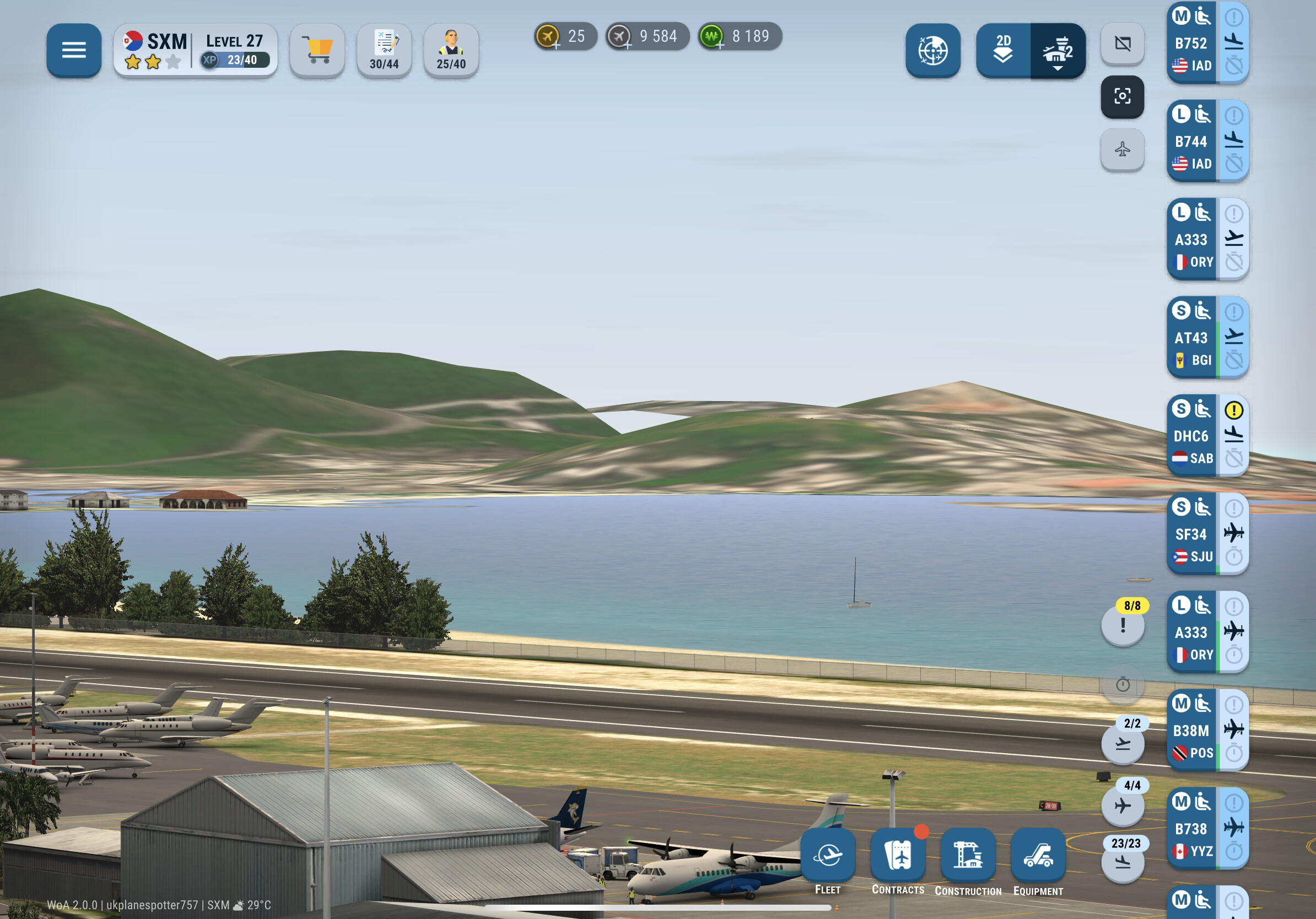
Seems to be a portion of scenery missing at SXM, leaving a gap when you look from one of the Tower cams
1 Like
I do not believe this is actually a bug, but a change made by the devs. I also believe they are aware and may make changes in a future update but that’s not been confirmed yet
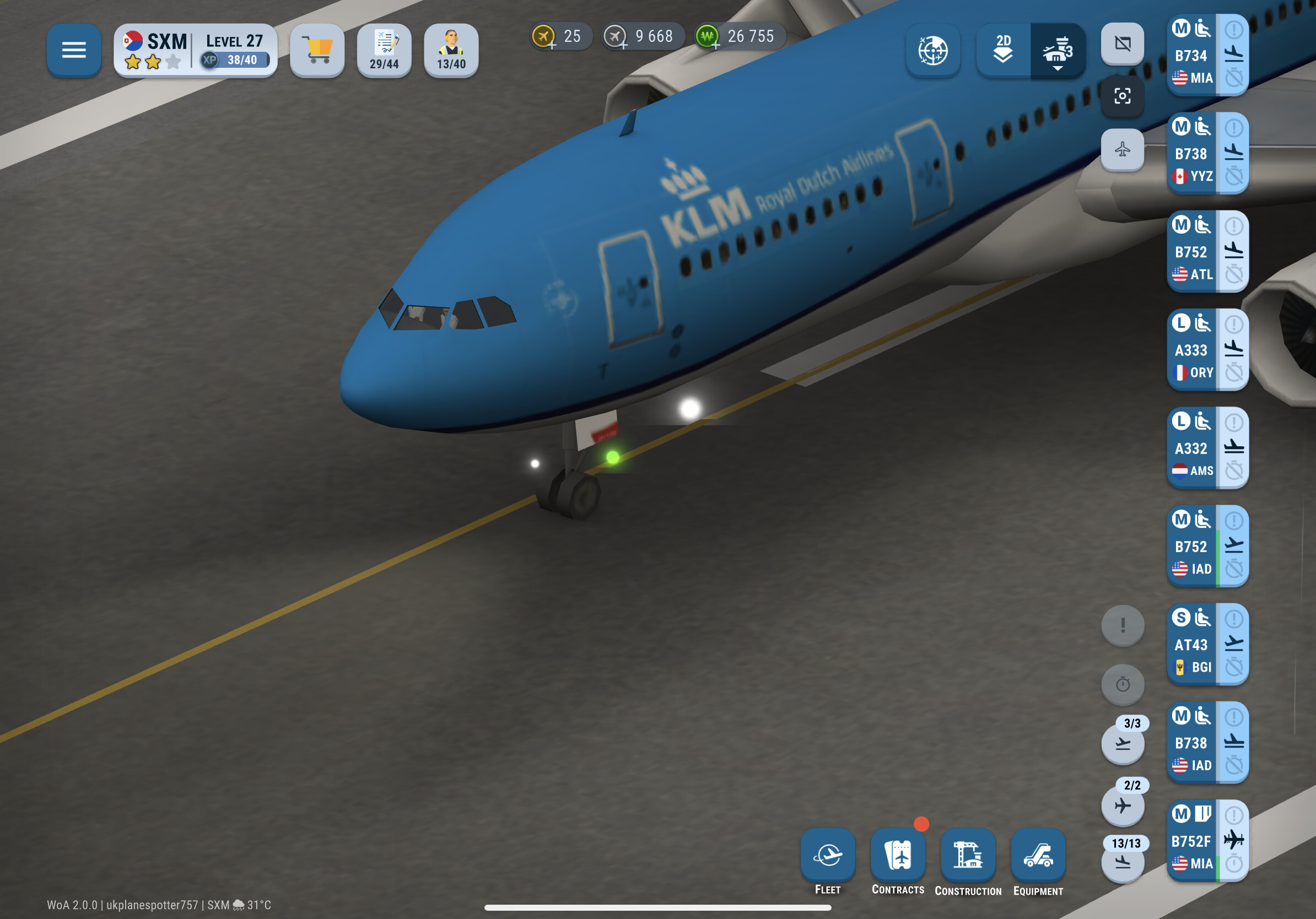
Not sure if this bug is new or has been a thing since the A330 was released, but the light on the nose gear seems to float just ahead of it (seen on the A332, the A333 seems to be missing that light) and then on the A333 when you zoom out, there is a white light which floats above the aircraft.
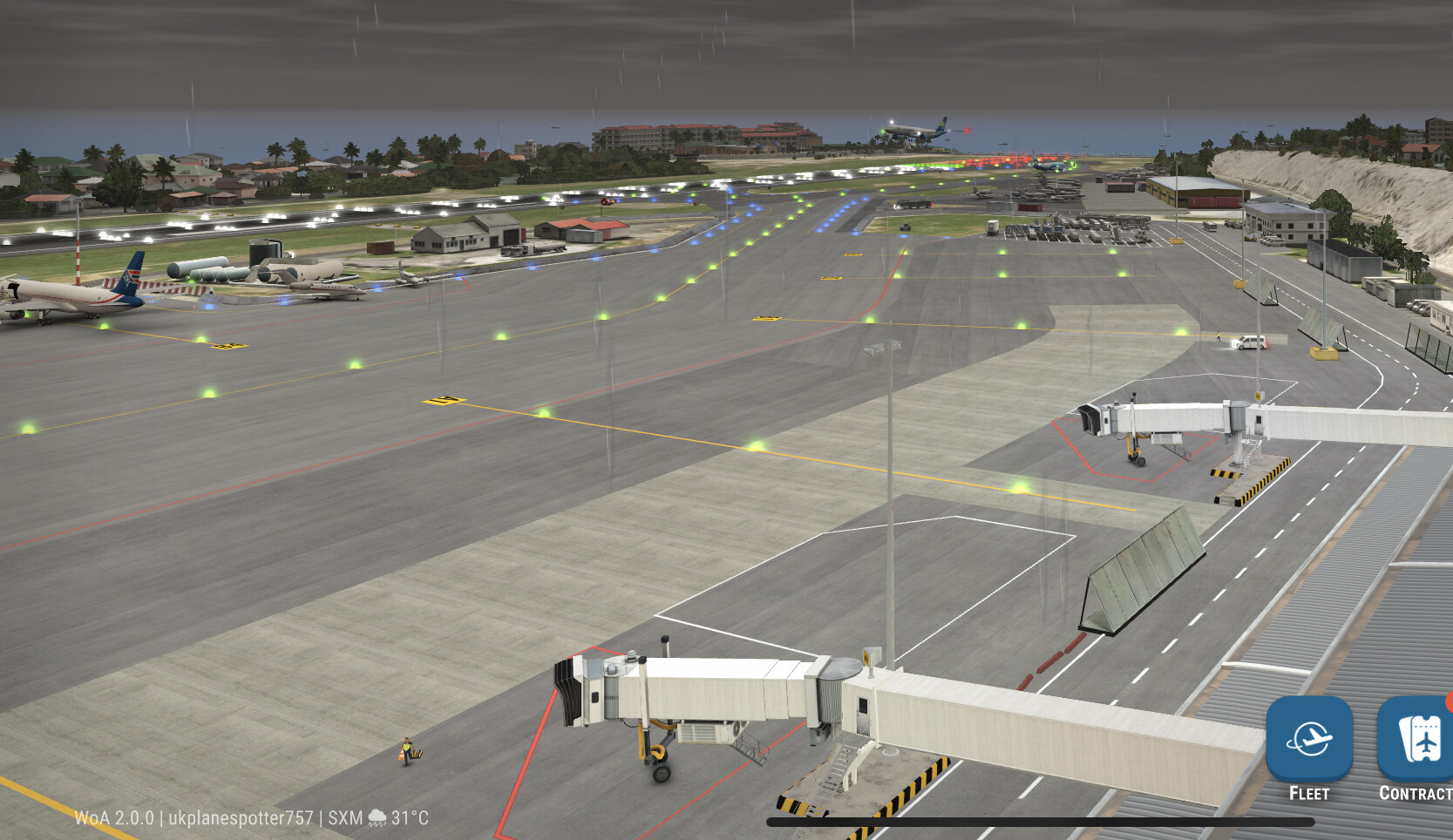
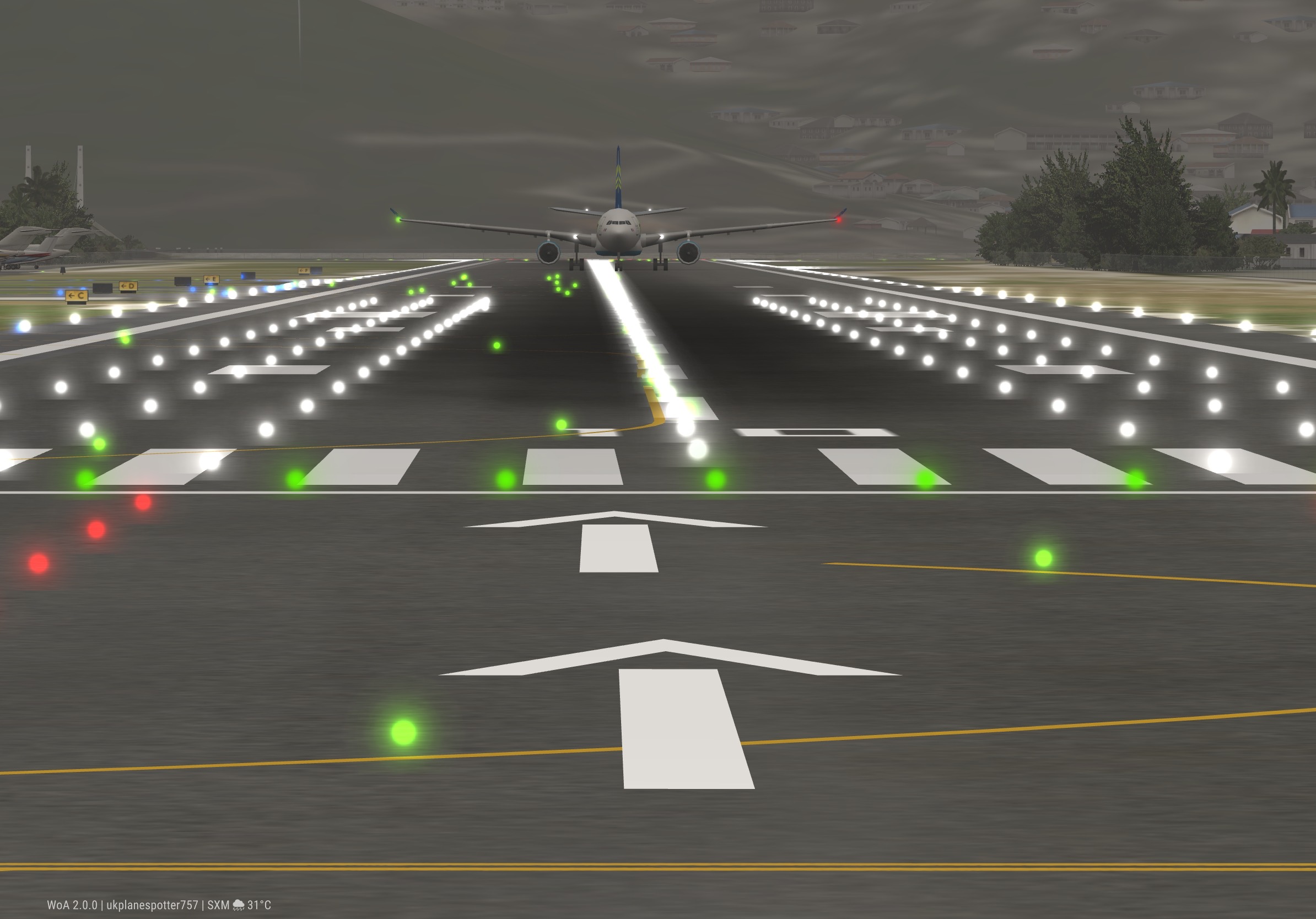
Not sure if this one contends as a bug or not, but the arrows at the end of the runway at SXM seem to be off centre.
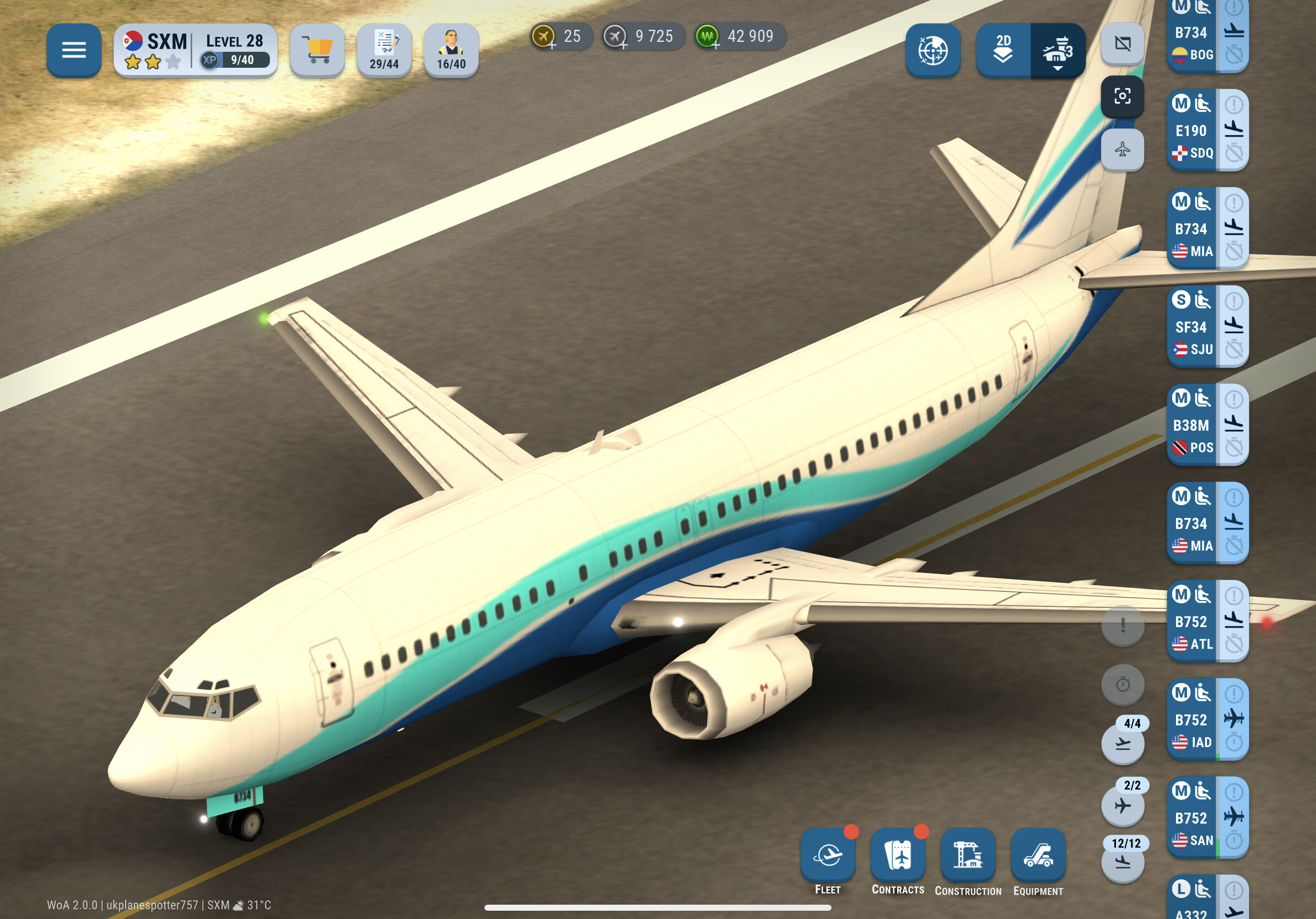
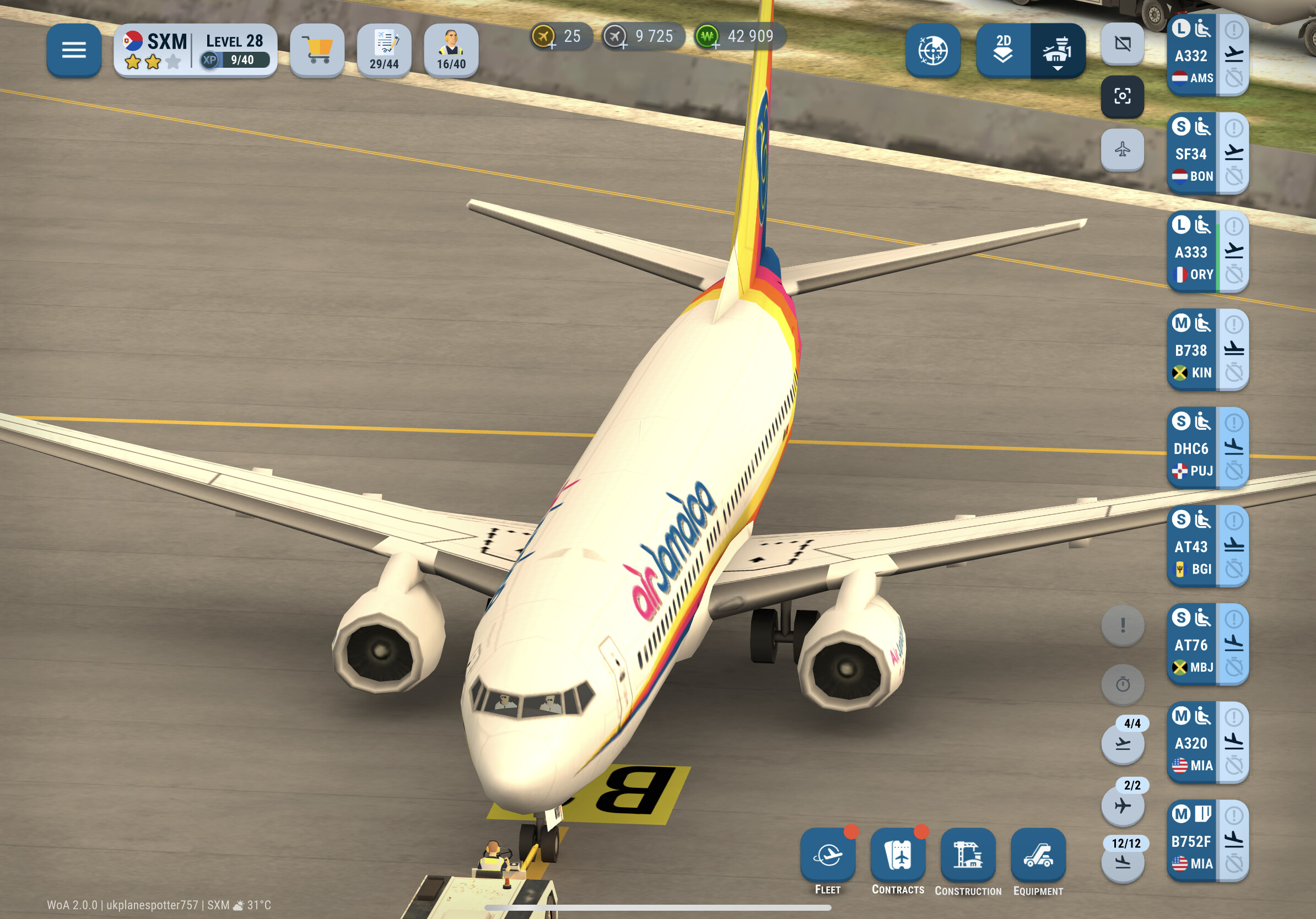
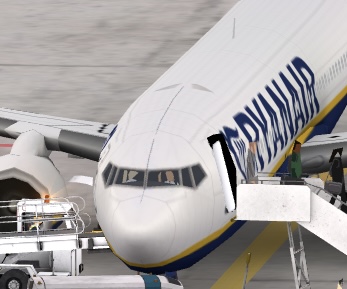
[EDIT] I’ll add these onto here instead of creating another post, but on a portion of the new liveries (M aircraft, mostly 737s), both airline and player liveries, there seems to be these markings on top of the fuselage, here a few examples.
1 Like
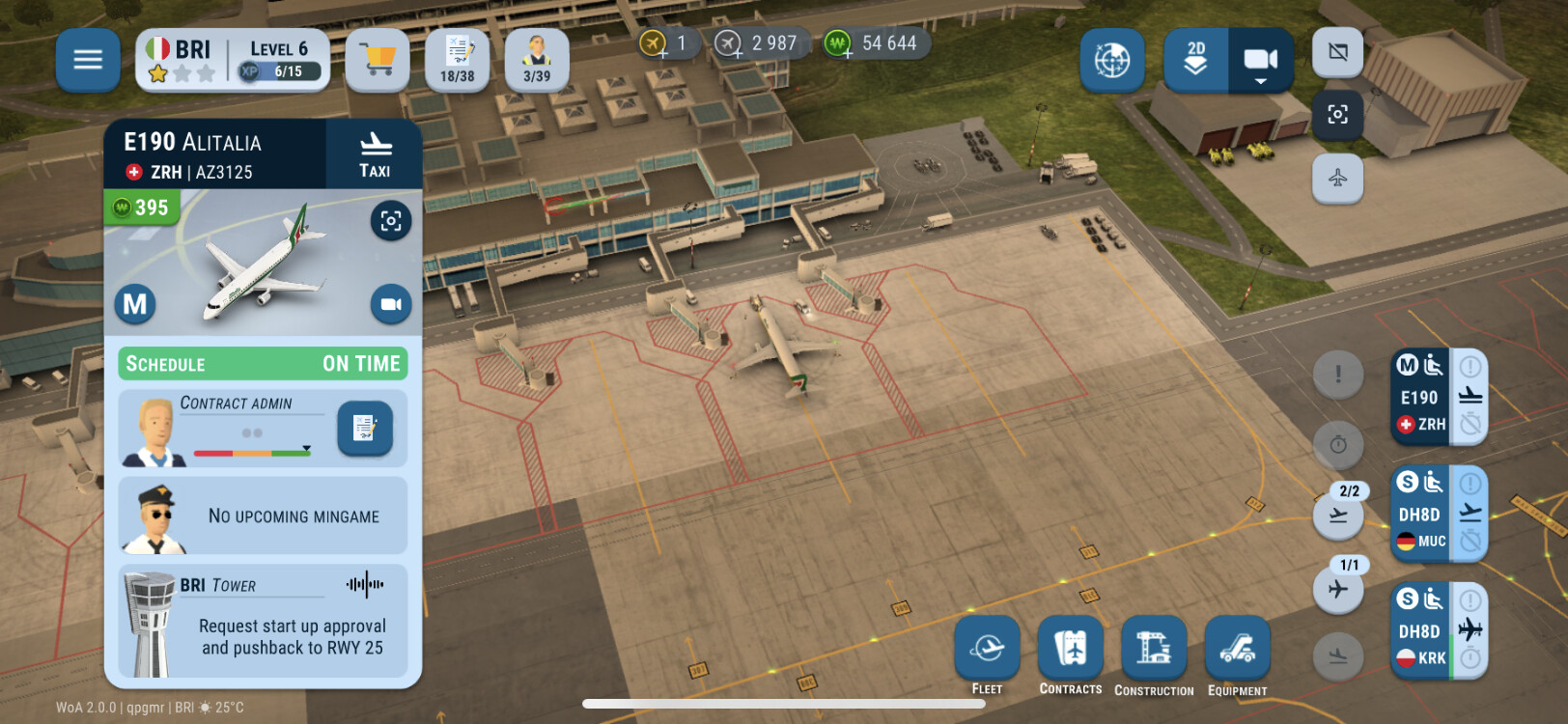
Since the update, the app is stuck on Analytics initialization for me, even after quitting out of it and waiting 10+ minutes.
Some contracts can’t claim rewards, like my A380 and my fleet can’t upgrade contracts.
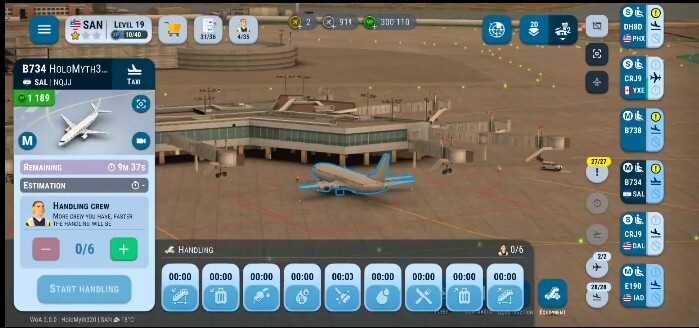
Usually It goes through Upgrade Contract But Now It’s skips To Handling
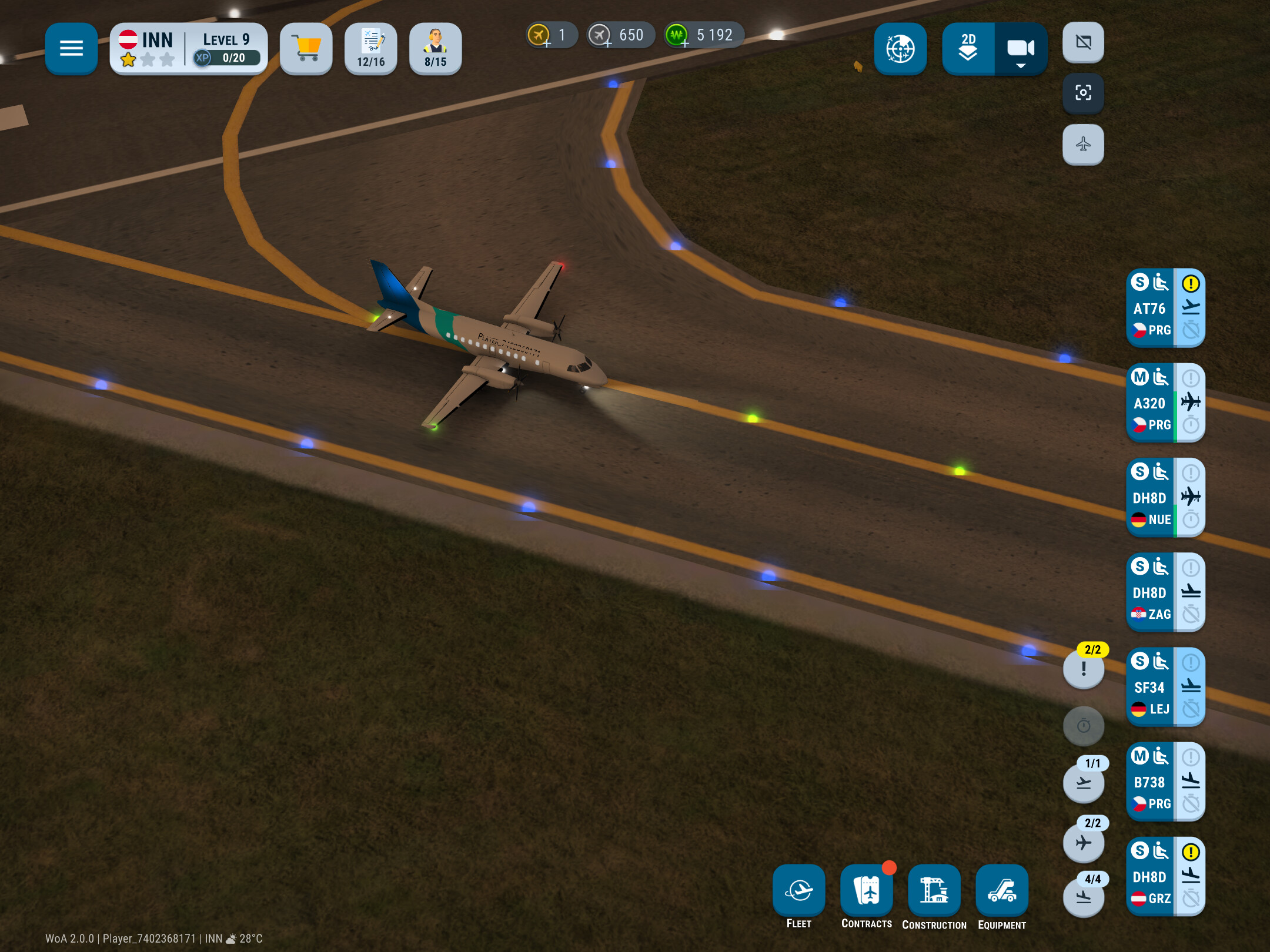
I selected an S plane queueing for takeoff. It highlighted appropriate free stands white (purchasable) and green (owned). It only happened to the one plane. See screenshot.
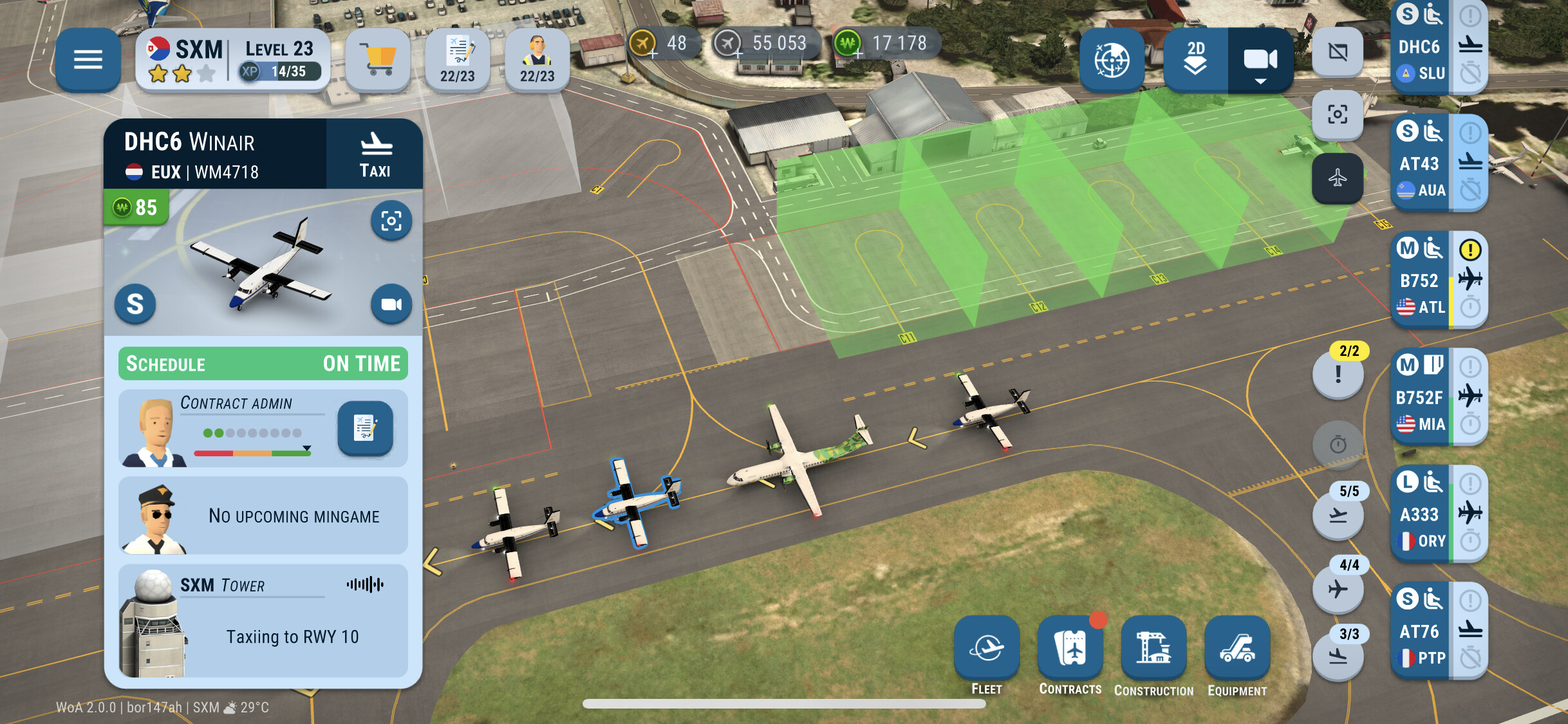
At SXM all departing planes were stuck on “Finishing handling”. The DHC6 kept telling that it is “taxiing” while it had arrived at the stand.
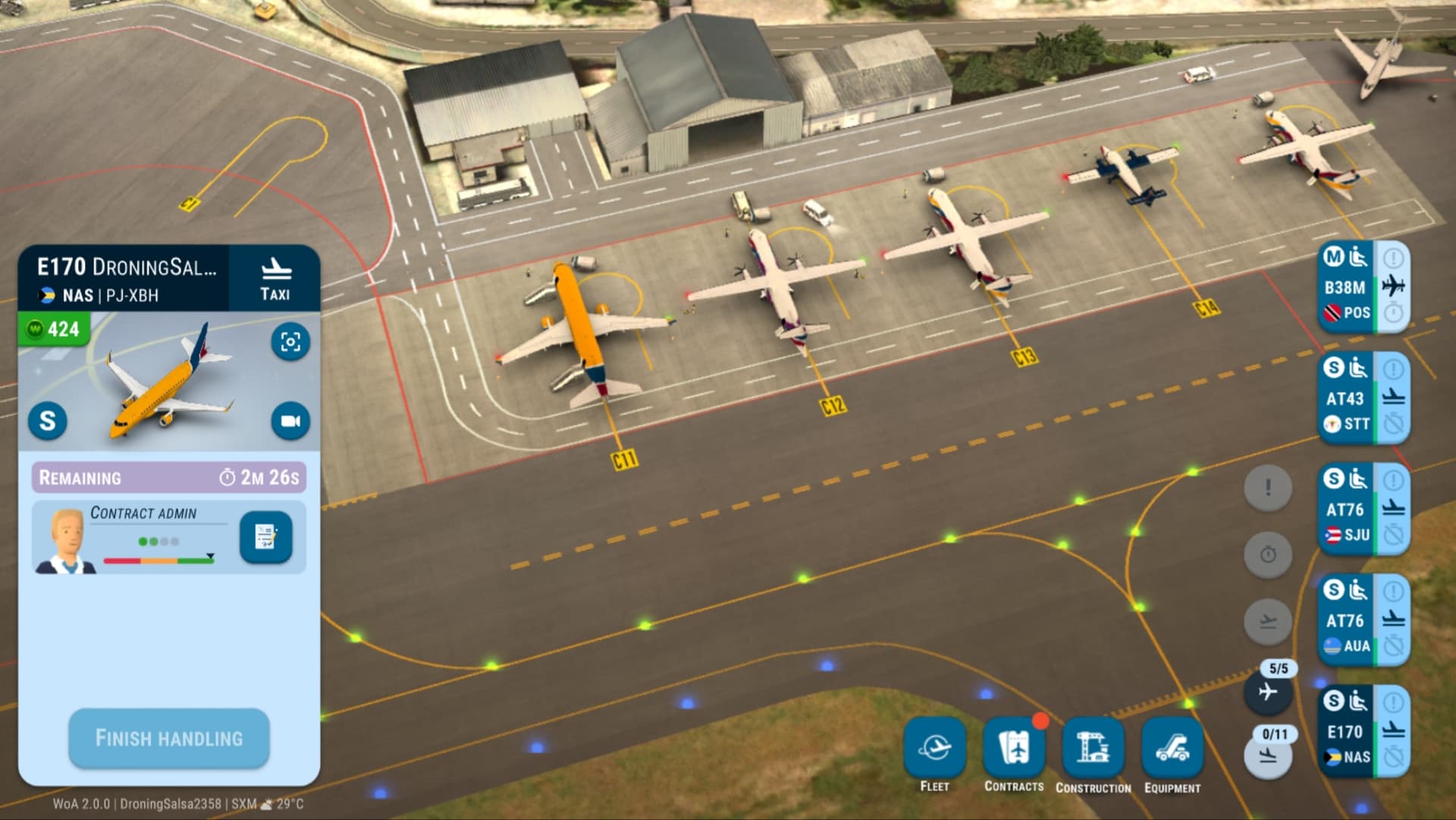
After interrupting the game and resume, all went to their required actions and the game continued.
Have any of you the same experience?
2 Likes
I’m having the same issue with my iPhone X. I’ve tried to reboot my phone and reinstall the game multiple times. I’ve tried cellular instead of WIFI and I’ve tried VPN.
None of them works.
I hope the devs can push a hotfix to address this issue soon cuz it’s blocking me from having fun with the new version.
My game crushed nearly every 2 minutes without any reason
I‘m not sure if that is the right place, but I just lost 9 golden coins because of accidentally buying extra contracts. There is no popup or whatever to confirm that you want to buy it. Wherever you can spend golden or silver coins there should be a confirmation popup to avoid this frustration.
Is there any chance for the supportteam to make that unhappen? I just don‘t need those extra 10 contracts in sxm 
It appears aircraft are clipping over the trees at SXM, and the same applies for service vehicles clipping over lampposts when aircraft are parked at the terminal
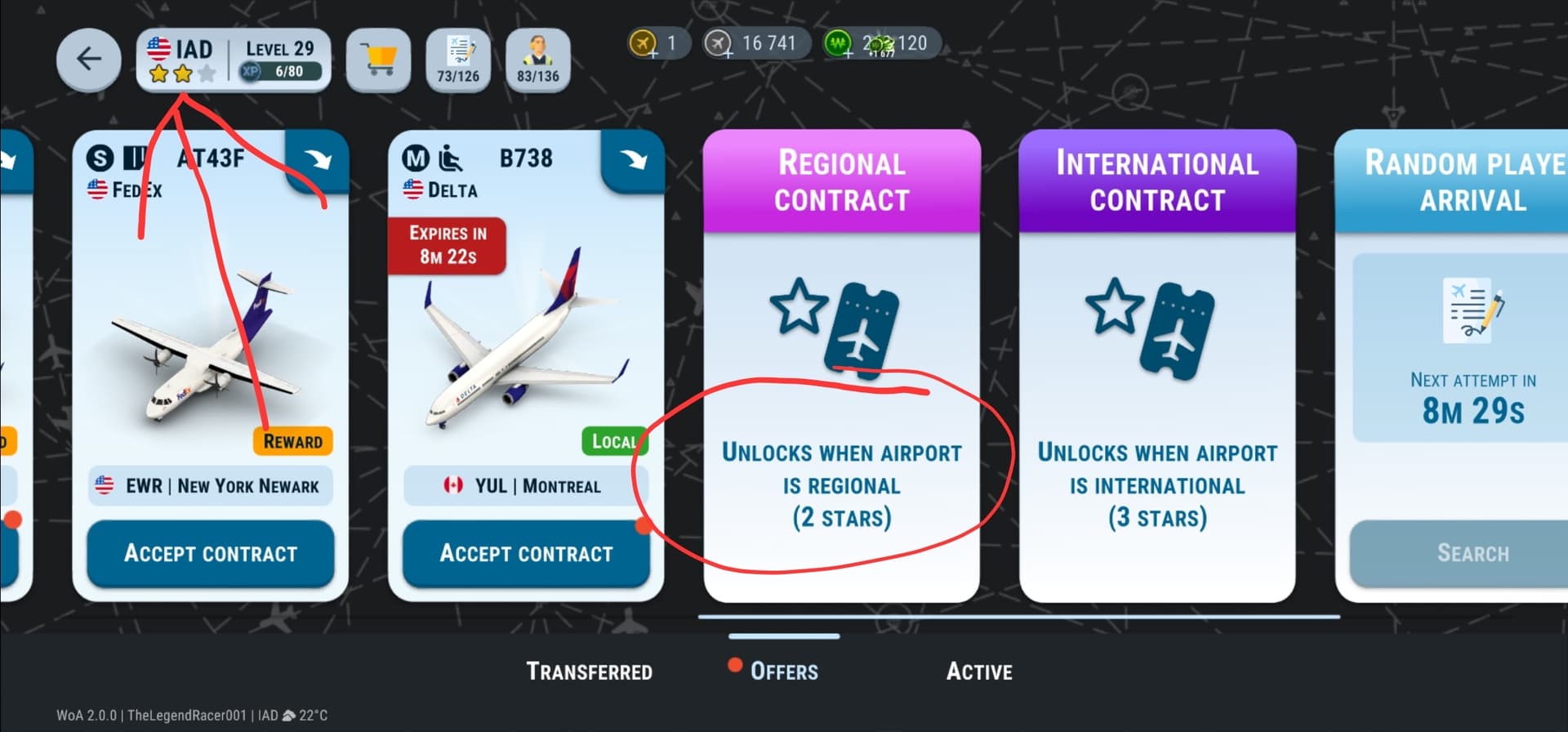
Wow They really need to fix that.
1 Like