Hello, in settings > profile > sign out and login again with your Play Games account.
Hello, I’m still facing the same issue. It’s going back to apple login and not showing the progress of play games.
Can I unlink it after I have linked
yes but only on the same device you linked it.
Hi there! @Charlie
I just wanted to report that I am having issues with signing in with a google play games account on my game. I got logged out when playing on my phone and I lost the progress on my phone, but luckily I still have everything on my PC at home.
Whenever I try to add the progress to a google play games account, I just get the below error message. Is there anything I am doing wrong?
Thanks,
Matt
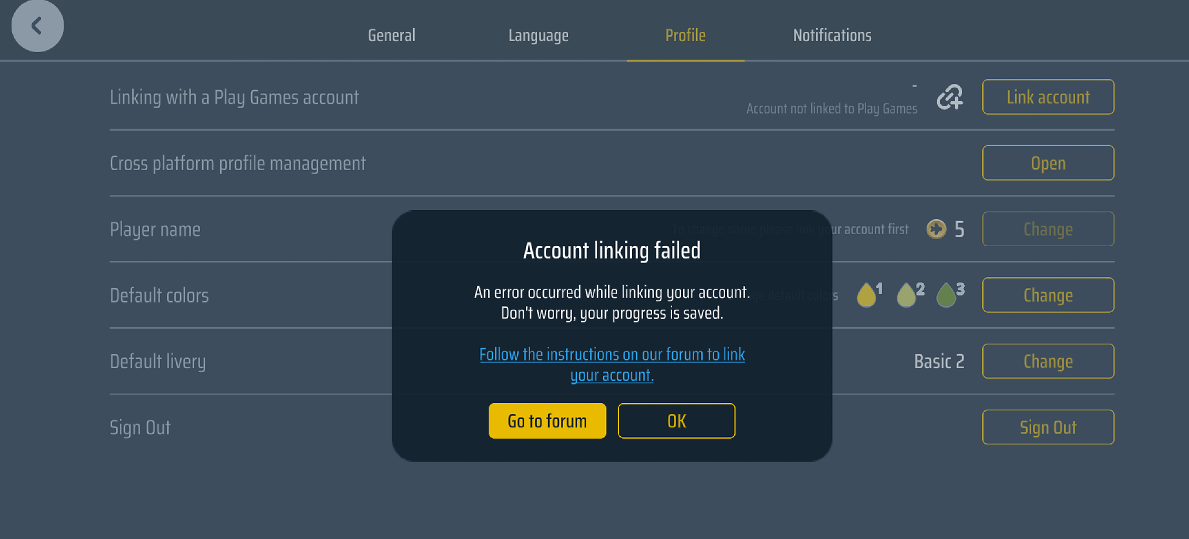
try with Cross Platform management tool
1 Like
Sorry to be a pain @Charlie , I’ve tried to switch my Game Center account to my android phone, but I don’t really understand how, if linked the account to my phone but nothing shows. Any help would be appreciated! Thanks!
On your android phone, in the game, go to settings > profile > sign out
on the login screen use your game center credentials, it will forward you to page where you probably have to login again and confirm that you want to use this login for the game profile. After restart you should get into your Game Center stored profile.
2 Likes
It’s not working for some reason, not to worry as I’ll enjoy going through INN BRI new PRG etc!
Hi! I am new to WoA and really enjoying the game.
My main account was originally created on Android. I recently got a new iPhone, but I’m not sure how to link and transfer my account to iOS.
Please excuse any translation errors. Hope you all have a great day!
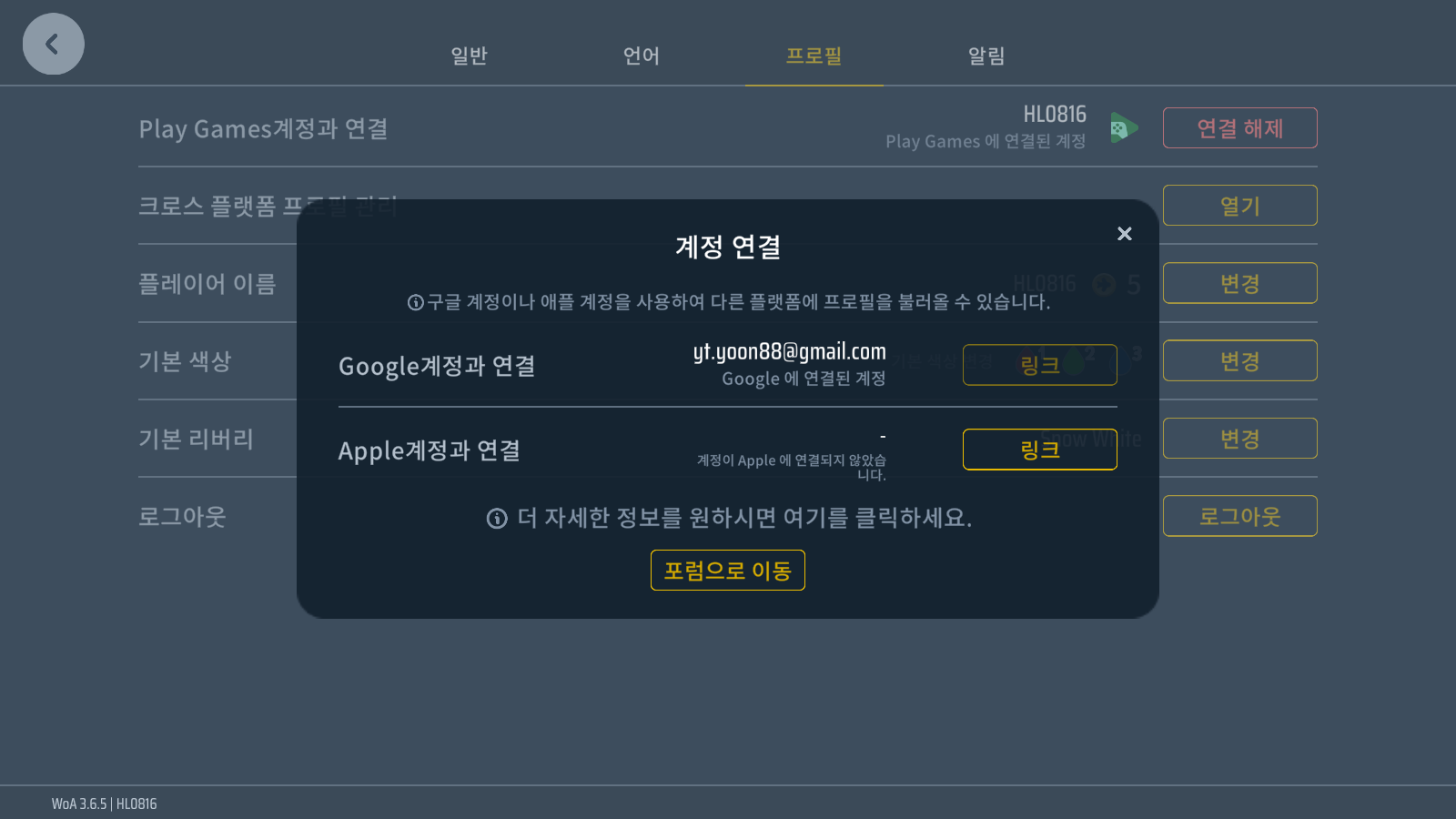
You can login with your android account in the game on iPhone and after that you can link it to Game Center / Apple ID