Scrap It - Game Information
Current as of Scrap It 2.0.0
Post edited by: @Thatflyerguy
A Bit About Scrap It
Scrap It was released by Flyboys Games on March 1st, 2026, and was initially built as a training exercise for new developers joining the main Flyboys team, but has received consistent updates since. It is a logic game that revolves around maneuvering aircraft onto scrap pads within specific time limits. The levels are divided into regions of 15-25 airports each, and there are three at the moment: Central Europe (the introductory region), Western Europe, and Eastern North America.
While most aircraft will be plain white, some may occasionally have a livery, of which there are currently 26 in game. The odds of getting a livery are not entirely random, however. The Embraer E190, for example, appears at 14 airports, but the KLM livery on it can only be obtained at 1: Amsterdam. Within Amsterdam, there are multiple E190s, but not all of them have a chance of generating the KLM livery, and those that do have different odds of getting it, ranging from 10 to 20%. A full list of liveries, as well as information on where they can be obtained, can be found here.

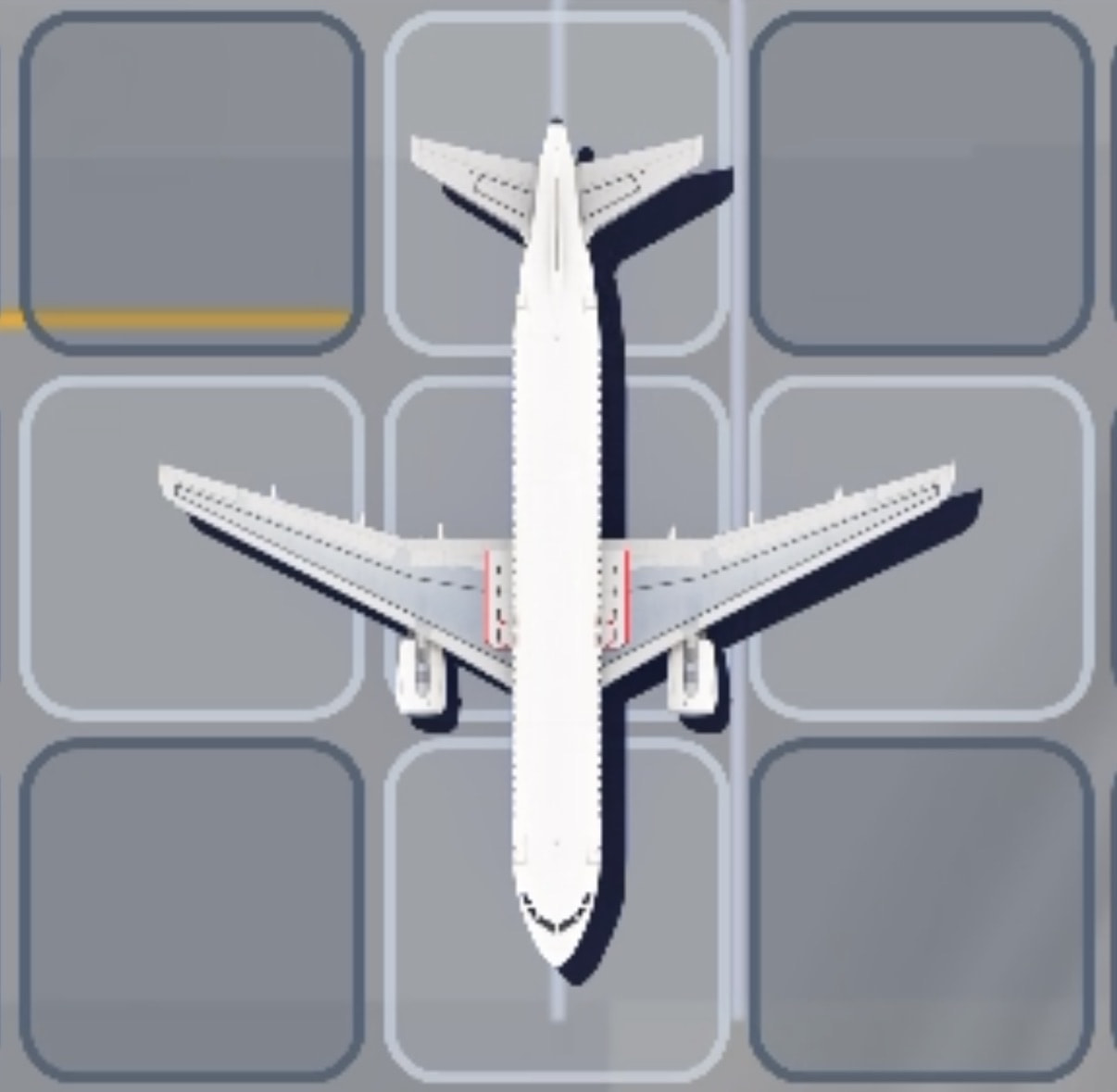
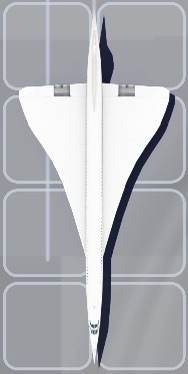
An example of a livery, in this case the Lufthansa A346.
Aircraft and Tile States
The game map is made up of tiles, which are normally a light gray color, but there are some other states too. Exact shades vary slightly, because the background is not a uniform color.
| Picture | Description |
|---|---|
| This is the default state, when there is nothing on the tile. | |
| An aircraft is on the tile, but you have not selected the aircraft. | |
| An aircraft is on the tile and you HAVE selected it. | |
| This is an area where you can scrap an aircraft, if every tile of the aircraft is on a scrap pad tile. | |
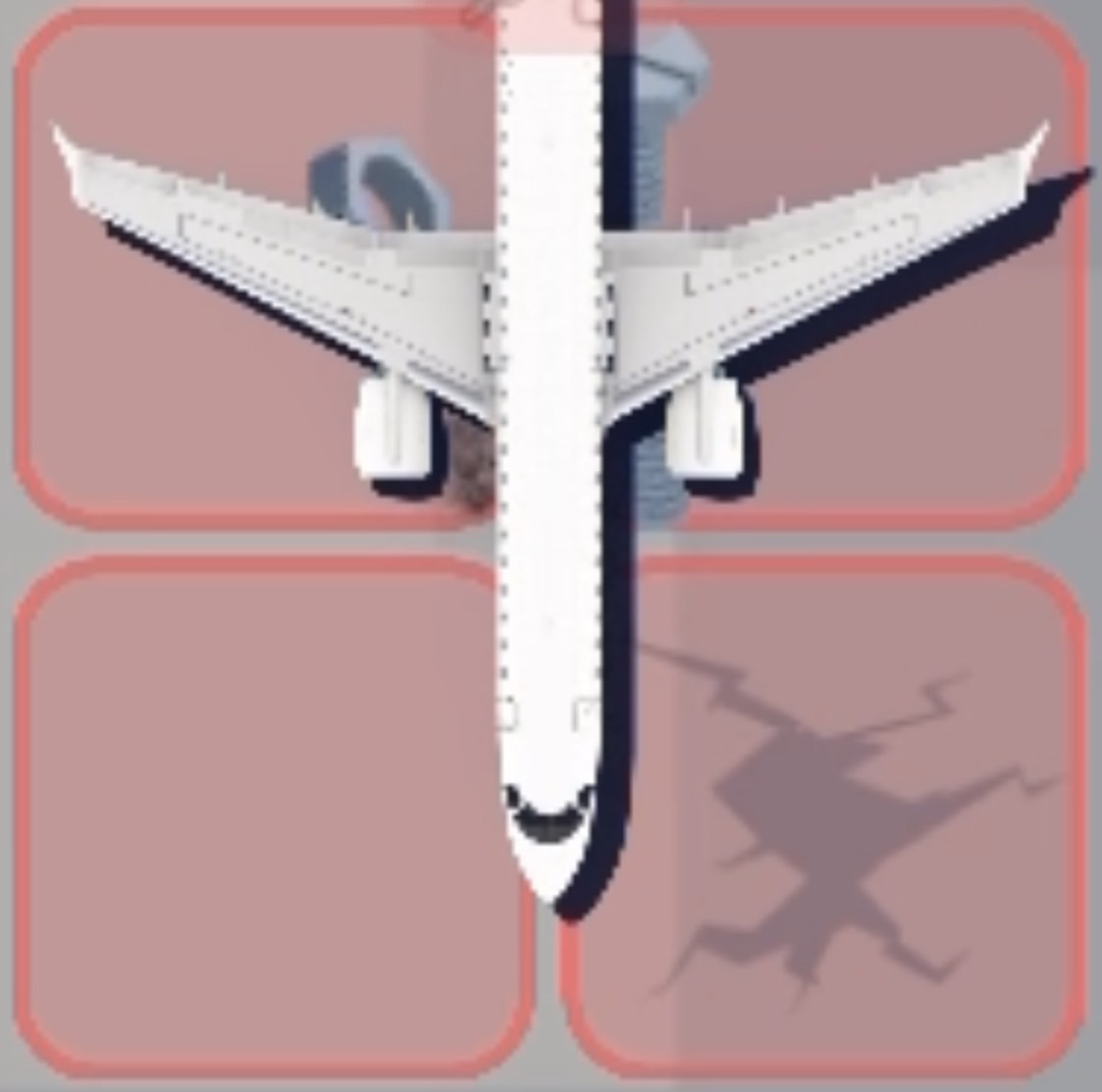
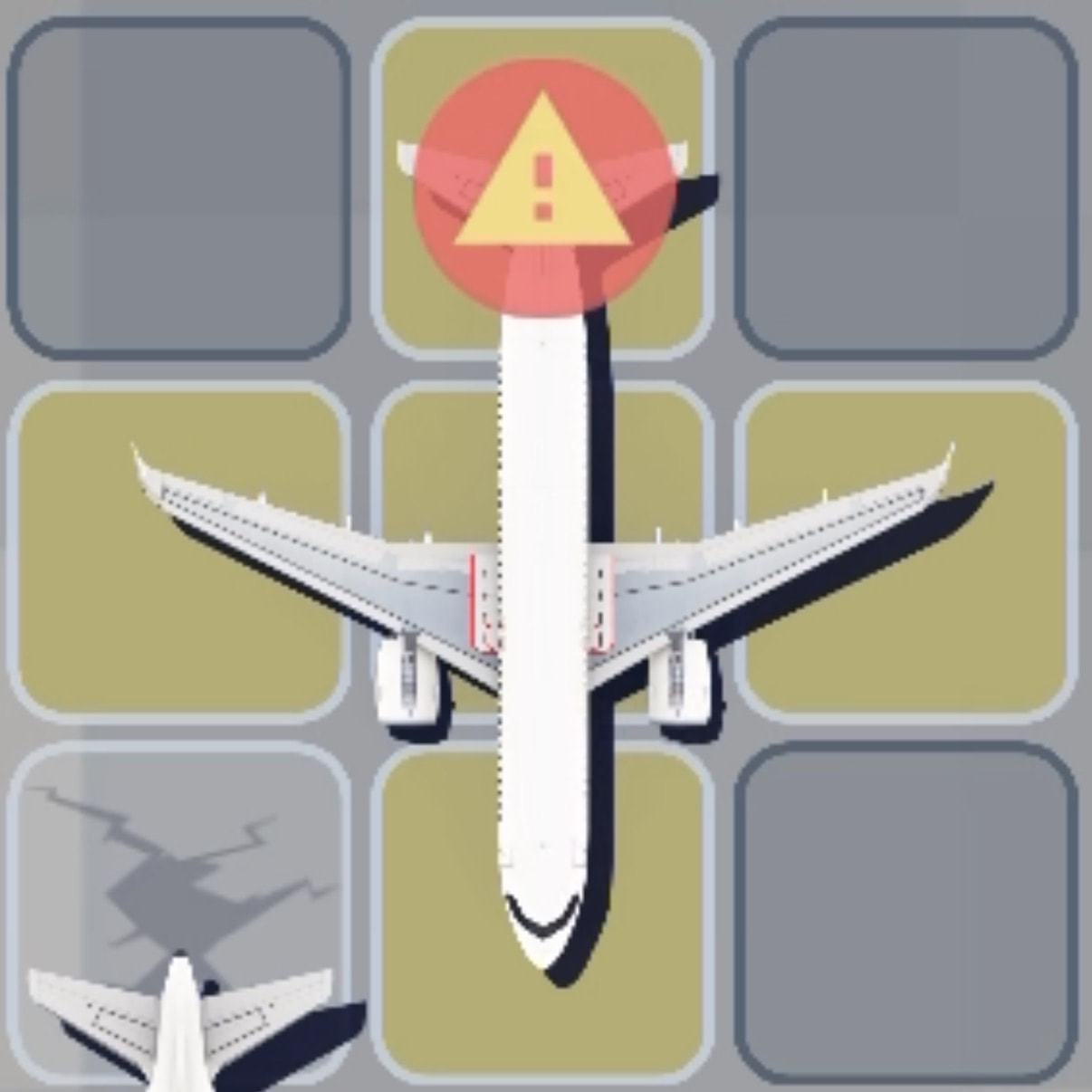
| This means that you need to clear all tiles that are red within three seconds, because an aircraft is trying to clear the runway but is blocked. | |
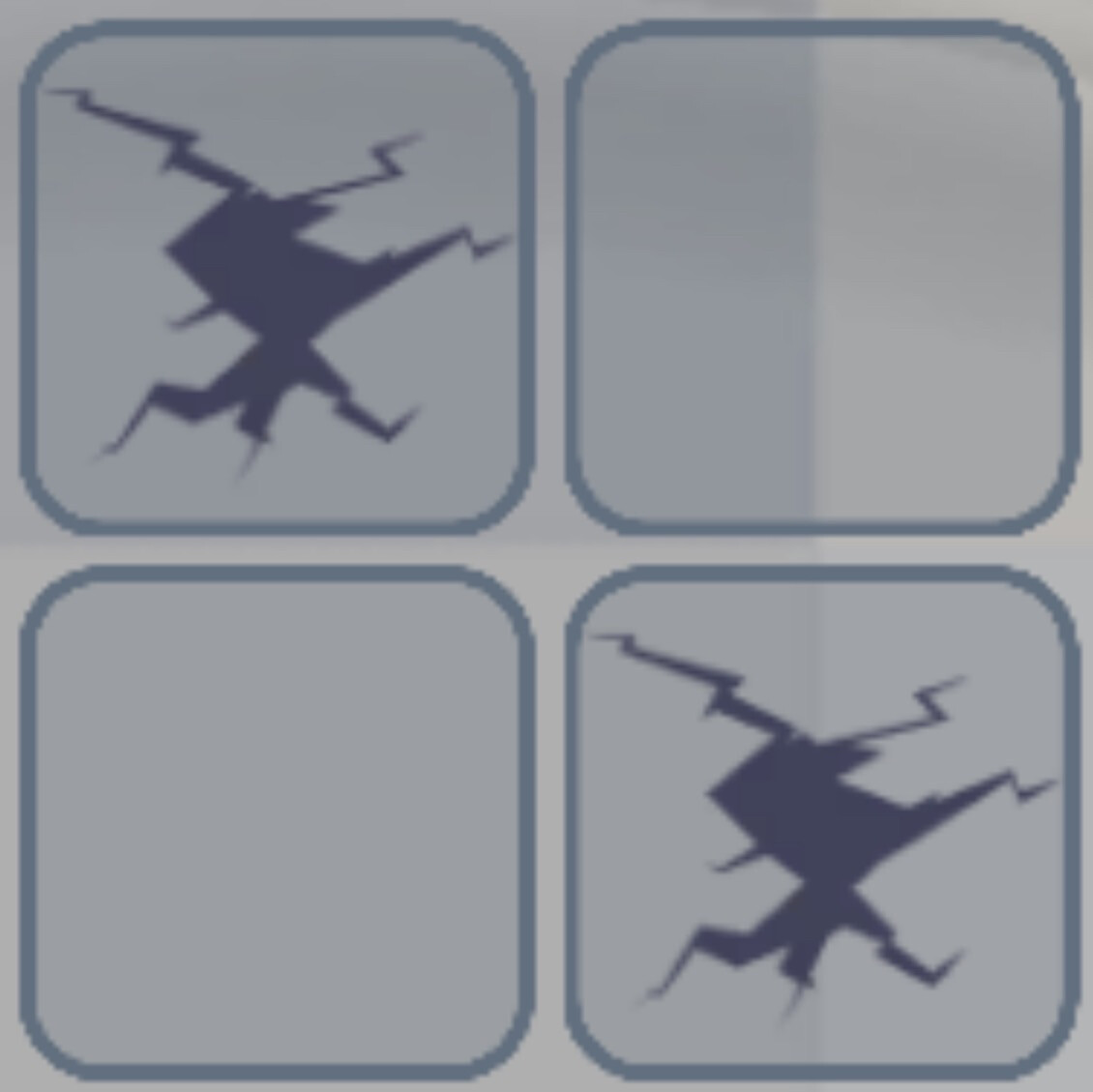
| There is a pothole here. If an aircraft runs over this tile, it will need to be repaired, by having a certain number of taps. | |
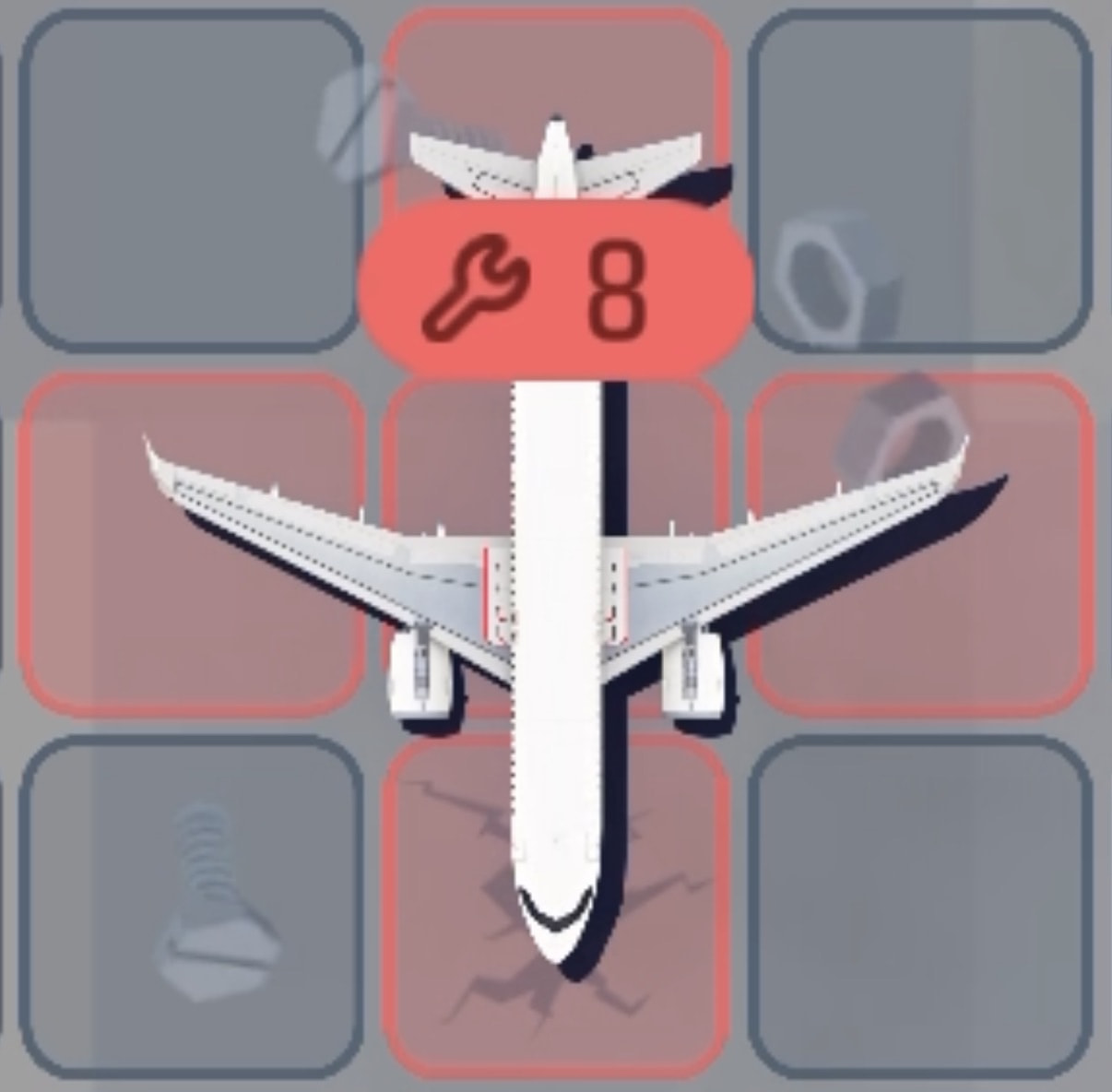
| This is an aircraft that has been broken due to running over a pothole and needs to be repaired. |

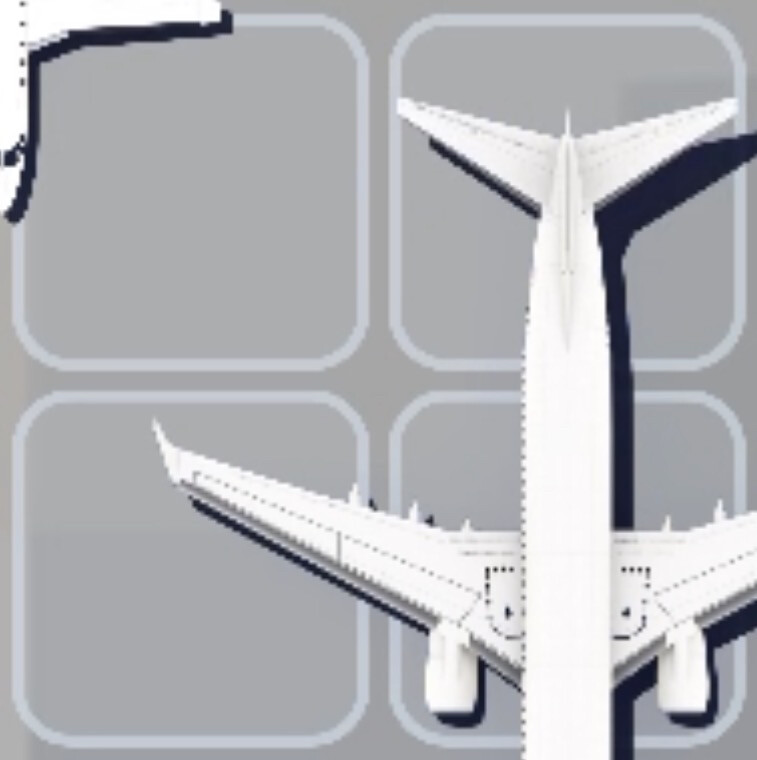
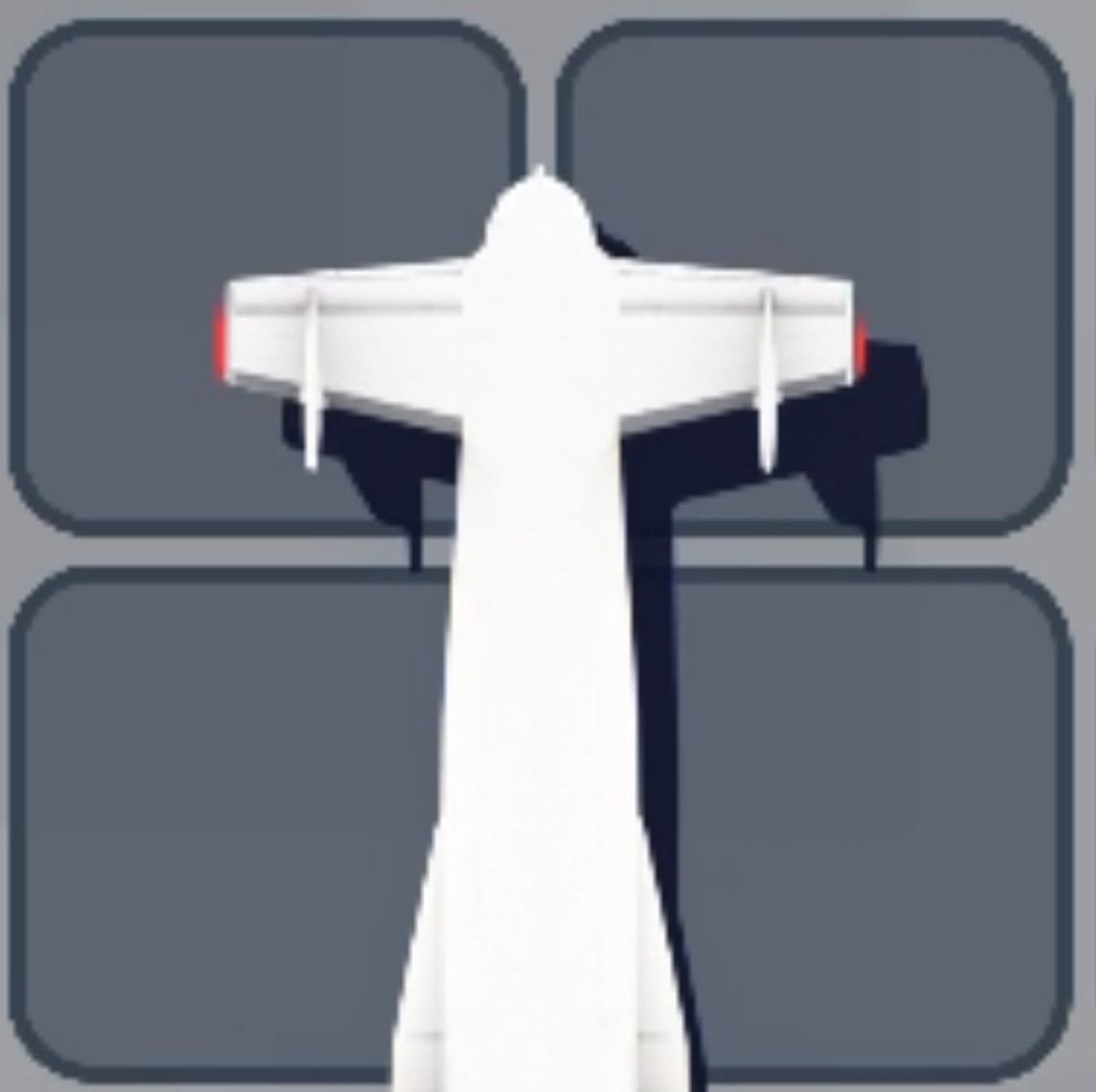

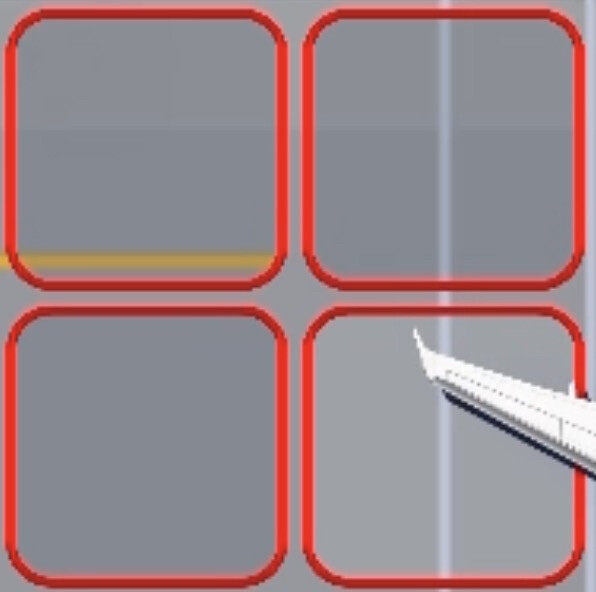
There are also multiple aircraft states.
| Picture | Description |
|---|---|
| The default state of the aircraft. | |
| The aircraft must be scrapped before the timer reaches zero. You still have a decent amount of time. | |
| The aircraft must be scrapped before the timer reaches zero. You are almost out of time. Less than a quarter of the original time remains. | |
| This aircraft, upon being placed on a scrap pad and scrapping having started, will unlock a new section of the level map, or add a scrap pad to an existing section. | |
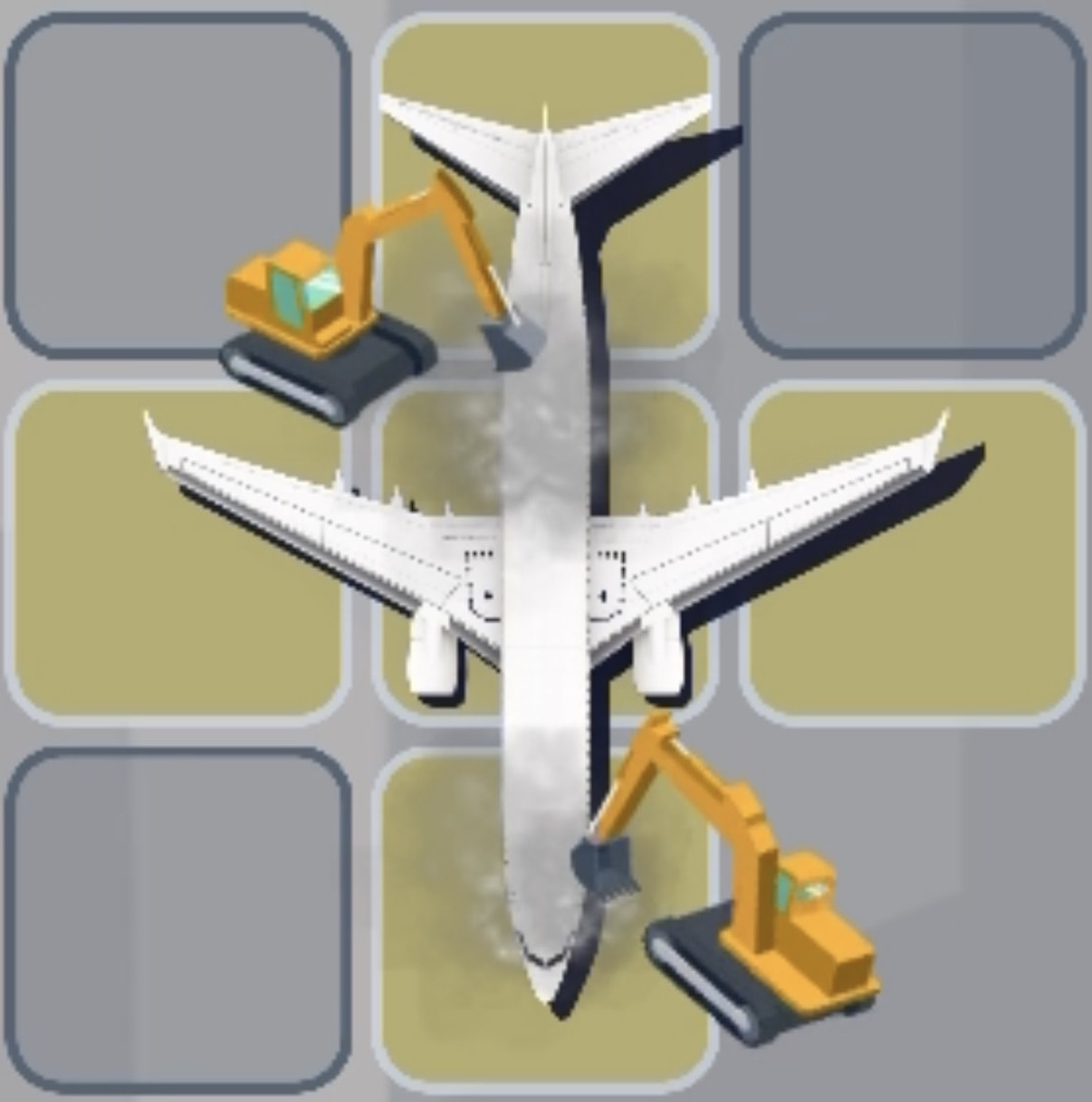
| The aircraft is starting to be scrapped. | |
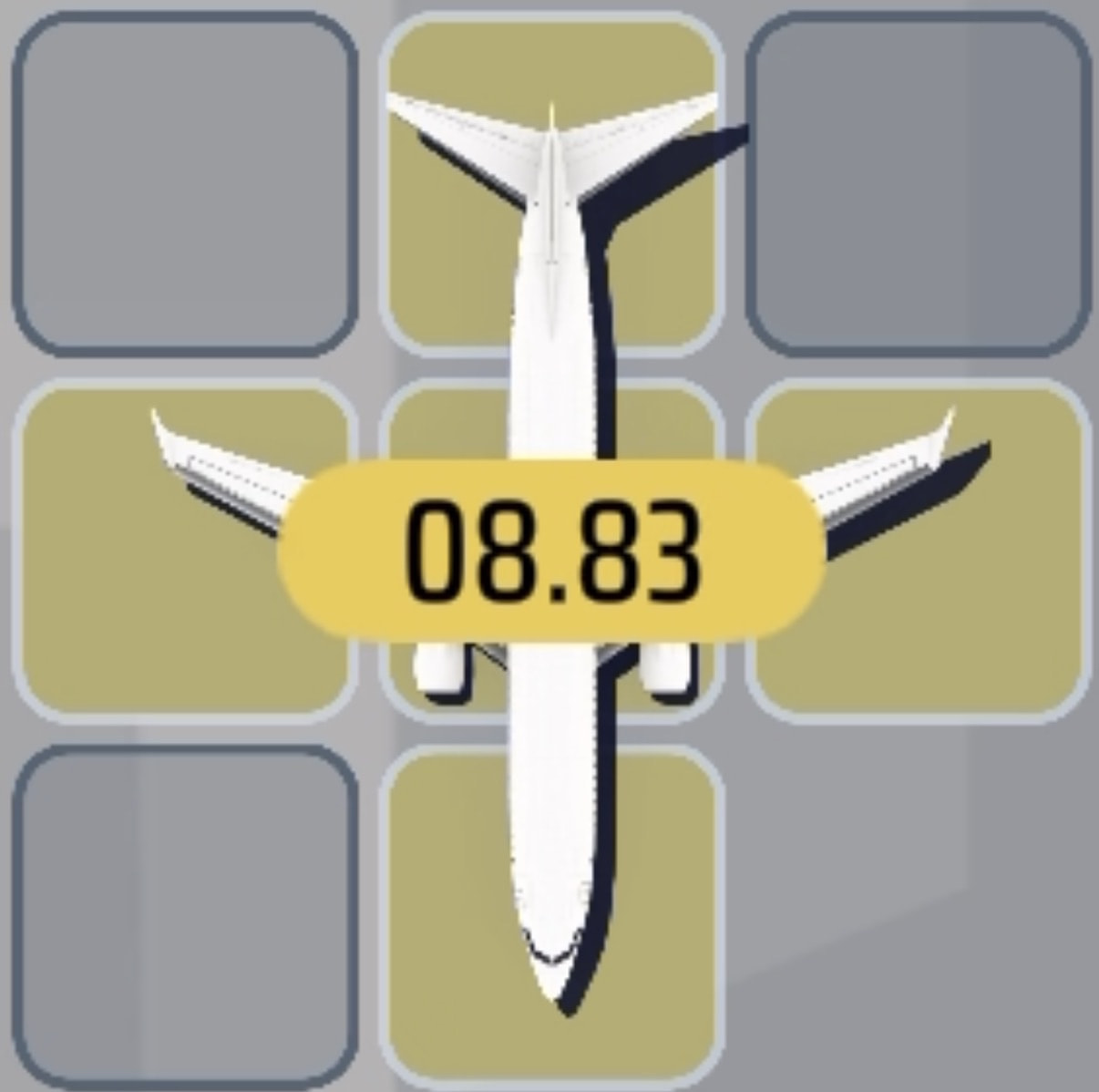
| The aircraft is in the process of being scrapped, and a timer shows how long until the scrap pad is cleared. | |
| The aircraft is on a scrapping pad, but the player has not started scrapping it. | |
| The aircraft has hit a pothole and needs to be repaired before it can move. |




Aircraft Shapes
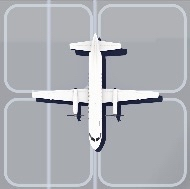
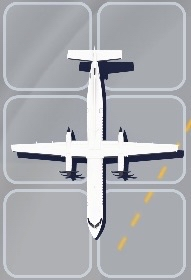
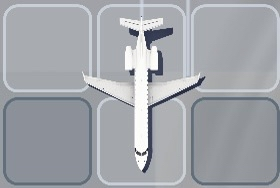
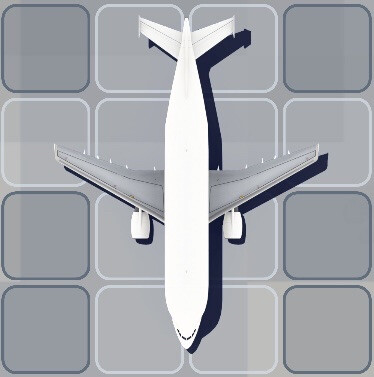
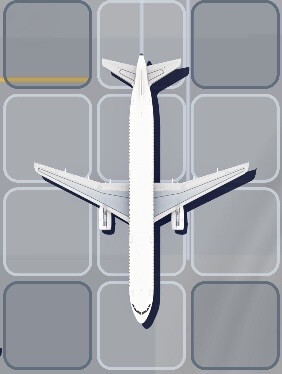
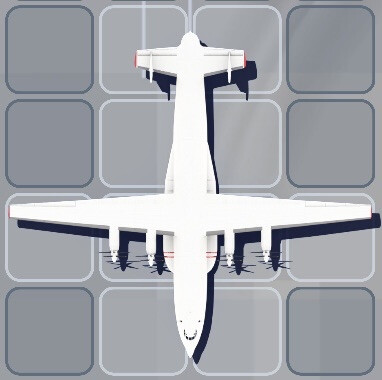
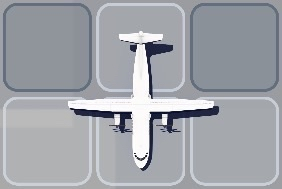
Aircraft in Scrap-It have several distinct shapes, which can be seen as follows: